
We may earn a commission if you buy through links on this page. It never changes a score or a ranking. How we make money
The bottom line
Good for occasional stem splitting; the free trial is limited, and synth bass may be a weak spot.
Gaudio Studio splits music into individual instruments and vocals, making it a practical option for a small team that needs occasional stems without a recurring subscription. The free trial covers 20 processing minutes; paid credit packs start at $7 discounted or $9 regular for 50 minutes.
Reddit feedback is mixed: one drummer praised the separation, while a music producer reported disappointing synth-bass results. For repeated work, budget by minutes and check whether its output suits your material before buying a larger pack.
Good fit if
- Drummers making drumless tracks
- Occasional stem-splitting jobs
- Teams avoiding monthly subscriptions
Skip it if
- Teams needing predictable monthly billing
- Producers focused on synth bass
- Teams needing published seat pricing
ScoresHow it rates
What works
- Splits music into individual instruments and vocals
- Free trial includes 20 processing minutes
- Paid credits include WAV downloads
- Credit packs are pay-as-you-go
- Reddit users praise some drum separations
What doesn't
- Free trial limits files to 10 minutes
- Trial output is MP3, except Noise Reduction
- Seat limits and team pricing are unpublished
- Reddit users report weak synth-bass separation
- Paid credit-pack prices vary by pack
01Who Gaudio Studio is for
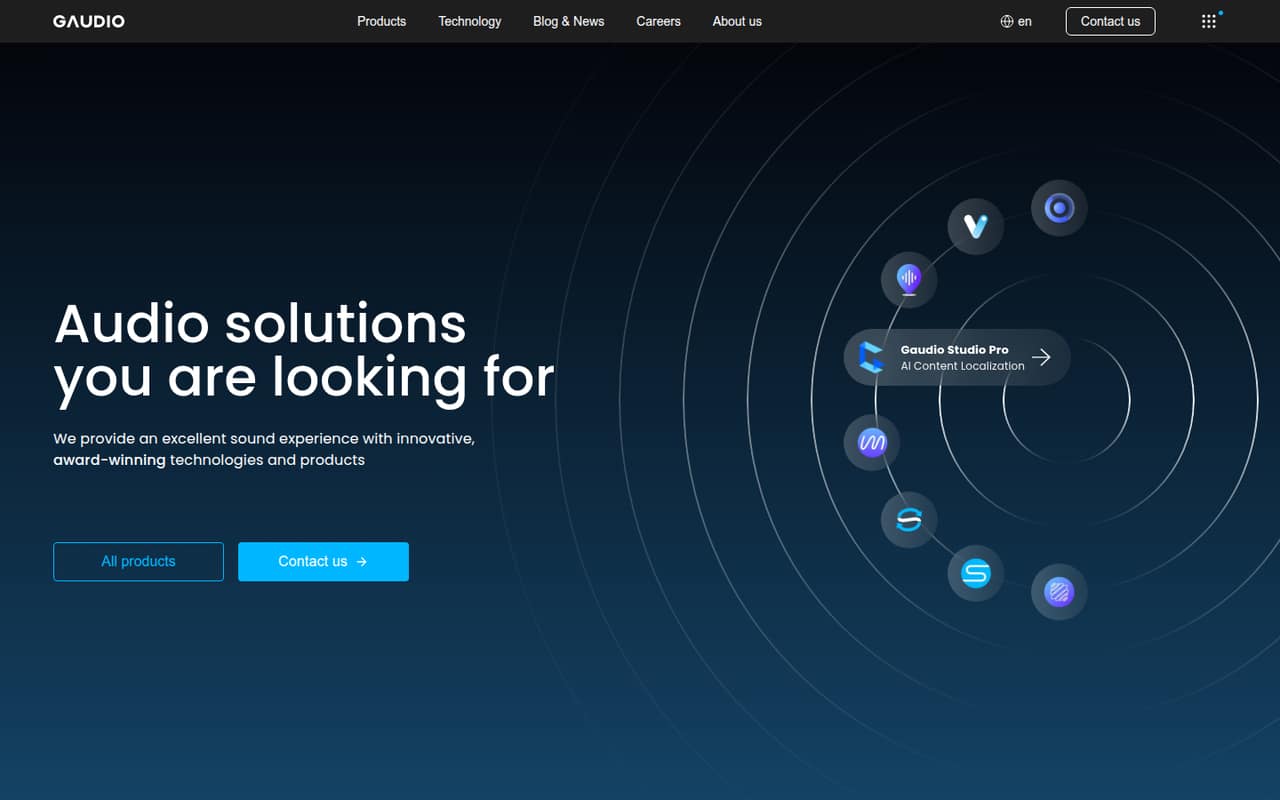
For a 1–10-person team that only needs stems now and then, Gaudio Studio may be easier to budget for than a monthly audio subscription. Gaudio Lab’s homepage describes it as an AI stem separation product that splits music into individual instruments and vocals. That can help a drummer make a backing track or a producer isolate parts of a song for editing.
The pricing is based on processing-minute credit packs, not published per-seat subscriptions. That makes it worth considering for a small team with occasional jobs, but less appealing if everyone needs frequent access. A Reddit drummer said a simple split into drums and other instruments sounded clean. A producer in another Reddit thread praised much of the separation but said synth-bass stems lost quality. We’d treat results as material-dependent, especially for bass-heavy tracks, and use the trial before spending on a larger pack.
02Gaudio Studio free plan and trial
Gaudio Studio lists a 20-minute free trial, rather than a free plan with a published monthly allowance. The Trial Plan has a 10-minute maximum file length, slow processing, and no long-term file storage. It provides MP3 output; the pricing information lists MP3 and MP4 output for Noise Reduction.
That should be enough to try a short file or two, but it is not a generous ongoing allowance for a team processing tracks regularly. The trial does not include the paid plans’ listed WAV downloads, fast-track processing, long-term storage, or shareable links. The cheapest paid option is STUDIO 50: a 50-minute credit pack listed at $9, or $7 at the discounted price. The vendor does not list a recurring free tier.
03What a small team pays for Gaudio Studio
Gaudio Studio’s paid options are pay-as-you-go credit top-ups, not monthly or annual subscriptions. STUDIO 50 costs $9, or $7 discounted, for 50 minutes. STUDIO 200 costs $25, or $16 discounted, for 200 minutes. STUDIO 1200 costs $130, or $79 discounted, for 1,200 minutes. The listed discounted rates are $0.14, $0.08, and $0.06 per minute, respectively.
For one person, the smallest paid entry is $7 discounted or $9 regular. If each person bought one STUDIO 50 pack, the arithmetic would be $21/$27 for three people and $35/$45 for five, discounted/regular. That is only a per-person buying scenario, not a published team price: the vendor does not publish seat limits or say whether credits can be shared. Ask about account access before budgeting for multiple people. Annual pricing is not listed, and enterprise pricing requires an inquiry.
04Getting started with Gaudio Studio
The workflow appears designed for a quick start: provide music and choose a stem split. A Reddit user said they uploaded a track or pasted a YouTube URL, though that post does not establish which input methods the vendor currently supports. Another commenter said the service works online on a phone or tablet. The vendor’s homepage describes the core job as separating a song into instruments and vocals.
That points to less setup than installing desktop software, but the vendor does not publish a list of supported integrations or a detailed setup guide on the vendor's site. For day one, plan to confirm accepted inputs, output formats, and how your team gets access. A Reddit drummer said simpler splits—drums and other instruments—gave cleaner results than splitting into more stems. Treat that as one user’s experience, not a guarantee.
05When small teams outgrow Gaudio Studio
You may outgrow Gaudio Studio when processing minutes become hard to forecast, several teammates need access, or you need a predictable monthly bill. The published pricing is credit-based, with packs of 50, 200, or 1,200 minutes; annual prices, seat limits, and usage limits for enterprise plans are not published. Paid plans list WAV downloads, faster processing, long-term file storage, and shareable links, while the trial lacks those listed benefits.
Audio quality can also be a reason to look elsewhere. In one Reddit thread, a producer said Gaudio handled much of two songs well but damaged the quality of their synth-bass stems. A commenter said high-quality source audio matters. In another thread, commenters objected that the service now charges by the minute, and one drummer said a simple drum split worked well. If your team depends on a particular instrument or processes many tracks, try representative files first and ask the vendor about team access and credit sharing.
From the threadsWhat users say
Reddit feedback is mixed: one drummer liked the results, while a producer reported poor synth-bass separation. Some commenters also disliked the move to per-minute charges.
I just tried this for separating drum tracks and it works pretty well!
The basses completely lost their quality
not free anymore😭😭
Gaudio Studio is great for stem separation
Questions people ask
Is Gaudio Studio free?
Gaudio Studio lists a 20-minute free trial, not a recurring free plan. The trial has a 10-minute maximum file length, slow processing, and no long-term file storage. Paid credit packs start with STUDIO 50, listed at $9 or $7 discounted for 50 processing minutes.
How much does Gaudio Studio cost?
The listed credit packs are STUDIO 50 at $9 or $7 discounted, STUDIO 200 at $25 or $16 discounted, and STUDIO 1200 at $130 or $79 discounted. They are pay-as-you-go top-ups, not monthly or annual subscriptions. Enterprise pricing requires an inquiry.
What can Gaudio Studio separate?
Gaudio Lab describes Gaudio Studio as an AI stem separation product that splits music into individual instruments and vocals. The product’s homepage does not specify a complete list of available stem configurations, so confirm the options you need before buying a larger credit pack.
Can Gaudio Studio make a drumless track?
A Reddit drummer reported using Gaudio Studio to split songs and said a simple split into drums and other instruments sounded clean. That is one user’s report, not a guarantee for every song. Try a representative track with the free trial before relying on it for a batch of work.
Does Gaudio Studio work well on synth bass?
Results may vary. A producer in a Reddit thread said the synth-bass stems in two songs lost quality, while a commenter described a different bass result more favorably. If synth bass is central to your work, use the trial on a representative file before buying paid minutes.
Sources
- Gaudio Studio homepage
- Gaudio Studio pricing, compiled via web search from gaudiolab.com
- Reddit: Gaudio Studio is great for stem separation but that doesn’t apply to synth bass. Its machinery doesn’t recognize synth bass that well. What’s the best stem splitter for synth bass??
- Reddit: Free site for making DRUMLESS tracks - Gaudio Studio