
We may earn a commission if you buy through links on this page. It never changes a score or a ranking. How we make money
The bottom line
Grow covers the BI workflow, but unpublished custom pricing makes it a tough budget fit to assess.
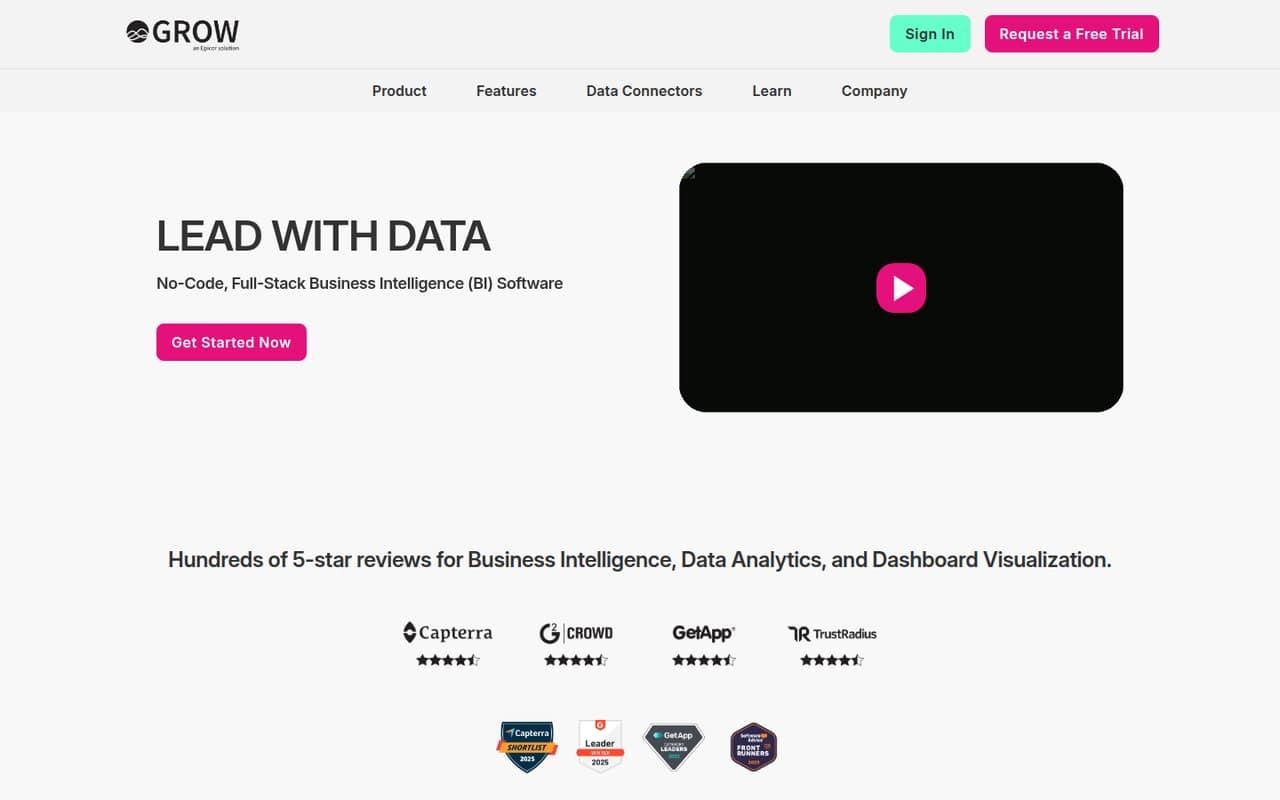
Grow brings data connections, preparation, dashboards, and alerts into one no-code BI platform. Its homepage lists 150+ connectors and unlimited users, which could suit a small team that wants shared reporting.
The catch is the price: Grow lists custom quotes, with no starting rate or free plan. A team of one or five will need to ask the vendor for a quote before it can judge the value.
Good fit if
- Teams consolidating BI tools
- Businesses with varied data sources
- Teams needing shared dashboards
Skip it if
- Teams that need a free BI plan
- Buyers requiring public prices
- Teams wanting predictable seat costs
ScoresHow it rates
What works
- 150+ data connectors listed
- Unlimited users listed
- ETL and warehousing in one platform
- Interactive dashboards and KPI metrics
- Alerts and automated data refreshes
What doesn't
- No free plan listed
- Starting price is not published
- Monthly and annual rates are not published
- Dashboard and data limits are custom
- Trial availability is not published
01Who Grow is for
Grow is worth considering if a small team needs more than a charting tool: it combines data connections, preparation, warehousing, visualizations, and alerts. In plain terms, it is meant to bring business data together, clean it up, and turn it into dashboards people can use to track results.
For a team of one to ten, the listed unlimited users could make sharing easier without a published per-seat limit. The bigger question is budget. Grow uses custom quotes, so it is a better fit for teams prepared to discuss their needs with the vendor than for founders comparing clear monthly prices. It may suit a business that has several data sources and wants a central reporting setup. If you only need a few basic charts, its broad toolkit and opaque pricing may be more than you want to take on.
02Grow free plan and trial
Grow does not list a free plan. Its pricing information also does not publish trial terms, so ask the vendor whether a trial is available and what it includes before planning an evaluation.
The listed offer is custom-quoted and includes unlimited users, 150+ connectors, ETL, data warehousing, visualizations, and alerts. Dashboard and data limits are also custom rather than published. That means a small team cannot check a free tier's user cap, data allowance, or dashboard ceiling before getting in touch. The cheapest way in is to request a quote; a starting price is not published. Ask for the minimum commitment, the included data and dashboard limits, and whether the quote changes with usage or selected features.
03What a small team pays for Grow
Grow's pricing notes say subscriptions use custom quotes. The vendor does not publish a starting price, a monthly rate, or an annual rate, so we can't calculate a reliable cost for one person or compare a three-person team with a five-person team. The listed offer includes unlimited users, but that does not tell a small team what the subscription itself will cost.
Ask Grow for quotes covering your actual team size and expected data use, and request both monthly and annual options if available. Confirm whether the quote changes with the number of connectors, dashboards, or data volume: the pricing notes say dashboard and data limits are custom, but do not publish those thresholds. No add-ons are listed in the pricing details, so ask whether any services or capabilities cost extra. Until the vendor gives you those answers, there is no public price to compare against a small team's budget.
04Getting started with Grow
Grow describes a no-code workflow: connect data sources, prepare information with inline transforms and point-and-click tools, then build dashboards and schedule refreshes. The vendor lists 150+ connectors, including SQL databases and business apps, but the setup details for a particular connector depend on your systems and should be confirmed with Grow.
The no-code positioning may reduce the need to write transformations by hand, but it does not tell a small team how long setup takes or how much BI experience it needs. Grow does not publish a setup timeline or learning curve in its pricing details. Before signing, ask for a walkthrough using your most important data sources, and clarify what work your team must do to connect and prepare them. Also confirm how permissions and dashboard sharing fit your day-to-day workflow.
05When small teams outgrow Grow
Grow's listed offer has unlimited users, so adding teammates is not the obvious point where a team hits a published seat cap. The more likely pressure points are budget clarity and the custom limits on dashboards and data. The vendor does not publish thresholds for either, so a team that adds reporting needs should confirm its limits before those needs grow.
A small team may also decide it has outgrown Grow if it needs a predictable per-seat bill, a public entry-level plan, or a self-serve free tier to test the workflow. Those options are not listed in the pricing details. Ask the vendor what happens when data or dashboard usage increases and whether the quote changes. If the answers do not fit your budget or forecast, compare alternatives with published prices and limits before committing.
Questions people ask
Does Grow have a free plan?
Grow's pricing details list no free plan. They also do not publish trial terms, so ask the vendor whether a trial is available and what it covers. If you want to evaluate the platform, request a quote and confirm what access or demo options are available before agreeing to a subscription.
How much does Grow cost for a small team?
Grow uses custom quotes, and its starting price and monthly and annual rates are not published. The offer lists unlimited users, but that does not establish the subscription price for one, three, or five people. Ask for a quote for your team size and expected data use.
How many data sources does Grow support?
Grow's homepage lists more than 150 data connectors, including SQL databases and business apps. Check with the vendor that the specific sources your team relies on are supported, and ask whether connecting or refreshing them affects your quote or custom data limits.
Can teammates explore data and share dashboards?
Grow lists data exploration, interactive dashboards, KPI metrics, and dashboard sharing with permissions. Its offer also lists unlimited users. Ask the vendor to show how permissions work for your team and whether your proposed number of dashboards falls within the custom limits in your quote.
What should we ask Grow before buying?
Request the total price, monthly and annual options, and the dashboard and data limits included in the quote. Confirm whether any add-ons or services cost extra, whether a trial is available, and that your key connectors are supported. Those details will help you judge the real fit for a small-team budget.