
We may earn a commission if you buy through links on this page. It never changes a score or a ranking. How we make money
The bottom line
Useful remodeling-specific coverage, but ask for a detailed quote before budgeting.
A small remodeling team may benefit from one system for leads, appointments, sales, jobs, payments, and reporting. improveit 360 also offers a proprietary mobile app for field teams.
The pricing page lists quote-based pricing after a contact request, with no starting price, free plan, or trial published. That makes it hard to compare the cost for a few seats before speaking with the vendor.
Good fit if
- Remodelers managing leads through projects
- Home improvement teams coordinating field work
- Businesses wanting sales and job tools together
Skip it if
- Teams that need a free CRM
- Buyers requiring published per-seat pricing
- Businesses seeking a known setup process
ScoresHow it rates
What works
- Lead management and automated communications
- Appointment scheduling with block scheduling
- Sales tools and quoting
- Project tasks, costs, payments, and financing
- Mobile app for field teams
What doesn't
- No free plan is listed
- No free trial is listed
- Starting price is not published
- Seat costs are not published
- Setup requirements are not published
01Who improveit 360 is for
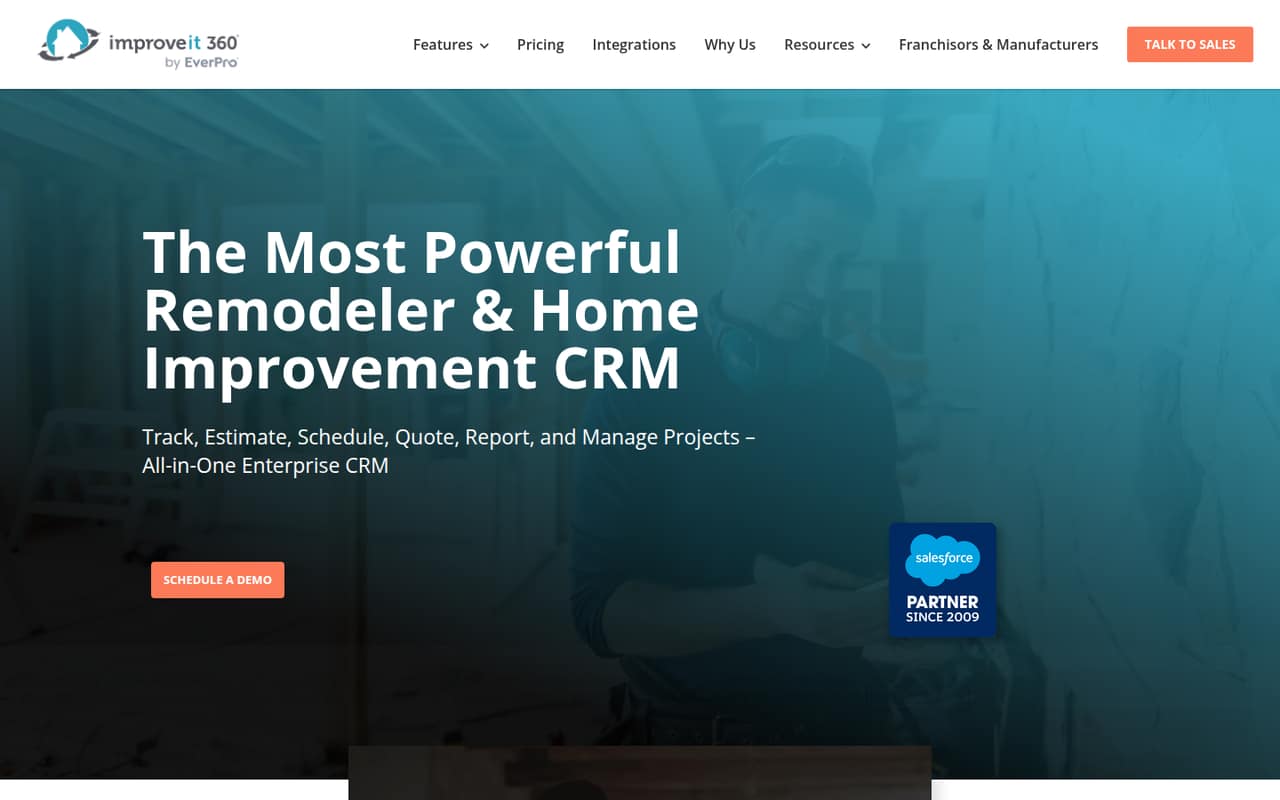
improveit 360 is built for remodeling and home improvement businesses that want a CRM tied to the work after a lead comes in. It covers lead management, appointment scheduling, sales and quoting, project management, payments, and reporting. A proprietary mobile app is intended for field teams.
That scope may suit a small team of a few people if the same business needs to coordinate homeowner leads, appointments, sales activity, and jobs. The vendor does not publish a team-size minimum or a starting price, so a one-person shop and a ten-person team should both ask for a quote based on their actual seats and workflows. We’d also confirm whether the package fits the team’s current process before paying for a broad system. If you only need a basic contact list, this may cover more work than you need; if you want sales and project tasks connected, its focus is a closer match.
02improveit 360 free plan and trial
The pricing page lists no free plan and no free trial. That means there is no published free tier to use for lead tracking, scheduling, or project work, and no trial terms to compare before buying.
The cheapest way in is to contact the vendor for a quote. Ask whether the quote includes the CRM features your team needs, how many users it covers, and whether there are any onboarding charges or optional add-ons. The vendor does not publish a starting price or billing terms, so we can’t say what a small team would pay to get started. Request a written breakdown before committing, including the term, payment schedule, included features, and any cost for adding users later.
03What a small team pays for improveit 360
The pricing page lists quote-based pricing after a contact request. It does not publish a plan price, per-seat rate, billing term, or add-on prices. So the cost for one person, three people, or five people is not published; there is no reliable monthly-versus-annual calculation to show.
For a small team watching every subscription, that missing math matters. Ask the vendor for a written quote for one user and for your expected team size, such as three or five seats. Confirm whether the quote is monthly or annual, whether every user needs a paid seat, and what happens to the rate as you add staff. Also ask whether the mobile app, automated marketing, reporting, payments, and financing options are included or priced separately. The pricing information does not list add-ons, so treat those costs as questions, not included features. Until you get that breakdown, compare the total contract cost—not just a quoted entry price—with the value of replacing separate tools.
04Getting started with improveit 360
The vendor does not publish setup steps, implementation time, training requirements, or integration details in the available product and pricing information. We can’t responsibly estimate how many hours a small team will need or promise that setup is simple. The breadth of the product—from lead handling to project management—also makes it worth asking how much configuration is needed for your own sales and job process.
Before signing, ask what the vendor handles during onboarding, what data can be imported, and whether training is included in the quote. Confirm which integrations are available for the tools your team already uses; the vendor does not publish an integration list here. For day one, have a sample lead-to-project workflow ready and ask the vendor to show how it would run through scheduling, quoting, job tasks, and payments. That gives a small team a concrete way to judge the learning curve.
05When small teams outgrow improveit 360
There are no published seat limits, plan tiers, or usage caps to identify a specific point where a team must upgrade. The vendor also does not publish the cost of adding users, so a growing business should ask for pricing at its likely next team size before signing.
The bigger risk for a small team is budget uncertainty rather than a known feature ceiling. Ask whether the quoted package includes the lead, marketing, sales, project, payment, and reporting features you expect to use, and whether any become paid add-ons as the company grows. If the vendor cannot provide clear terms for more seats or the tools your workflow needs, compare alternatives before your processes depend on the system. A team may also outgrow the fit if it only needs basic contact management and does not need the remodeling-focused job features. Revisit the quote as headcount and workflow needs change.
Questions people ask
Does improveit 360 have a free plan or free trial?
The pricing page lists no free plan and no free trial. If you want to evaluate the product before buying, ask the vendor whether it can provide a demo or another evaluation option. Confirm any terms in writing, since trial availability and conditions are not published.
How much does improveit 360 cost?
Pricing is quote-based after a contact request, and the starting price is not published. The vendor does not list per-seat rates or billing terms, so costs for one user or a small team cannot be calculated from the pricing page. Request a written quote for your expected seat count.
What can a team manage with improveit 360?
The product covers lead management, appointment scheduling, sales and quoting, automated marketing, project management, payments, and reporting. Project tools include trackable costs and templated tasks, while reporting includes dashboards and ROI reports. Ask the vendor which features are included in your quote.
Does improveit 360 have a mobile app for field teams?
The product description says improveit 360 has a proprietary mobile app for field teams. It does not publish the app’s device requirements, exact mobile features, or whether app access costs extra. Ask the vendor to confirm those details for your team and include any separate charges in the quote.
What should I ask before buying improveit 360?
Ask for the total price at your current and expected seat counts, the billing term, and any onboarding or add-on charges. Confirm which features are included, what integrations are available, how data is imported, and what training or setup help is offered. These details are not published in the pricing information.