
We may earn a commission if you buy through links on this page. It never changes a score or a ranking. How we make money
The bottom line
A capable Google Workspace project tool, but small teams should confirm free-plan limits and custom seat pricing.
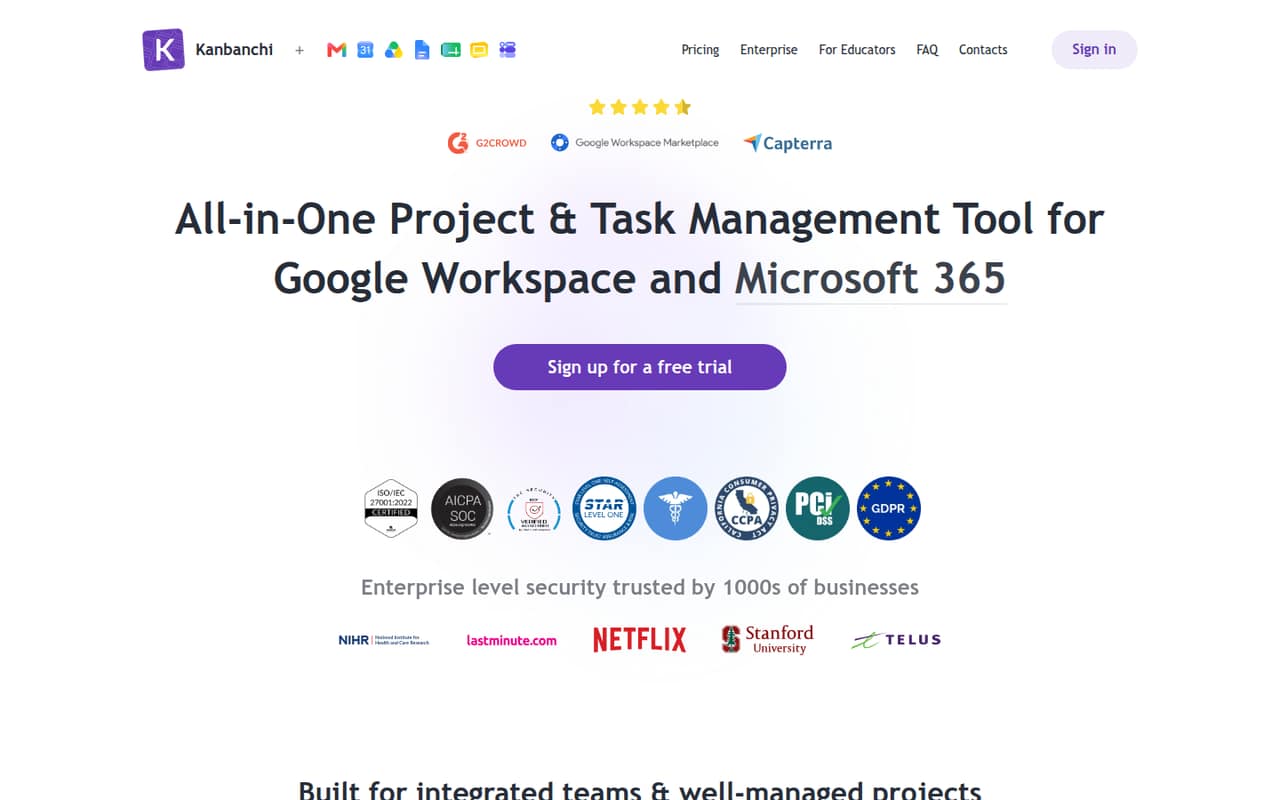
A small team may not need Kanbanchi if a basic task list is enough. But teams already using Google Workspace can get boards, timelines, time tracking, reporting, Gmail task creation and Google Drive storage in one project tool.
A free plan is available, but its limits are not published in the pricing details. The listed Essential plan starts at $3.97 per user per month with annual billing; business teams should check Premium, which starts at two seats and has custom pricing.
Good fit if
- Google Workspace project teams
- Teams coordinating multiple projects
- Managers who need Gantt charts
Skip it if
- Teams needing published free-plan limits
- Solo users needing Gantt charts
- Teams avoiding custom quotes
ScoresHow it rates
What works
- Boards, timelines, time tracking and reporting
- Create tasks from Gmail
- Stores project assets in Google Drive
- Essential includes unlimited boards and cards
- Seat changes are prorated mid-cycle
What doesn't
- Free-plan limits are not published
- Premium starts at two seats
- Premium and higher plans use custom pricing
- Gantt charts start with Professional
- Add-on prices are not published
01Who Kanbanchi is for
Kanbanchi is built for teams using Google Workspace that want a visual place to organize projects. Its boards show tasks and priorities; timelines help track milestones; time tracking and progress reports help managers see how work is moving. Teams can also create tasks from Gmail and keep project assets in Google Drive.
For a one-person operation, Essential is the lowest listed paid plan, at $3.97 per user per month with annual billing or $5.99 month to month. For a business team, Premium is the plan aimed at small and mid-size companies, but it starts at two seats and is listed as custom priced. Teams that need Gantt charts, task dependencies or workload monitoring need Professional. That makes Kanbanchi a better fit when project coordination matters more than keeping every seat at the lowest possible price.
02Kanbanchi free plan and trial
Kanbanchi has a free plan, but its included features, user limits and usage limits are not published in the pricing details. That makes it hard for a small team to know whether the free tier will cover ongoing work or only a limited setup. Confirm its board, collaborator and feature limits with Kanbanchi before moving a team project onto it.
The pricing information does not list a free-trial period. If the free plan falls short, Essential is the cheapest listed paid option: $5.99 per user per month, or $3.97 per user per month billed annually. Essential lists unlimited boards and cards, unlimited collaborators, three colour labels per card, three tags per board and one checklist per card. Teams seeking multiple board views or saved filters should look at Premium.
03What a small team pays for Kanbanchi
The listed Essential rate for one user is $5.99 month to month or $3.97 per user per month with annual billing, which is $5.99 or $3.97 in monthly-equivalent cost. Essential is positioned for individuals. For business teams, Premium is listed at $9.49 per user monthly or $6.47 per user per month billed annually, but the plan starts at two seats and the price is marked custom.
At those listed Premium rates, three seats work out to $28.47 monthly or $19.41 per month on an annual-billing equivalent. Five seats work out to $47.45 monthly or $32.35 per month on that annual equivalent. Treat these as rate-based estimates, not a guaranteed quote, because Kanbanchi lists Premium as custom priced. Professional, which adds Gantt charts and task dependencies, lists at $32.49 monthly or $24.47 per user per month billed annually, also custom from two seats. Custom features and integrations cost extra; seat changes mid-cycle are prorated.
04Getting started with Kanbanchi
Kanbanchi’s stated workflow is built around boards, with timelines, tracking and reporting for teams that need more project detail. Gmail task creation and Google Drive storage are listed integrations, so a Workspace team can bring email tasks and project assets into the same work setup. The product is designed for Google Workspace users; teams outside that environment should confirm whether it fits their existing tools.
Kanbanchi does not publish a setup-time estimate in the pricing details, and we can’t put a reliable number on onboarding effort from the listed features alone. A team starting with boards and cards will have fewer moving parts than one configuring Gantt charts, dependencies, reporting and time tracking. Before rollout, check the vendor’s docs for account requirements, permissions and the exact setup steps for Gmail and Drive. Start with one project and agree on board labels and task ownership before inviting the rest of the team.
05When small teams outgrow Kanbanchi
A team can outgrow Essential when its basic organization limits get in the way. The plan lists three colour labels per card, three tags per board and one checklist per card. Premium adds multiple board views, saved filters and backups, but it starts at two seats and is listed as custom priced. That quote structure can make budgeting less predictable as you add people.
Teams that need Gantt charts, task dependencies or team workload monitoring have to move to Professional, whose listed price is substantially higher than Premium: $32.49 per user monthly or $24.47 per user per month with annual billing. Organizations needing multi-level admin or Google Vault integration are directed to Enterprise, which starts at 100 seats. If your team needs additional features or integrations, those are also available at extra cost. Ask for a quote before building a budget around the listed rates.
Questions people ask
Is Kanbanchi free?
Yes. Kanbanchi lists a free plan, but its features, seat limits and usage limits are not published in the pricing details. Ask Kanbanchi what the free tier allows before you decide whether it can support your team’s regular projects.
How much does Kanbanchi cost for a small team?
Essential lists $5.99 per user monthly or $3.97 per user per month with annual billing. Premium lists $9.49 or $6.47 per user, respectively, but starts at two seats and is marked custom priced. Confirm your actual team quote with Kanbanchi.
Does Kanbanchi work with Google Workspace?
Yes. Kanbanchi is designed for Google Workspace teams. Its listed features include creating tasks from Gmail and storing project assets in Google Drive. Check the vendor’s docs for account requirements and setup steps before rollout.
Which Kanbanchi plan includes Gantt charts?
Professional includes Gantt charts and task dependencies, along with team workload monitoring and everything in Premium. It starts at two seats and is listed at $32.49 per user monthly or $24.47 per user per month with annual billing; the plan is marked custom priced.
Does Kanbanchi include Google Vault?
Google Vault integration is listed as an Enterprise feature. Enterprise starts at 100 seats and is custom priced. Kanbanchi does not list a separate Google Vault integration price, so ask the vendor for the cost and requirements if that feature matters to your organization.