
We may earn a commission if you buy through links on this page. It never changes a score or a ranking. How we make money
The bottom line
Knock bundles multifamily leasing tools, but unpublished pricing makes the budget fit hard to judge.
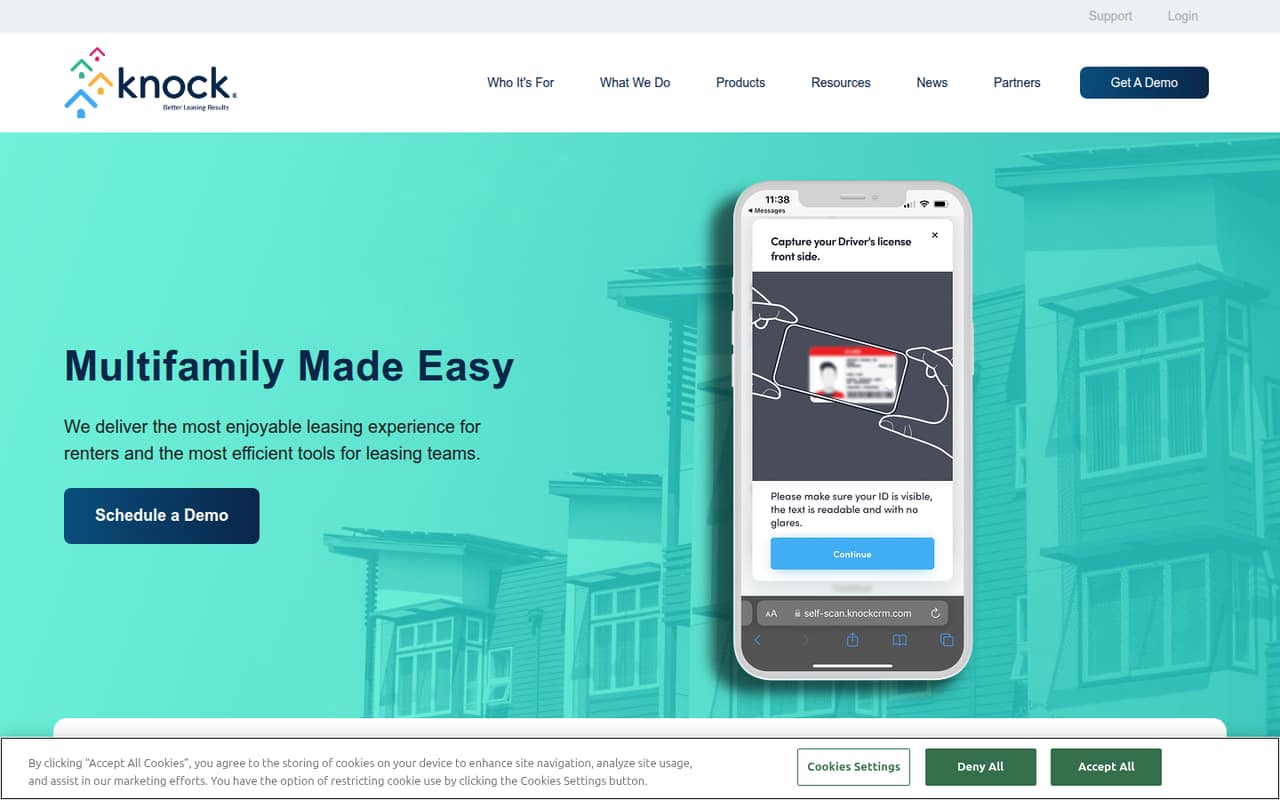
Knock brings tour scheduling, multichannel messaging, marketing attribution, task management, and leasing insights into a multifamily front-office platform. It makes the most sense for property teams managing leads through move-in and resident retention.
For a small team watching every subscription, the snag is price transparency: Knock doesn't publish a starting price or plan breakdown. There’s no listed free plan, and trial terms aren’t published, so ask for a quote before planning a rollout.
Good fit if
- Multifamily leasing teams
- Operators managing the renter journey
- Teams needing leasing performance insights
Skip it if
- Teams needing a published starting price
- Small teams set on a free CRM
- Businesses outside multifamily operations
ScoresHow it rates
What works
- Self-scheduled tours from websites or apps
- Email, text, voice, and chat in one screen
- Marketing source attribution and automated campaigns
- Task management keeps prospect follow-up visible
- Performance trends support leasing and budget planning
What doesn't
- Starting price isn't published
- No free plan is listed
- Trial terms aren't published
- Plan limits and seat counts aren't published
- Named integrations aren't specified in the product details
01Who Knock CRM is for
Knock is built for multifamily owners and operators handling the renter journey, from a prospect’s first inquiry through leasing and resident retention. It combines leasing, marketing, messaging, tasks, and performance insights, so the job it fits is broader than simply storing contact details.
For a 1–10 person team, it may suit leasing staff who need to coordinate tours, follow up across channels, and see how the team is performing. The platform’s feature set is especially relevant when multiple people share prospect follow-up or when marketing sources and leasing results need to be reviewed together. It is less compelling for a small business looking for a general-purpose CRM or a clearly priced starter tool. Knock doesn’t publish a starting price or plan breakdown, so a small team should confirm the cost for its headcount and properties before deciding whether the workflow coverage justifies another subscription.
02Knock CRM free plan and trial
Knock does not list a free plan, and trial terms aren’t published. That means a small team can’t use public plan details to confirm whether it can explore the product at no cost or what features a trial would include.
The cheapest way to evaluate Knock is to ask the vendor for a quote for your smallest intended deployment and ask directly whether a trial or guided evaluation is available. Also confirm which features are included in that quote: tour scheduling, messaging, marketing attribution, task management, and Knock Insights are part of the platform’s described capabilities, but published plan-by-plan access is not available. Get the price, trial terms, and any minimum commitment in writing before budgeting for a rollout.
03What a small team pays for Knock CRM
Knock’s pricing page doesn’t publish plan prices, monthly or annual billing rates, or a starting price. It also doesn’t provide a plan breakdown or add-on prices. So we can’t give a sourced cost for one person, three people, or five people, and there’s no reliable per-seat calculation to make.
Ask Knock to quote the same scope for one, three, and five users, and request both monthly and annual options if available. Confirm whether pricing is per seat, per property, or based on another measure; the pricing details don’t specify the billing unit. Ask whether tour scheduling, multichannel messaging, marketing attribution, tasks, and Knock Insights are included or priced separately. No add-ons are listed in the available pricing material, so don’t assume those features are included in every quote. Until Knock supplies those details, a budget-conscious team can’t compare its real cost with other CRM options.
04Getting started with Knock CRM
Knock’s described workflows cover tour scheduling, marketing, messaging, tasks, and performance insights. That breadth suggests a team should agree on how it will handle lead follow-up and team tasks before switching work into the platform. But the product details don’t publish setup time, onboarding steps, or a learning curve, so we can’t give a reliable estimate of the effort.
The product details also don’t name specific integrations. Before committing, ask whether Knock connects with the website or app where renters book tours, and with the communication and property systems your team already uses. Confirm who handles configuration and staff training, and whether those services are part of the quote. For a small team, those answers matter: a low seat count won’t make the tool a low-effort choice if setup requires extra work or paid services.
05When small teams outgrow Knock CRM
Knock’s described feature set is centered on multifamily leasing and operations, so the main reason to move may be a change in how your business works rather than a published user cap. A team that no longer needs renter-journey workflows, or that wants a general-purpose CRM for other sales processes, may find the platform too specialized.
The pricing material doesn’t publish seat limits, usage caps, tiers, or upgrade triggers. That makes it difficult to tell whether a growing team will pay more per user, move to a different plan, or need an add-on as its operation expands. Before signing, ask how the quote changes as you add people or properties and whether the features you depend on remain included. If Knock’s quote or terms don’t scale with your team, compare alternatives using the same user count and workflow requirements.
Questions people ask
Does Knock CRM have a free plan?
Knock does not list a free plan. Its public pricing details also don’t publish trial terms. Ask the vendor whether it offers a trial or another way to evaluate the platform before you commit, and confirm what features that evaluation includes.
How much does Knock CRM cost?
Knock’s starting price and monthly and annual rates aren’t published. The available pricing details also don’t specify a billing unit or plan-by-plan costs. Ask Knock for a quote based on your user count and properties, and request a breakdown of included features and any extra charges.
What does Knock CRM do?
Knock is a multifamily front-office platform for managing the renter journey from lead to lease and retained resident. Its described capabilities include tour scheduling, marketing attribution, email, text, voice and chat messaging, task management, team performance insights, and budget planning through Knock Insights.
Can renters schedule tours through Knock?
Yes. Knock’s feature details say prospective renters can self-schedule tours from a property website or app. Ask the vendor how that scheduling flow connects with your current website or app, since specific integrations and setup steps aren’t detailed on the vendor's site.
Does Knock CRM include messaging and marketing tools?
Knock describes multichannel messaging for email, text, voice, and chat in one screen, along with source attribution and automated marketing campaigns. The pricing details don’t show whether every capability is included in each plan, so confirm what your quote covers before signing.