
We may earn a commission if you buy through links on this page. It never changes a score or a ranking. How we make money
The bottom line
A focused CRM for homebuilders, if a custom quote fits your budget.
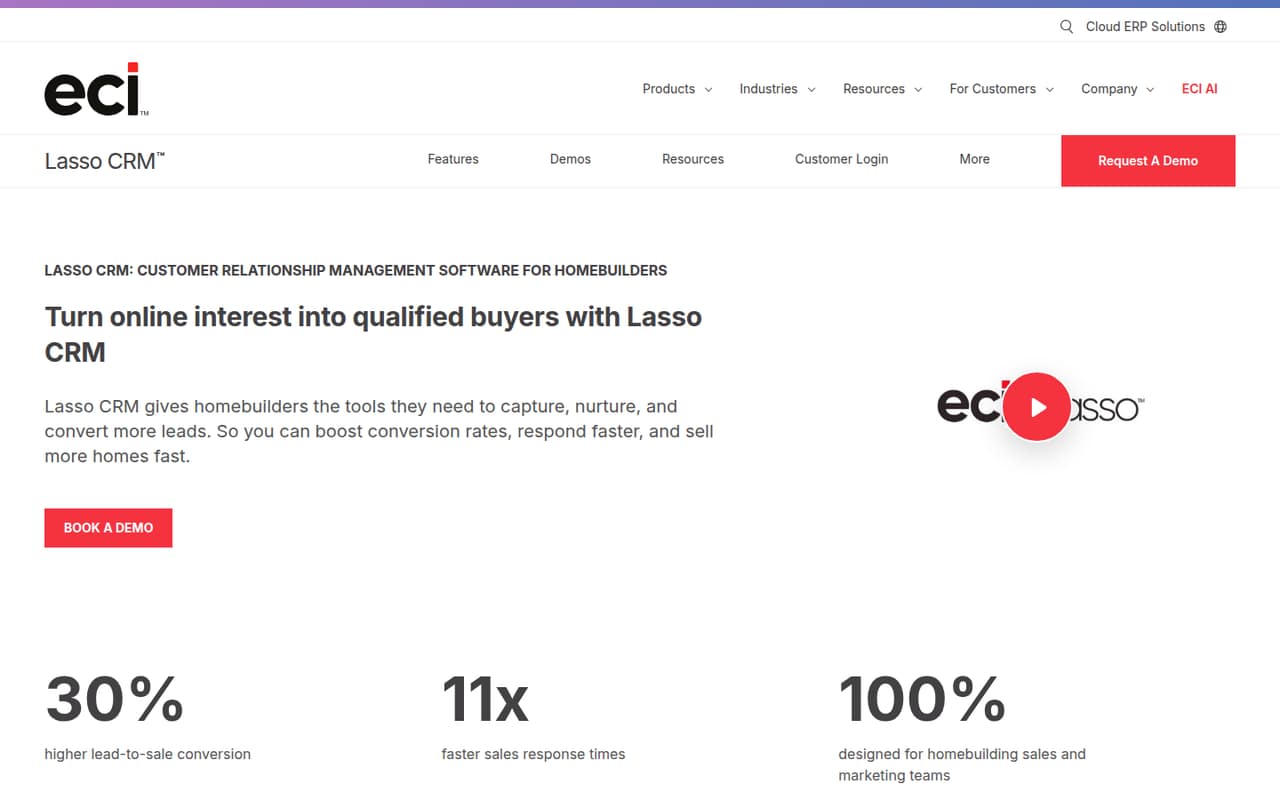
Lasso CRM is built for homebuilding sales and marketing teams. It brings lead management, email campaigns, website tracking, sales automation, reporting and appointment scheduling into one product tailored to the home sales process.
For a small team watching every subscription, the main drawback is price uncertainty: the vendor lists custom quote-based pricing, no free plan and no published starting price. Ask for a quote based on your seat count and required features before deciding.
Good fit if
- Homebuilding sales teams
- Builders managing community leads
- Teams needing automated follow-up
Skip it if
- Teams that need a free CRM
- Buyers requiring public seat pricing
- Businesses outside homebuilding
ScoresHow it rates
What works
- Designed around homebuilding sales workflows
- Captures and assigns digital leads
- Supports targeted emails and drip sequences
- Includes lead rotation and custom workflows
- Combines sales and buyer behavior reporting
What doesn't
- No free plan
- Starting price is not published
- Trial availability and terms are not published
- Seat limits and plan tiers are not published
- Integration details are not published
01Who Lasso CRM is for
Lasso CRM is for homebuilding sales and marketing teams that need to manage leads from first inquiry through follow-up and appointment scheduling. It is more specialized than a general-purpose contact list: the feature set focuses on communities, buyer behavior and the sales process for homebuilders.
A team of one to ten could consider it if several people share incoming leads, send community-specific email campaigns or need a consistent way to schedule and follow up with buyers. The product includes lead capture and assignment, email marketing, website tracking, sales automation and reporting. Those tools may be useful when a spreadsheet or a basic CRM no longer keeps the team’s process organized.
Budget is the catch. Lasso uses custom, quote-based pricing, so a small team cannot compare its cost per person from a published rate. Get a quote for your actual seat count and required tools before treating it as a fit.
02Lasso CRM free plan and trial
Lasso CRM does not list a free plan. The vendor also does not publish trial availability or terms, so ask whether your team can evaluate the product before signing a contract. Don’t budget around a free tier or assume a trial is included.
The cheapest way in is a custom quote: the pricing information says pricing is quote-based, but it does not name a lowest-cost package or a minimum number of seats. Ask for an entry-level quote that covers the people who will use the CRM and the functions you need, such as lead management or email marketing. Confirm whether onboarding, setup or any required add-ons change the total. Without those details, there is no published price to use as a small-team baseline.
03What a small team pays for Lasso CRM
The vendor lists custom, quote-based pricing and does not publish plan prices, a starting price, or monthly and annual billing terms. That means we cannot calculate what one person, three people or five people would pay, or compare per-seat monthly and annual costs. Ask Lasso for written quotes for each of those seat counts, and check whether pricing changes with the number of communities, contacts or features your team needs.
The published pricing information does not list add-on prices or identify which capabilities require an extra charge. Before comparing the quote with your current CRM budget, ask whether lead capture, email marketing, website tracking, automation, reporting and appointment management are all included. Also confirm any setup fees, contract length, renewal terms and charges for adding seats. Those details are not published, so the quote—not a public price list—is the number to use for budgeting.
04Getting started with Lasso CRM
Setup effort is not published, so a small team should ask Lasso what it takes to configure the CRM before committing. The product’s listed functions include lead capture and assignment, email campaigns, website tracking, workflows and appointment management. Putting those pieces to work may require decisions about lead routing, follow-up sequences, team responsibilities and reporting views; the vendor does not publish the steps or time involved.
Integration details are also not published. Before day one, ask which website, email and scheduling connections are supported, and whether any configuration or paid services are required. Ask who handles data imports and workflow setup, what training is available, and how long onboarding usually takes for a team your size.
We can’t rate the learning curve more precisely without published setup guidance. A short product walkthrough and a written onboarding plan should help you judge whether the work fits your team’s time and budget.
05When small teams outgrow Lasso CRM
Lasso’s listed features cover several core homebuilding sales tasks, but its public pricing information does not show seat limits, plan tiers or upgrade thresholds. A growing team cannot tell from the published details when more users, communities or features would require a different package. Ask the vendor to explain how the quote changes as you add people and what is included at each level.
The same uncertainty applies if your needs expand. The vendor does not publish add-on prices or integration details, so ask whether your next requirements—such as additional automation, reporting or connections to other tools—are available and what they cost. Get those answers in writing before the team relies on a workflow that may later carry an extra charge.
Consider moving on if the quote no longer fits your budget, if key integrations are unavailable, or if you need published seat limits and predictable upgrade costs to plan hiring.
Questions people ask
Does Lasso CRM have a free plan?
No free plan is listed. The vendor’s pricing information says pricing is custom and quote-based, with no published starting price. Ask Lasso for a quote based on your team size and required features, and confirm whether a trial is available before signing.
How much does Lasso CRM cost for a small team?
Lasso CRM’s pricing is custom and quote-based. The vendor does not publish rates for one, three or five users, or monthly and annual billing terms. Request a written quote for your exact seat count and ask what features, onboarding and any add-ons it includes.
What does Lasso CRM do for homebuilders?
Lasso CRM helps homebuilders capture, nurture and convert leads. Its listed features include lead management, email marketing, website tracking, sales automation, reporting dashboards and appointment management, with tools tailored to the homebuilding sales process.
Does Lasso CRM include a free trial?
Trial availability and terms are not published. Contact the vendor to ask whether your team can try the CRM, how long access lasts, and whether the trial includes the features you need. Confirm any contract or payment requirements before starting.
Which integrations does Lasso CRM support?
Integration details are not published in the available pricing and product information. Ask Lasso which connections it supports for your website, email and scheduling tools, whether setup is included, and whether any integration carries an extra charge.