
We may earn a commission if you buy through links on this page. It never changes a score or a ranking. How we make money
The bottom line
Looker offers governed BI and AI features, but no free plan or published price for a small team.
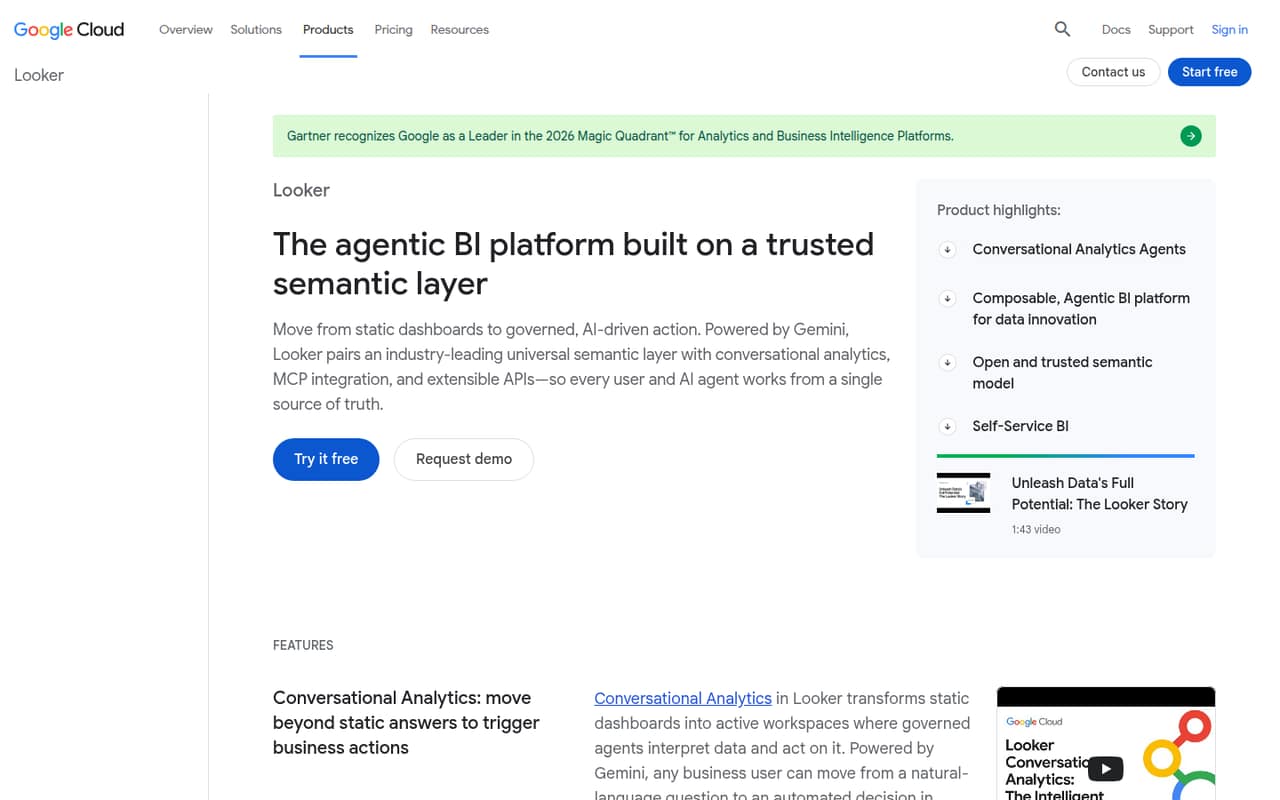
Looker is business intelligence software built around a shared LookML model for governed metrics, dashboards, self-service exploration, and AI features. It can suit a team that needs consistent definitions across reports or wants to embed analytics in an application.
For a team watching every subscription, the main drawback is the buying fog: there’s no free plan, and the vendor doesn’t publish edition or seat prices. Reddit feedback is mixed, with some users blaming poor setup and modeling for a frustrating experience and others arguing that Looker serves a different use case from simpler BI tools.
Good fit if
- Teams standardizing business metrics
- Companies embedding analytics in products
- Teams with LookML development capacity
Skip it if
- Teams needing a free BI tool
- Buyers who need predictable seat pricing
- Teams wanting plug-and-play dashboards
ScoresHow it rates
What works
- Shared LookML model governs business metrics
- Supports dashboards and self-service exploration
- Includes conversational analytics and AI summaries
- Offers editions for embedded analytics
- Standard includes 10 Standard and 2 Developer users
What doesn't
- No free plan
- Edition and seat prices aren’t published
- Trial availability isn’t published
- LookML modeling adds setup work
- Reddit users report usability and performance frustrations
01Who Looker is for
Looker is for teams that need consistent business metrics across dashboards, exploration, and other data experiences. Instead of defining every metric separately, teams can model data in LookML and share those definitions. It also supports conversational analytics, AI-powered dashboard summaries, and embedded analytics.
The Standard Edition is listed for organizations with fewer than 50 users. Its package includes 10 Standard Users and 2 Developer Users, so a team of 1–10 may fit within the listed user allowance, depending on the roles it needs. But the price isn’t public, which makes it a difficult choice for a small team that needs to set a firm software budget before talking to sales.
We’d consider it when a team has a real need for governed metrics or embedded data, and someone can take responsibility for the LookML model. For a small team that mainly needs basic charts, the setup and quote-based buying process may be more than the job calls for.
02Looker free plan and trial
Looker has no free plan. The vendor doesn’t publish trial availability, so ask sales whether a trial or evaluation option is available before you commit.
The Standard Edition is the listed option for organizations with fewer than 50 users and is the sensible place for most small teams to start. It includes one production instance, 10 Standard Users, 2 Developer Users, and up to 1,000 query-based API calls and 1,000 administrative API calls per month. Prices aren’t published, so there’s no self-serve plan to start with or free tier to test against your needs.
If you need more API capacity, Enterprise and Embed editions list higher limits. Ask the vendor for a quote and confirm what user roles, API usage, and any evaluation period it covers.
03What a small team pays for Looker
The pricing page doesn’t publish a Standard Edition price, a per-seat rate, or monthly pricing. That means we can’t calculate a real cost for one person, three people, or five people—or compare monthly billing with an annual total. The vendor says pricing requires a sales quote; annual commitments are available for one, two, or three years.
Standard includes 10 Standard Users and 2 Developer Users, along with one production instance. Additional Developer, Standard, and Viewer licenses are available, but their prices aren’t published. Ask whether the quote covers the roles your team needs and how the price changes if you add seats.
Conversational Analytics includes 60 million input and 1.2 million output data tokens per month per production instance. Listed overages cost $3 per million input tokens and $20 per million output tokens. API overage pricing isn’t published. Enterprise raises the listed API limits, while Embed is aimed at teams putting analytics into products. Get the full quote and usage terms before budgeting.
04Getting started with Looker
Looker’s shared metrics depend on a LookML model, so setup includes more than creating a dashboard. Someone needs to define the governed business metrics and make them usable for exploration. The Standard Edition includes 2 Developer Users, a sign that development work is part of the package, though the vendor doesn’t publish a setup timeline.
Looker lists Google Cloud security and services for managing instances. The specific data connections a small team needs on day one aren’t listed here, so confirm that your data sources and account setup are covered before signing.
Reddit users disagree about how much of the learning curve is the product versus its implementation. One commenter said navigation can be difficult when teams don’t build out models, Explores, descriptions, and notes. That’s a practical warning: budget time for modeling and documentation, not just dashboard design. If your team wants to build reports without a developer shaping the data model, expect a steeper start.
05When small teams outgrow Looker
Looker’s listed API limits are the clearest edition-level trigger. Standard includes up to 1,000 query-based and 1,000 administrative API calls per month. Enterprise raises those limits to 100,000 and 10,000, while Embed lists 500,000 and 100,000. If your usage grows beyond an edition’s limits, ask about the next plan and API overage costs; the vendor doesn’t publish overage pricing.
You may also need more licenses than Standard’s included 10 Standard and 2 Developer Users. The vendor offers additional Developer, Standard, and Viewer licenses, but doesn’t publish their prices, so check the seat cost before expanding.
Some Reddit users complain about slow or unintuitive reports and limited out-of-the-box visuals. Others say problems can come from browser conditions, the data warehouse, or LookML implementation. One commenter described difficulty making straightforward visual changes. These reports aren’t a guarantee of what your team will encounter, but they make a small pilot and a clear modeling plan worth discussing with sales.
From the threadsWhat users say
Reddit feedback is sharply divided. Some users describe frustrating usability and visual limitations, while other commenters argue that Looker’s problems can stem from modeling and setup rather than the product alone.
Looker is hands down the most disappointing BI tool I've ever used
Tableau and Data Studio are tools for completely different use cases
At least not in a simple straightforward way
Questions people ask
Does Looker have a free plan?
No. Looker has no free plan. The vendor also doesn’t publish whether a trial is available, so ask sales about an evaluation option before requesting a quote or making a commitment.
How many users are included in Standard Edition?
Standard Edition includes 10 Standard Users and 2 Developer Users, plus one production instance. The vendor offers additional Developer, Standard, and Viewer licenses, but doesn’t publish their prices.
How much does Looker cost for a small team?
The vendor doesn’t publish edition prices or per-seat rates. A one-person, three-person, or five-person total can’t be calculated from the public pricing details. Request a quote and ask for monthly and annual costs, including any extra seats.
What is the difference between Looker editions?
Standard lists up to 1,000 query-based and 1,000 administrative API calls per month. Enterprise raises those limits, and Embed lists higher limits still for teams embedding analytics in products. All three list one production instance and 10 Standard plus 2 Developer Users.
Does Looker include AI features?
Looker supports conversational analytics and AI-powered dashboard summaries and data deep dives. Conversational Analytics includes monthly input and output token allowances per production instance; listed overage rates apply when usage exceeds those allowances.