
We may earn a commission if you buy through links on this page. It never changes a score or a ranking. How we make money
The bottom line
Feature-rich qualitative analysis software, but a 14-day trial and annual seat costs narrow its budget appeal.
MAXQDA is for researchers who need to organize, code, analyze, and present qualitative or mixed methods data. Its workflows cover interviews, literature, content, questionnaires, and focus groups, with AI features also listed by the vendor.
For a small academic team, the main catch is cost: there’s no free plan, the trial lasts 14 days, and the listed annual license is $278 per seat. Reddit comments include positive reports from researchers, alongside questions about trial length and university access.
Good fit if
- Academic qualitative researchers
- Interview and literature analysis
- Mixed methods research teams
Skip it if
- Teams that need a free plan
- Groups needing monthly billing
- Teams seeking published network pricing
ScoresHow it rates
What works
- Workflows for interviews, literature, content, and questionnaires
- Supports qualitative and mixed methods analysis
- Runs on Windows and Mac
- AI Assist, Tailwind, and local AI are listed
- One Reddit researcher reports using it for interviews and literature
What doesn't
- No free plan is listed
- The free trial lasts only 14 days
- Annual billing is listed; monthly billing is not offered
- Three separate seats total $834 per year
- Network license pricing is not published
01Who MAXQDA is for
MAXQDA is for people doing qualitative or mixed methods research who need more than a place to store notes. The vendor describes workflows for interviews, literature reviews, content analysis, questionnaires, and focus groups. In plain terms, it helps researchers organize their published material, code it, look for patterns, visualize results, and present their findings.
For a team of one to five, it makes the most sense when several people need a shared research process or when the project includes varied data types. The academic single-user license is listed for one to 20 licenses, while a shared network license starts at five seats. The budget is a bigger consideration: the listed annual single-user license is $278 per seat, with no monthly billing option. A solo researcher or team with one defined project may find the 14-day trial useful for evaluating fit, but it is not a continuing free tier.
02MAXQDA free plan and trial
MAXQDA does not list a free plan. The vendor lists a 14-day free trial, which gives a prospective buyer a short window to assess the software before paying. The published pricing information does not specify trial feature limits, so ask MAXQDA whether any features or export options are restricted during the trial.
After the trial, the cheapest listed route is Academia – Single-user, priced at $278 per seat per year. The vendor also lists three-year and five-year license options at €581 and €847, respectively. Because those figures use a different currency from the annual price, confirm the current amount and eligibility with the vendor before purchasing. If your university may provide access, check with your department or library before buying; a Reddit commenter says their university offered access through its network.
03What a small team pays for MAXQDA
The pricing information lists Academia – Single-user at $278 per seat per year, equivalent to $23.17 per seat per month for comparison. Monthly billing is not offered. One seat therefore costs $278 annually; three separate single-user seats total $834 per year, or $69.51 per month equivalent. Five seats total $1,390 per year, or $115.85 per month equivalent.
For five or more academic users sharing a network license, the listed plan is Academia – Network, with a five-seat minimum. Its per-seat price is not published, and groups above 20 seats need a custom quote. Ask the vendor to compare the network quote with the cost of individual licenses before committing.
The listed add-ons section is empty, so no add-on prices are published. The vendor lists three- and five-year license totals of €581 and €847, but those figures are in euros while the annual license is listed in dollars. Confirm currency, license terms, and any academic eligibility requirements before budgeting.
04Getting started with MAXQDA
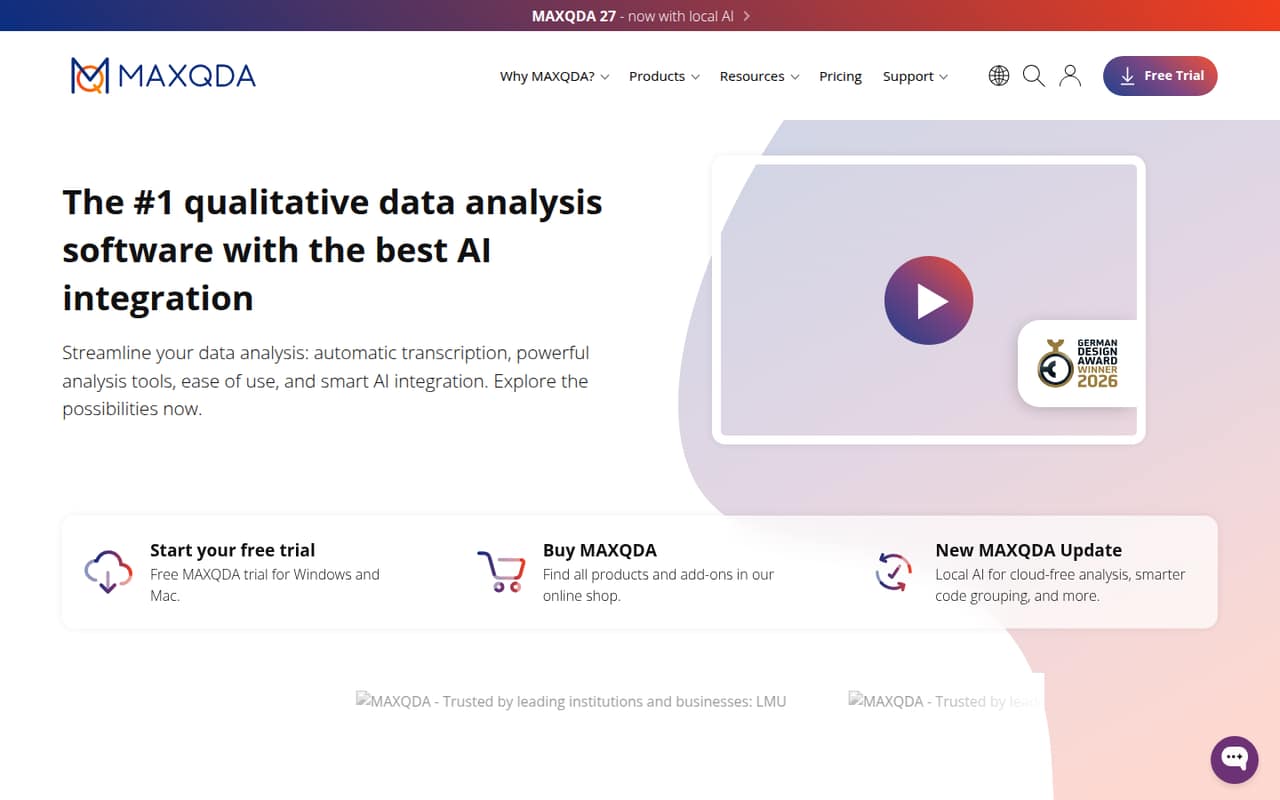
The vendor says MAXQDA runs on Windows and Mac. A sensible first step is to choose the workflow your project needs—such as interview, literature, questionnaire, or content analysis—and gather the published material you plan to analyze. The vendor also lists transcription and AI features, including AI Assist, Tailwind, and local AI.
The vendor does not publish a setup-time estimate or a list of integrations in the information available here. If your team depends on a particular transcription service, survey platform, storage system, or export format, ask MAXQDA whether it fits your workflow before buying. A Reddit researcher reports using MAXQDA for both interview analysis and a literature review, while another commenter recommends setting aside time to learn the software through vendor webinars. That points to a tool with several workflows to explore, rather than a one-click setup.
05When small teams outgrow MAXQDA
The first pressure point is cost, not a published project or data limit. Three single-user licenses add up to $834 per year, and five cost $1,390. A team that needs a shared network license has to buy at least five seats, and the vendor does not publish the price. If your group has fewer than five people, compare the cost of separate licenses with the network plan before assuming the latter is a fit.
The second pressure point is access after the trial. A 14-day trial may not suit a researcher working around a job or a long analysis schedule: a Reddit thread from a student asks whether the trial can be extended. Another commenter describes using university access through a VPN, so it is worth checking institutional licenses before paying privately. The vendor does not publish user, project, or data caps in the pricing details here; ask about those limits if your team expects to grow.
From the threadsWhat users say
Reddit sentiment is generally positive from users who describe working with MAXQDA, but the discussions also show that access and trial length matter to students. Comments are individual experiences, not a broad consensus.
MaxQDA is very good. Have a look on their site for some of their webinars
I used it for my Masters interview analysis, and I'm also using it for my PhD, but this time for my literature review as well
Da ich neben meiner Masterarbeit arbeiten gehe, weiß ich nicht, ob mir die 14 Tage reichen werden
Jetzt zur masterarbeit natürlich nicht mehr 🫠
Questions people ask
Can I use MAXQDA for interview analysis?
Yes. The vendor highlights interview analysis as a workflow, including transcribing, coding, analyzing, and visualizing interview results. MAXQDA also lists workflows for literature, content, questionnaires, and focus groups, so it can support projects beyond interview transcripts.
Can I use MAXQDA for thematic analysis?
MAXQDA supports qualitative analysis and interview coding, which can be used as part of a thematic analysis workflow. The vendor’s description does not identify a separate thematic-analysis plan or feature set, so check whether its coding and analysis workflow matches your method.
Does MAXQDA run on Windows and Mac?
Yes. MAXQDA is described as qualitative and mixed methods data analysis software for Windows and Mac. Check the vendor’s current system requirements before installing, particularly if your team uses managed or older computers.
What AI features does MAXQDA offer?
The vendor’s homepage lists AI Assist and Tailwind, and also describes local AI. The exact functions and plan availability are not specified in the pricing details here. Ask MAXQDA which AI features are included in your license and how local AI works for your data.
Can MAXQDA be used by a team?
Yes. The listed Academia – Network plan is for academic teams sharing a network license and starts at five seats. Its price is not published. Academia – Single-user is listed for one to 20 licenses, but ask the vendor which option fits your team’s access and collaboration needs.