
We may earn a commission if you buy through links on this page. It never changes a score or a ranking. How we make money
The bottom line
A capable small-team time clock, with a $5 monthly base fee and no free plan.
OnTheClock combines employee clock-ins, scheduling, PTO and payroll options. It’s a reasonable fit for a small business that wants managers to approve timecards before payroll, but the $5 monthly base fee makes the entry price higher than the $4-per-employee rate suggests.
There’s no free plan, though the pricing lists a 30-day trial. Reddit posts praise its straightforward setup and scheduling, but that small amount of feedback is not enough to treat the positive sentiment as a broad consensus.
Good fit if
- Small businesses tracking employee hours
- Teams coordinating shifts and PTO
- Managers approving hours before payroll
Skip it if
- Teams that need a free plan
- Businesses wanting published annual pricing
- Teams over 100 needing fixed prices
ScoresHow it rates
What works
- Combines time tracking, scheduling and PTO
- Employees can clock in on phones or computers
- GPS, geofencing and location controls are included
- Payroll is available with tax filing
- A 30-day trial is listed
What doesn't
- No ongoing free plan
- The time-tracking plan adds a $5 monthly base fee
- Payroll adds a separate $40 monthly base fee
- Annual pricing is not listed
- Enterprise pricing is custom
01Who OnTheClock is for
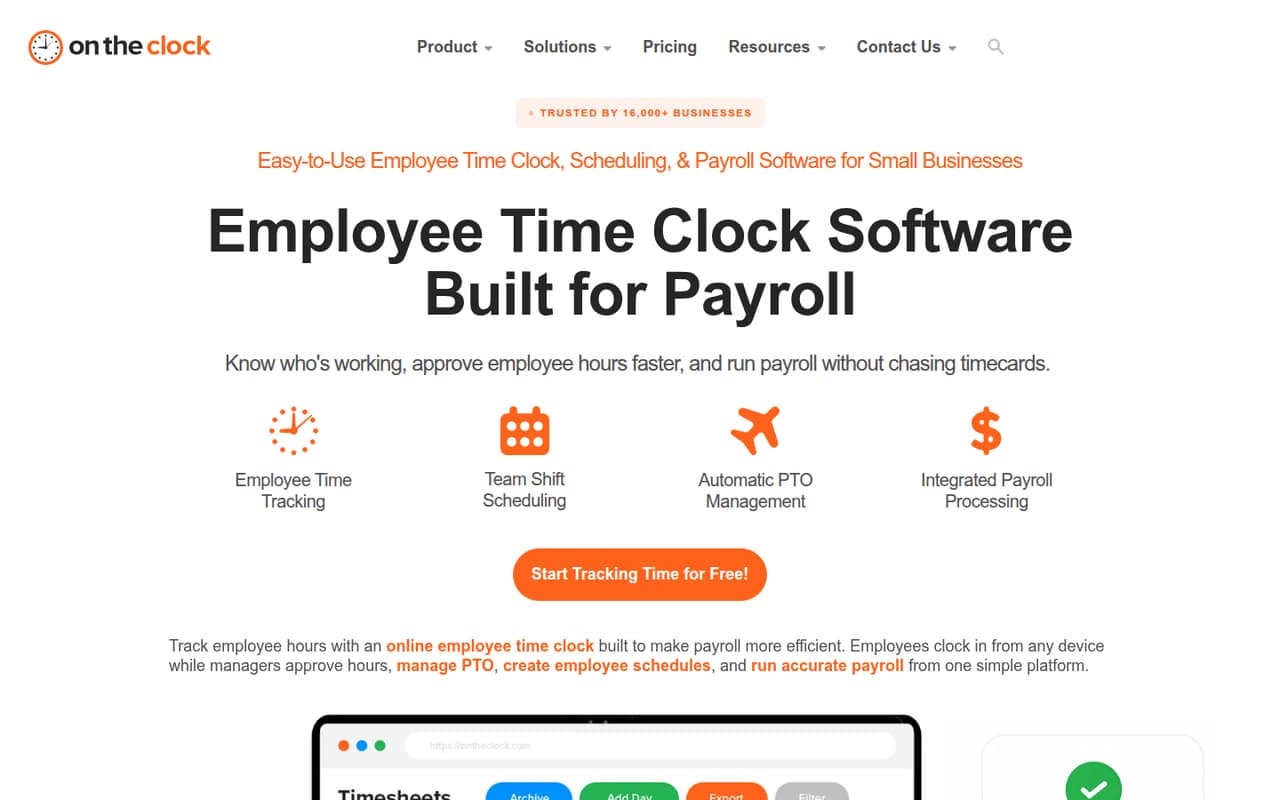
OnTheClock is aimed at small businesses that need to track employee hours and coordinate shifts, PTO and payroll. It can suit a team of one to ten people if a manager wants employees to clock in by phone, web, tablet or kiosk, then review and approve timecards before payroll. The pricing page lists a time-tracking plan at $4 per employee each month, plus a $5 monthly base fee, so even one employee costs $9 monthly.
The practical job it does is bring clock-ins, schedules and time-off requests into one workflow. GPS, geofencing and location controls help verify clock-ins, while payroll is an additional paid option. We’d consider it when accurate hours and manager approvals matter more than finding a free tool. A solo owner with no employees, or a team that only needs a basic timer, may not need this much workforce software.
02OnTheClock free plan and trial
OnTheClock does not list an ongoing free plan. The pricing information lists a 30-day free trial, but does not specify which plan features the trial includes or what happens to stored data when it ends. Ask the vendor before relying on the trial for payroll deadlines or long-term records.
The cheapest listed way to keep using the service is Employee Time Tracking, Scheduling & PTO Management. It costs $4 per employee per month, plus a $5 monthly base fee, billed monthly. That makes the starting bill $9 for one employee. The plan includes time tracking, scheduling, PTO management, GPS and location controls, and payroll integrations. The trial can help a small team assess whether those workflows fit, but it is not a permanent free tier.
03What a small team pays for OnTheClock
The pricing page lists Employee Time Tracking, Scheduling & PTO Management at $4 per employee per month, plus a $5 monthly base fee. That comes to $9 per month for one person, $17 for three and $25 for five. Since billing is monthly and no annual price is listed, those costs add up to $108, $204 and $300 over 12 months, respectively.
OnTheClock Payroll is $6 per paid employee per month, plus a $40 monthly base fee. One paid employee costs $46 monthly, three cost $58 and five cost $70. Over 12 months, that is $552, $696 and $840. The plan lists unlimited payroll runs, direct deposit, tax filing and W-2s and 1099s. Payroll is an add-on to consider if approved hours need to flow into payroll; the vendor also lists a one-time $250 Payroll Professional Payroll Migration/Onboarding fee. Enterprise pricing is custom for businesses with more than 100 employees.
04Getting started with OnTheClock
The vendor does not publish a setup-time estimate. A practical first-day checklist is to add employees, set up clock-in rules and locations, create schedules, enter PTO balances and confirm that any payroll integration is compatible. The pricing page lists payroll integrations, but does not name specific products, so check the vendor’s current compatibility list before signing up.
One Reddit poster says setup is quick and the interface is accessible to people without much technical experience. That is encouraging, but it is one user’s report, not a promise about every team’s rollout. Keep the first setup focused: test a clock-in, review a timecard and confirm the approval flow before a pay period closes. If you want payroll migration or onboarding help, the pricing lists a one-time $250 fee for Payroll Professional Payroll Migration/Onboarding.
05When small teams outgrow OnTheClock
The first growth pressure is cost: per-employee charges rise with headcount, and both time tracking and payroll have monthly base fees. A five-person team pays $25 monthly for time tracking and PTO, or $70 monthly if it adds payroll at the listed rate. A business with more than 100 employees moves into Enterprise, where pricing is custom rather than published.
A team may also need to look elsewhere if it depends on a specific payroll connection that OnTheClock does not confirm, or if it needs a published annual rate to budget ahead. Ask the vendor about integration compatibility and Enterprise pricing before making that decision. Reddit posts describe the product as straightforward and praise its scheduling and clock-in options, but they do not establish how well it handles a growing organization’s more complex needs.
From the threadsWhat users say
The available Reddit posts are positive about setup, accessibility and scheduling. That feedback is encouraging but limited, so we would treat it as a small signal rather than a broad user consensus.
geofencing, fingerprint punching, and IP/device authorization
drag-and-drop scheduler streamlines scheduling
setup is quick
user-friendly interface makes it accessible
Questions people ask
Does OnTheClock have a free plan?
No ongoing free plan is listed. OnTheClock lists a 30-day free trial, but does not specify which plan features the trial includes. After the trial, the cheapest listed option is Employee Time Tracking, Scheduling & PTO Management at $4 per employee per month, plus a $5 monthly base fee.
How much does OnTheClock cost for a small team?
The time-tracking plan costs $4 per employee per month plus a $5 monthly base fee. That works out to $17 per month for three employees or $25 for five. Payroll is priced separately at $6 per paid employee per month, plus a $40 monthly base fee.
Does OnTheClock include payroll?
Payroll is available as OnTheClock Payroll, listed at $6 per paid employee per month plus a $40 monthly base fee. The plan includes unlimited payroll runs, direct deposit, tax filing and compliance, and W-2s and 1099s. The time-tracking plan also lists payroll integrations.
Can employees clock in from their phones?
Yes. The vendor's site lists clock-ins from phones, desktops, tablets and kiosks. It also lists GPS, geofencing and location controls to help verify where employees start shifts. Check with the vendor about the specific devices and location settings your team plans to use.
Does OnTheClock track PTO and approve timecards?
Yes. The time-tracking plan lists PTO management, and the product supports tracking balances, accruals and time-off requests. Managers can review and approve employee hours before payroll. The pricing information does not describe specific PTO policies or approval rules, so confirm those details with the vendor.