
We may earn a commission if you buy through links on this page. It never changes a score or a ranking. How we make money
The bottom line
Opal brings people, infrastructure, and AI-agent access into view, but there’s no free way to start.
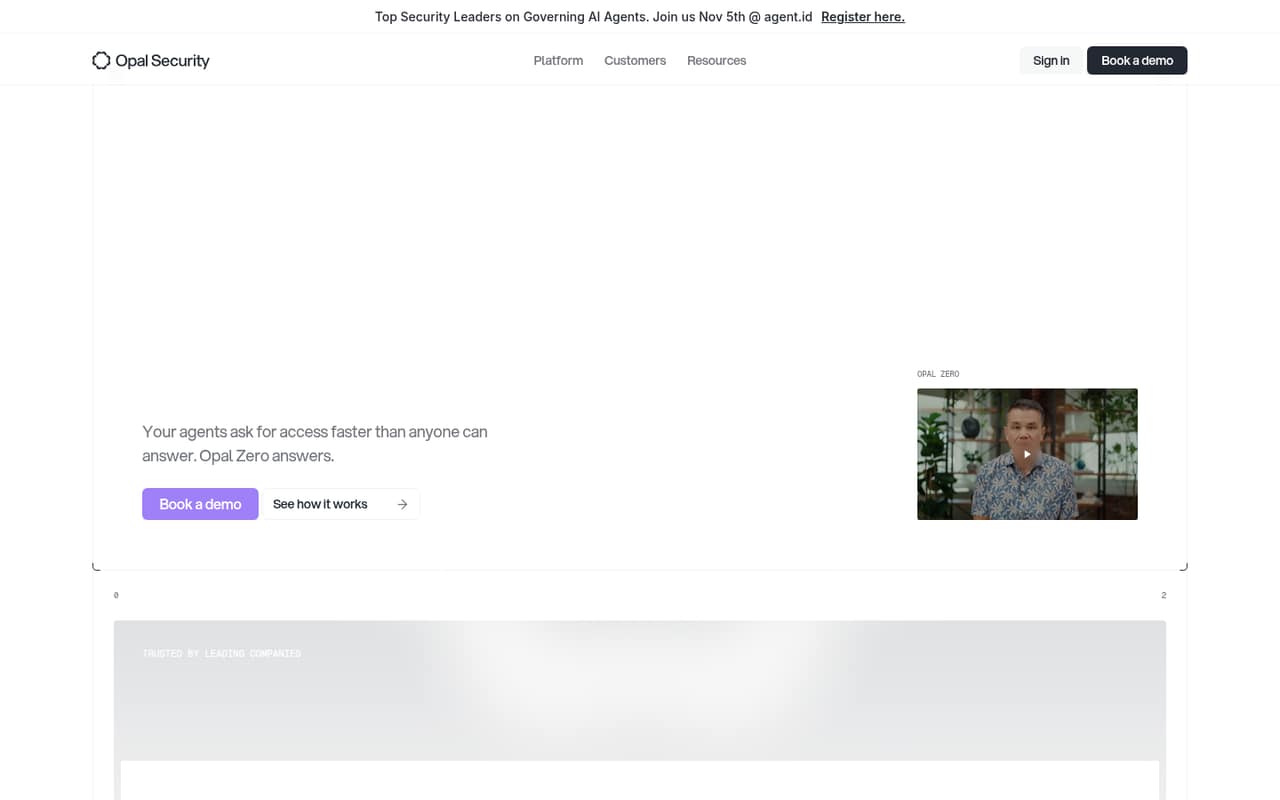
Opal helps teams see and manage access for employees, infrastructure, and AI agents. Its listed capabilities include approval workflows, just-in-time access, access reviews, and audit logs, with cloud and self-hosted deployment options.
For a small team, the main drawback is the price of entry: there’s no free plan or trial listed. AWS Marketplace lists Enterprise at $240 per user per year, while direct pricing is custom. Ask Opal about seat minimums, usage limits, and setup before budgeting.
Good fit if
- Teams governing AI-agent access
- Security teams needing access reviews
- Organizations with privileged-access policies
Skip it if
- Teams that need a free tier
- Small teams with tight budgets
- Buyers needing public seat limits
ScoresHow it rates
What works
- Covers employees, infrastructure, and AI agents
- Offers plain-English access queries
- Supports reusable, version-controlled approval rules
- Can revoke just-in-time access automatically
- Offers cloud or self-hosted deployment
What doesn't
- No free plan or trial is listed
- Direct pricing is custom
- Seat and usage limits aren't published
- Marketplace pricing is annual
- Setup effort and integrations aren't specified
01Who Opal is for
Opal is for organizations that need to govern access across employees, infrastructure, and AI agents. That can suit a security team at a growing company, but the pricing is a harder fit for a small team watching every seat: AWS Marketplace lists Enterprise at $240 per user per year, and direct pricing is custom.
In plain terms, Opal helps teams see who or what has access, set approval rules, review risky permissions, and grant privileged access only when needed. Its listed tools include plain-English access queries, automated request decisions, and searchable audit logs. Cloud and self-hosted deployment options are listed, too.
This is a specialized governance tool, not an obvious buy for every 1–10-person company. It makes the most sense when access reviews, approval controls, or AI-agent permissions are real operational needs. If a small team only needs basic account management, ask Opal for a quote and seat minimums before committing time to evaluation.
02Opal free plan and trial
Opal lists no free plan, and no free trial is listed in the pricing information. That means a small team should not expect a no-cost tier for trying the access queries, approval workflows, access reviews, or audit logging.
The cheapest published route is Enterprise through AWS Marketplace, listed at $240 per user per year. That works out to $20 per user per month as an annual equivalent, but the listing gives an annual price, not a monthly billing option. Direct pricing is custom, so ask Opal whether it offers a smaller-team quote and what seat or usage commitments apply.
Before budgeting, confirm which deployment option and identity sources are included in the offer. The published price alone doesn't establish what implementation or support will cost.
03What a small team pays for Opal
The only named plan in the pricing information is Enterprise. AWS Marketplace lists it at $240 per user per year, or $20 per user per month when expressed as an annual equivalent. The pricing page doesn't publish billing terms; Marketplace lists annual pricing, so don't assume you can pay monthly.
At that listed rate, one person costs $240 per year ($20 monthly equivalent). Three people cost $720 per year ($60 monthly equivalent), and five cost $1,200 per year ($100 monthly equivalent). These are per-seat calculations from the Marketplace rate, not a quote for direct purchase. Opal says direct pricing is custom.
Seat and usage limits aren't published, so ask whether there is a minimum seat count and whether the listed rate covers your intended use. Opal Zero has a $30,000 launch offer for 12 months; that is a substantial separate budget item for a small team to clarify, not a low-cost way into the product. Get a written quote that spells out billing, deployment, and any additional charges.
04Getting started with Opal
Opal's listed capabilities include access mapping, approval workflows, access reviews, and just-in-time access. Those features suggest a setup that involves defining policies and connecting the identities or systems you want to govern, but Opal doesn't publish a setup-time estimate in the pricing information. We can't give a reliable number of hours or days.
The product offers cloud or self-hosted deployment. The right option depends on your organization's requirements; ask Opal what each requires and which identity sources it supports before choosing. The available feature descriptions don't provide an integration list or a day-one setup checklist.
A small team should request a walkthrough focused on its first access sources, approval rules, and review cycle. Also ask who handles configuration, what technical skills are expected, and whether implementation is included in the quote. Those answers will make the effort and total cost clearer.
05When small teams outgrow Opal
Opal is more likely to become difficult to justify than to run out of published capacity. The pricing information names one plan, Enterprise, and doesn't publish seat or usage limits. That leaves a growing team without a public threshold for when it must move up or pay more.
The clearest pressure point is the per-person price: Marketplace lists $240 per user per year. At that rate, each additional seat adds $240 to the annual bill, before any costs not specified in the listing. Direct pricing is custom, so a larger team should compare its quote against the Marketplace rate and confirm what changes with seat count.
A team may also outgrow the available pricing clarity. If it needs predictable monthly billing, published limits, or a clear implementation cost, ask Opal for those terms in writing before expanding. If Opal's governance controls are not solving a concrete access problem, the lack of a free plan makes it harder to justify keeping seats for occasional use.
Questions people ask
What does Opal do?
Opal is an identity-governance platform for managing access across employees, infrastructure, and AI agents. Its listed capabilities include access visibility, approval policies, automated request decisions, just-in-time privileged access, access reviews, and audit logging.
Does Opal have a free plan or trial?
No free plan or free trial is listed in the pricing information. The lowest published price is Enterprise through AWS Marketplace at $240 per user per year. Direct pricing is custom, so ask Opal about a small-team quote before planning a purchase.
How much does Opal cost for a small team?
AWS Marketplace lists Enterprise at $240 per user per year. At that rate, three seats total $720 per year and five total $1,200 per year. Direct pricing is custom, and Opal doesn't publish seat or usage limits, so confirm the terms with the vendor.
Can Opal manage AI-agent access?
Yes. Opal describes its platform as managing access for people, infrastructure, and AI agents. Its listed capabilities include mapping access, setting approval policies, making automated decisions on requests, and reviewing access.
Can Opal be self-hosted?
Opal lists both cloud and self-hosted deployment options. The available pricing details don't explain their setup requirements or whether they affect the price. Ask Opal which option fits your environment and what each includes in a written quote.