We may earn a commission if you buy through links on this page. It never changes a score or a ranking. How we make money
A team of 1–10 may not need a full identity platform yet. If your main concern is stronger sign-in, Duo’s free MFA plan covers teams up to 10; if you need app sign-in and can manage hosting, Authentik and Keycloak are worth a look. For a paid option, OneLogin lists a $3 starting price, while Okta starts at $6 and bills annually. Those entry prices don’t settle the real bill: check how seats, features, and minimum commitments are priced before you choose.
Quick picksThe shortlist
 DuoDuoBest for small teams · $3/mo
 authentikauthentikBest free · $0.02/mo
 KeycloakKeycloakBest for self-hosting · Free
 Auth0Auth0Best for customer apps · $35/mo
 OneLoginOneLoginBest for workforce SSO · $3/mo
 OktaOktaBest for app integrations · $6/mo
 JumpCloudJumpCloudBest for mixed devices · $9/mo
 AponoAponoBest for cloud access · $49/mo
01Compared at a glance
02The picks, in detail
- Best for small teamsDuoDuo
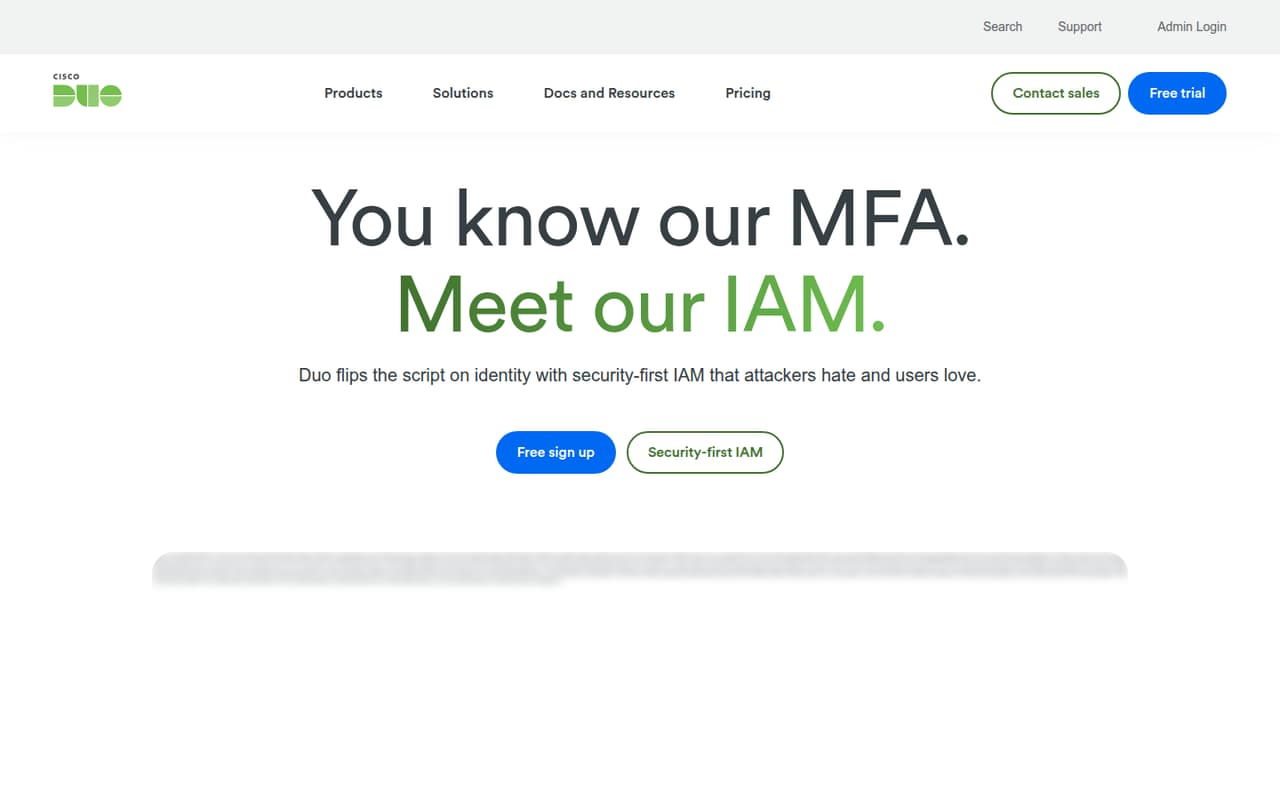
Duo is the clearest fit if your immediate need is MFA: its free plan covers teams of up to 10, and the listed SSO price is $3 per user monthly. That puts SSO at $30 a month for 10 users before any other costs. It’s a practical way to start, but check which features your team needs before assuming free MFA covers them.
What works
- Free plan covers up to 10 users
- Free plan includes strong MFA
- Essentials adds SSO for $3 per user monthly
What doesn't
- Free plan stops at 10 users
- Annual billing availability isn't stated
- Setup time isn't listed
- Best freeauthentikauthentik
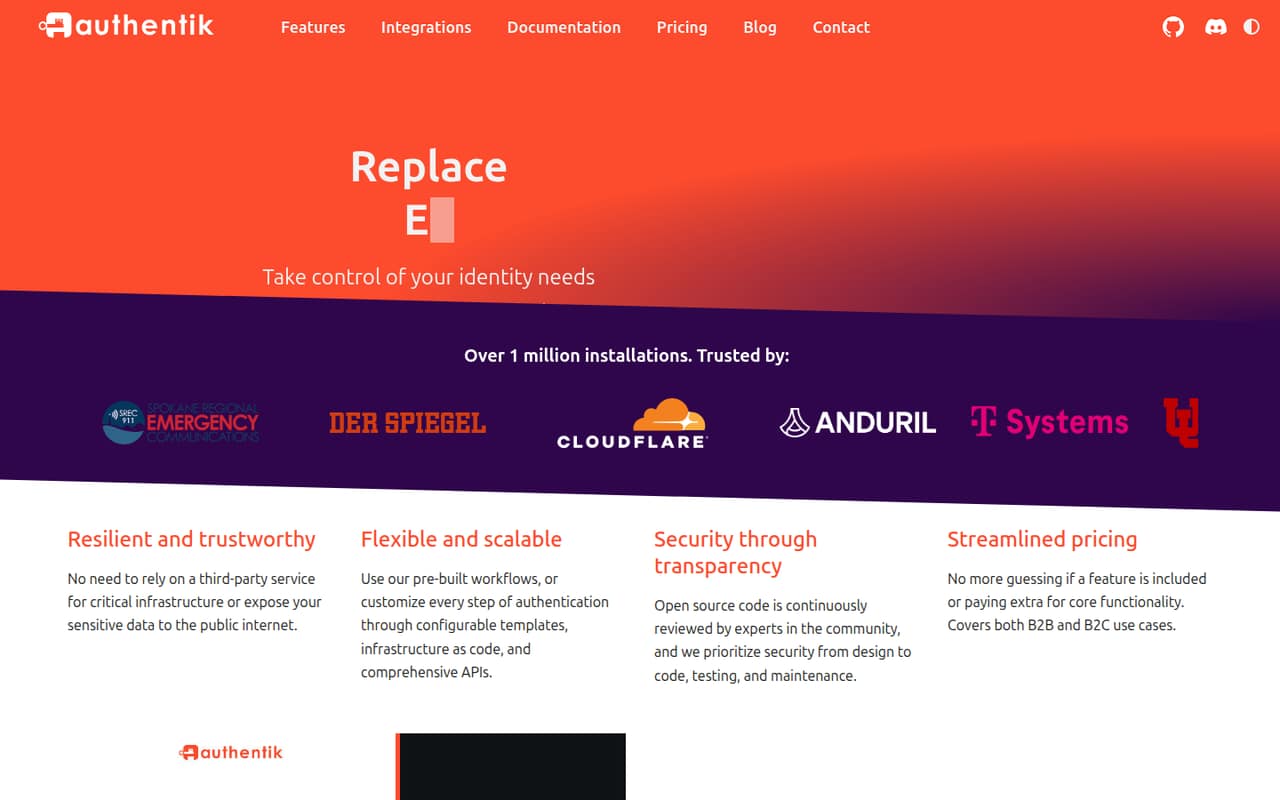
Authentik offers free SSO and access control, which is appealing when every subscription needs a reason to stay. The tradeoff is setup: the listing describes it as a self-hosted tool, so your team needs the skills and time to run it. Its listed starting price is $0.02, but confirm what that price applies to; the free plan is the more useful starting point.
What works
- Open Source plan costs nothing
- Supports OIDC, SAML, LDAP, and SCIM
- Also supports RADIUS and Kerberos
What doesn't
- You must run and maintain it yourself
- Reddit users describe a learning curve
- Free plan has no paid support
- Best for self-hostingKeycloakKeycloak
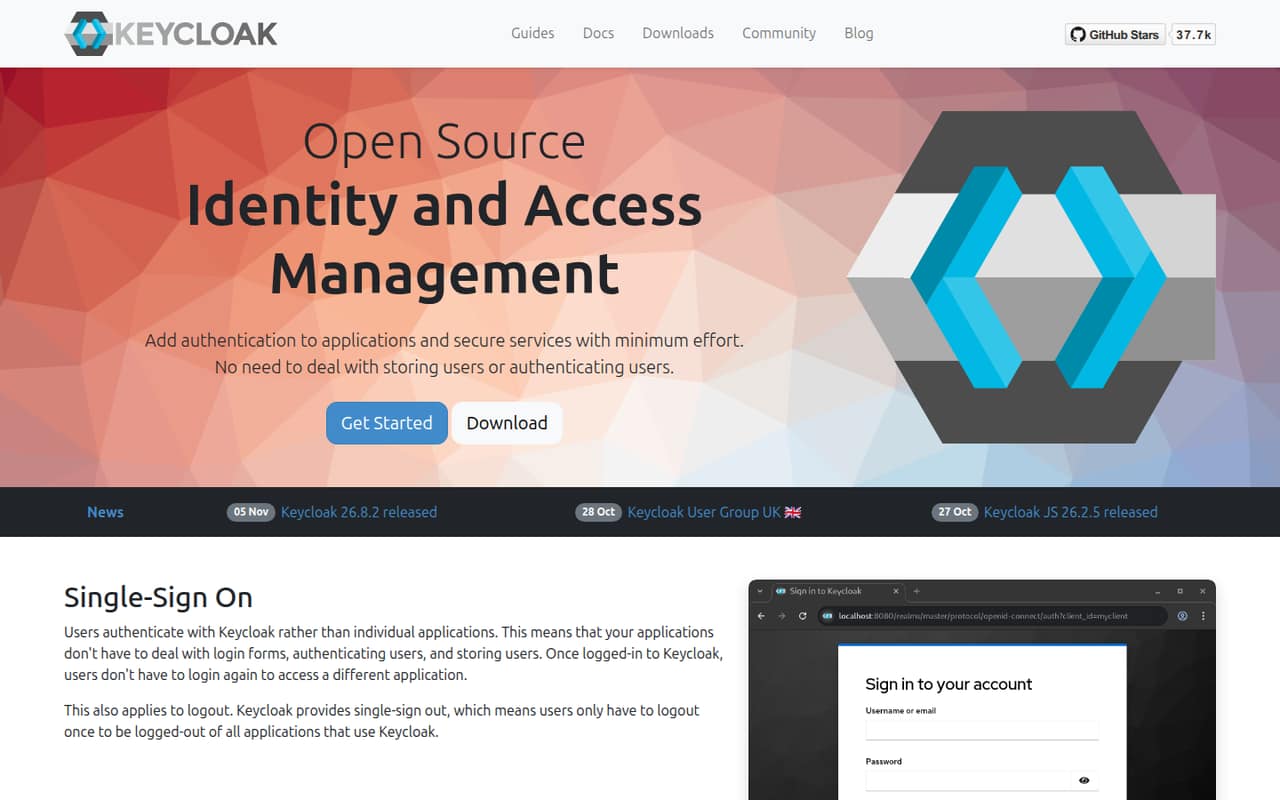
Keycloak has no license cost and supports centralized sign-in, so it can suit a small team trying to avoid per-user fees. That does not make it cost-free to operate: your team takes on self-hosting and setup work. Choose it if someone can own that responsibility, not just because the software itself is free.
What works
- Free to download and use under Apache License 2.0
- No user or seat limits published
- Supports single sign-on across applications
What doesn't
- Your team is responsible for self-hosting
- Hosting and infrastructure costs are separate
- No paid plans or support terms published
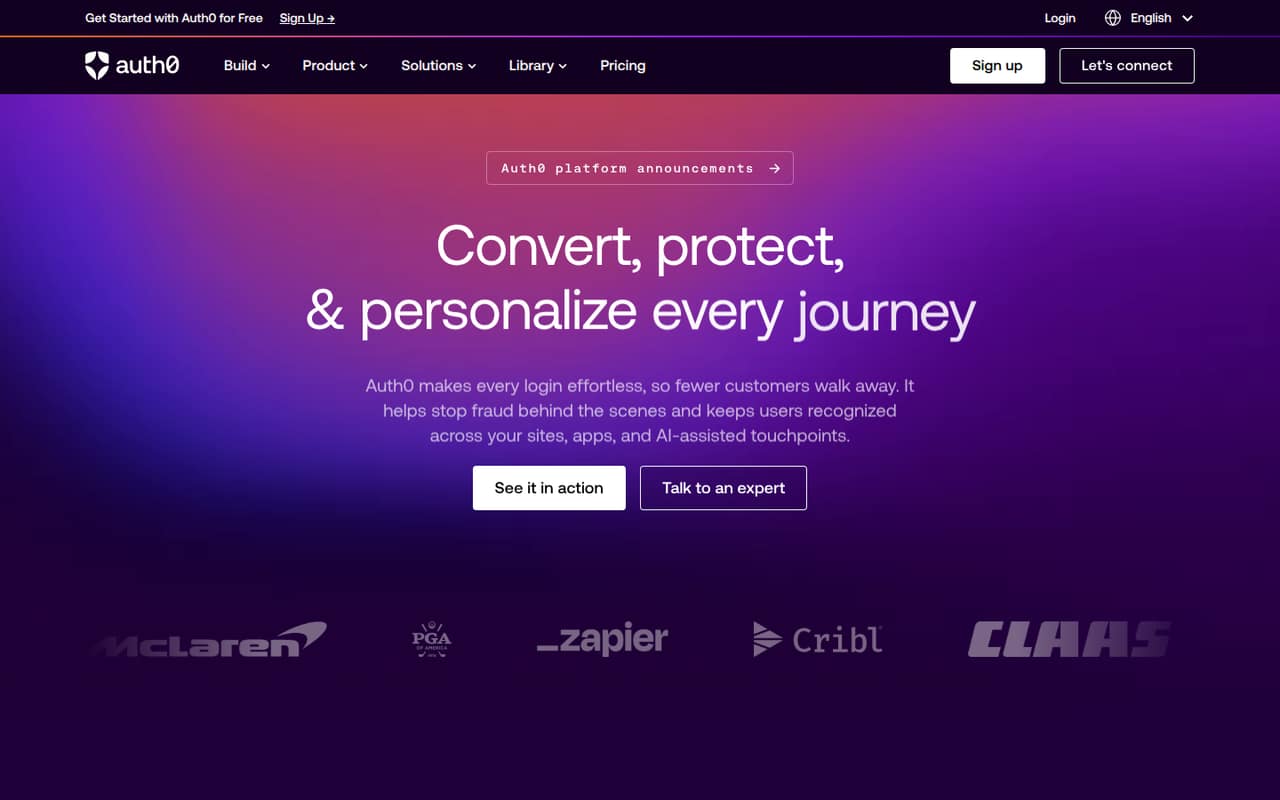
- Best for customer appsAuth0Auth0
Auth0 is aimed at teams building customer-facing apps, including those that need several login methods or sell to enterprise customers. It has a free plan, and the pricing page lists a $35 starting price. Before you build around it, check what the free plan covers and how usage or added features affect the bill as your app grows.
What works
- Free plan includes up to 25,000 monthly active users
- Supports passwordless and social logins
- Offers enterprise connections, SSO, and SCIM
What doesn't
- Paid plans list a 500-user monthly active user limit
- Prices for security add-ons are not published
- Annual plan rates are not published
- Best for workforce SSOOneLoginOneLogin
OneLogin focuses on workforce sign-in, with SSO and MFA among its stated uses. The pricing page lists a $3 starting price, but there’s no free plan, and seats add up. It may suit a small team that wants a dedicated login tool without moving straight to a broader identity program. Confirm the billing unit and required plan before comparing its price with other vendors.
What works
- Basic starts at $3 per user monthly
- Supports SAML 2.0, OIDC, and WS-Federation
- Includes push, TOTP, SMS, and WebAuthn MFA
What doesn't
- No free plan or published free trial
- Basic limits lifecycle management to five apps
- Basic includes only five security policies

- Best for app integrationsOktaOkta
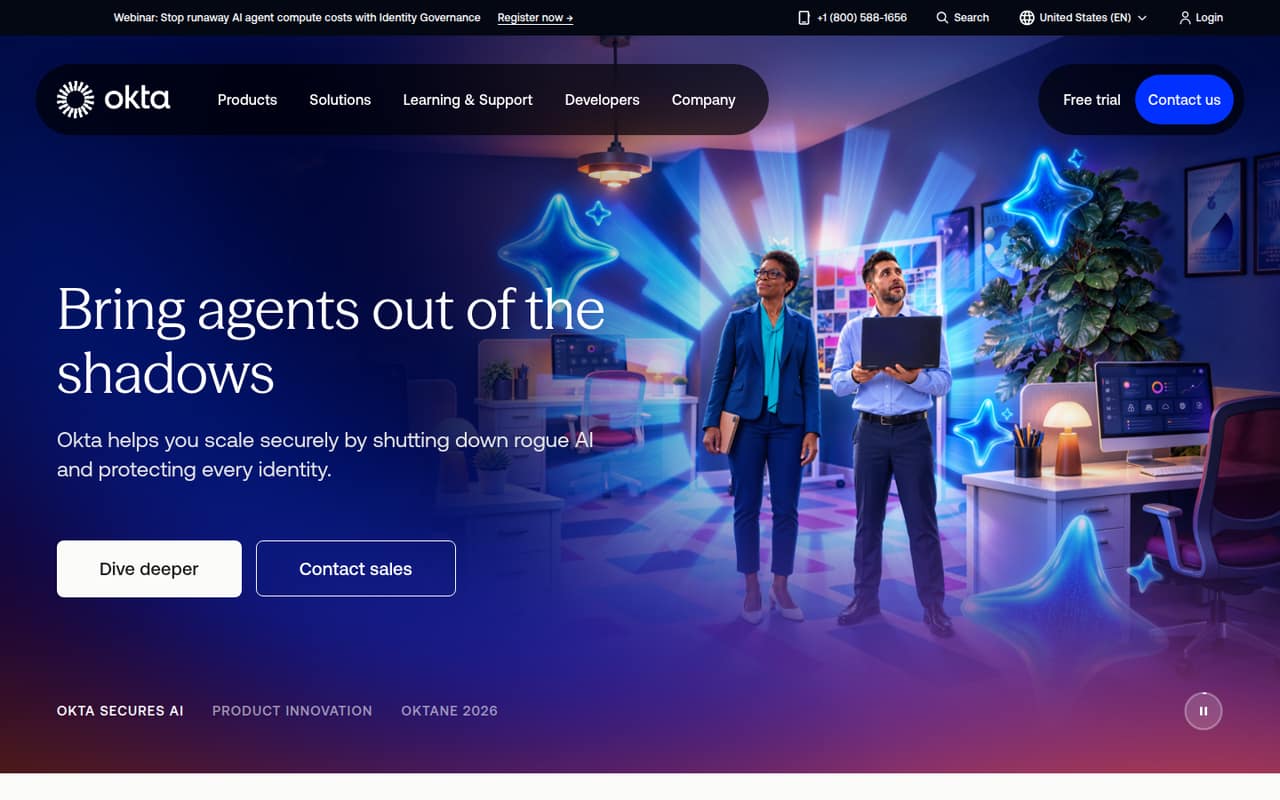
Okta is a candidate for small teams that rely on many app integrations or expect their identity needs to grow. The pricing page lists a $6 starting price and annual billing, with no free plan. That makes it harder to test on a tight budget than Duo or the self-hosted options. Ask what the listed entry price includes and what a small seat count commits you to.
What works
- Starter includes SSO and MFA
- Universal Directory is included in Starter
- Five Workflows are included in Starter
What doesn't
- No free plan is listed
- Workforce prices are billed annually
- Monthly workforce rates are not listed
- Best for mixed devicesJumpCloudJumpCloud
JumpCloud is positioned for teams that want to bring identity and device controls together, particularly across mixed devices. Its listed starting price is $9, but check how seats and add-ons change the bill before deciding. It could be a better fit than a standalone login tool if your team also needs device controls; for basic sign-in alone, compare the simpler options first.
What works
- Combines device and identity management
- Offers a 30-day trial
- Device Management starts at $9 per user annually billed
What doesn't
- No free plan is listed
- Per-user costs rise as the team grows
- Broader platform plan prices require a sales inquiry

- Best for cloud accessAponoApono
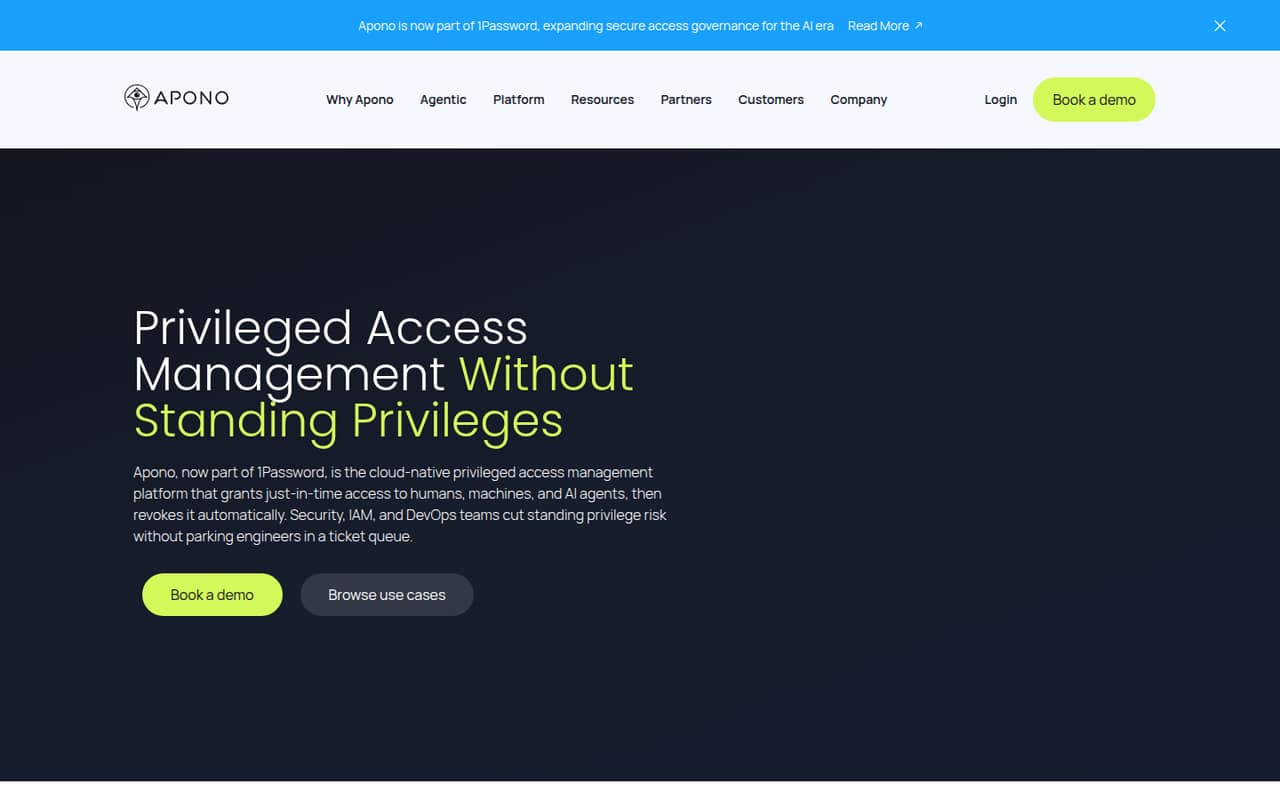
Apono is a narrower pick for small cloud infrastructure teams that want to limit standing privileges. Its free tier is described as suitable for up to five users evaluating privileged access management. Broader controls list at $49 per user monthly, so confirm what the free tier includes and whether the paid plan fits your budget before bringing in the rest of the team.
What works
- Starter is free for up to five users
- Starter includes up to 50 distinct resources
- Just-in-time access is automatically revoked
What doesn't
- Starter is limited to five Access Flows
- Starter covers only one cloud service
- Standard costs $49 per user monthly
03How we chose
We prioritized tools that make sense for a team of 1–10, not platforms whose main appeal is complex enterprise governance. We weighed whether a free plan is available, what the pricing page lists for entry-level plans, how those costs might change with a few seats, and the setup burden described for the tool. We also considered the stated use cases and any published limits. Documentation and Reddit sentiment can help flag questions to investigate, but we don’t treat either as a substitute for confirming plan terms and setup requirements with the vendor.
04Start with the access problem you need to solve
IAM can mean different things for a small team. If you mainly want employees to sign in more safely, start with MFA or workforce SSO. Duo offers free MFA for up to 10 people, while OneLogin and Okta are paid workforce options. If you’re building a customer-facing app, Auth0 is the more relevant fit. For cloud infrastructure access, Apono focuses on limiting standing privileges.
Write down the systems that need protection, who needs access, and what should happen when someone leaves. Then compare plans against that list. Don’t pay for identity reviews, device controls, or governance features just because a vendor offers them. If the free plan meets your actual need, use it as a starting point and revisit the decision when your app count, access rules, or team size changes.
05Price the seats and the work around them
A starting price isn’t the same as a small-team quote. Duo lists SSO at $3 per user monthly, which works out to $30 a month for 10 users. Okta lists $6 and annual billing; OneLogin lists $3, but confirm the billing unit, included features, and any minimums before comparing either with Duo. Apono lists broader controls at $49 per user monthly, so check whether its free tier covers your evaluation.
Also count the setup and ongoing ownership. Authentik and Keycloak avoid license fees, but require self-hosting and setup work. With any vendor, ask who connects your existing systems, what support is included, and what changes when you add users or features. A tool is only a budget fit if your team can afford both the bill and the work to keep access current.
Questions people ask
Does a team of 1–10 need IAM software?
Not necessarily a full identity platform. A small team may only need MFA or SSO for its main business apps. Start with the access problem you need to solve, then consider broader controls if you need to manage devices, cloud privileges, or more complex access rules.
Which IAM tool has a free plan for a small team?
Duo offers free MFA for teams of up to 10. Authentik has free SSO and access control, but it requires self-hosting. Keycloak has no license cost and supports centralized sign-in, with self-hosting work to account for.
What is the cheapest paid IAM option here?
OneLogin lists a $3 starting price, and Duo lists SSO at $3 per user monthly. Confirm the billing unit and plan details with each vendor before treating those as comparable quotes. Duo’s listed per-user price means 10 users would cost $30 a month for SSO.
When should a small team move beyond a free plan?
Consider a paid plan when the free tier no longer covers the access controls or users you need, or when self-hosting takes more time than your team can spare. Check the next plan’s seat pricing, limits, and minimum commitment before migrating.