
We may earn a commission if you buy through links on this page. It never changes a score or a ranking. How we make money
The bottom line
Strong ERP-focused reporting and planning; no free entry point or published seat prices.
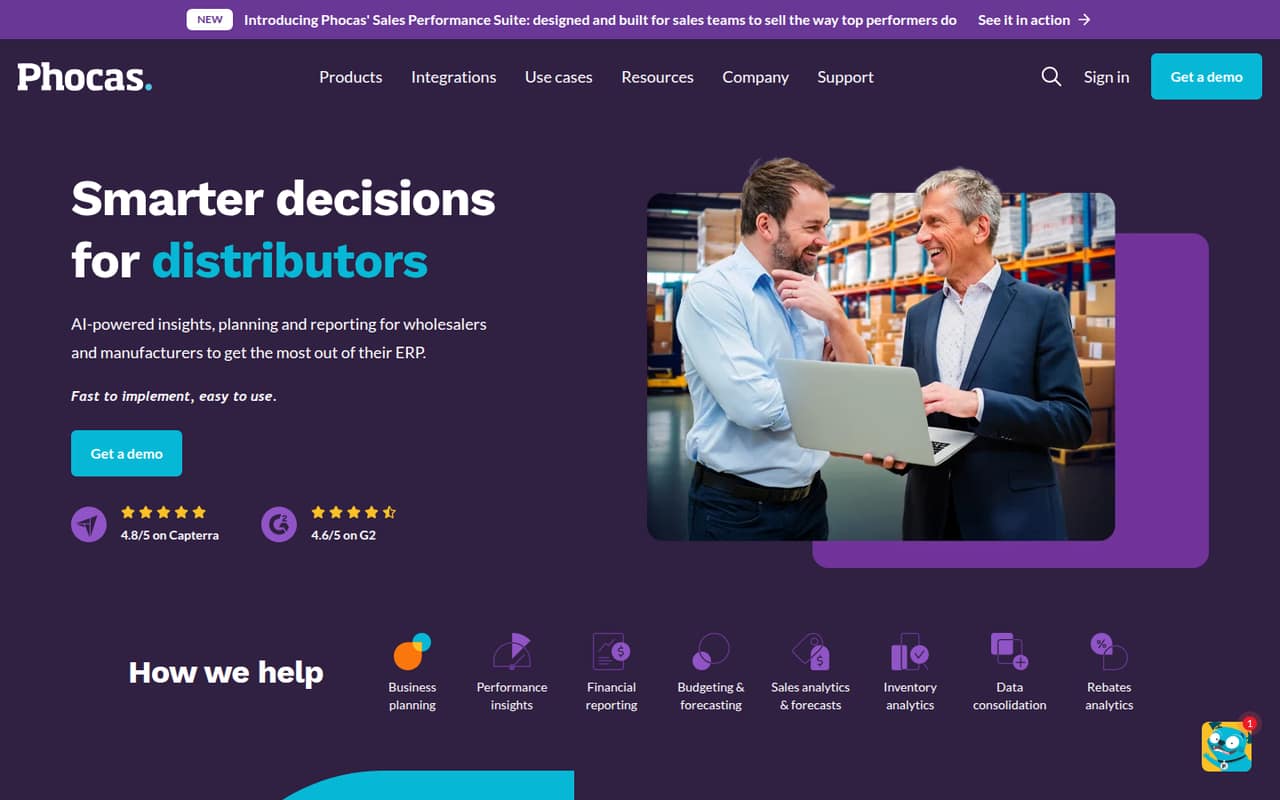
Phocas brings sales, inventory, finance, budgeting, forecasting, and rebate analysis together around ERP data. It is aimed at wholesalers, manufacturers, and distributors that need more than basic dashboards.
For a small team, the biggest drawback is the buying process: pricing is quote-based, and the vendor does not publish a starting price or seat costs. There is no free plan, so ask for a tailored quote before deciding whether its depth fits your budget.
Good fit if
- Wholesalers analyzing ERP data
- Manufacturers planning budgets and inventory
- Distributors needing sales and finance reporting
Skip it if
- Teams needing a free BI tool
- Buyers requiring published seat prices
- Small firms with simple reporting needs
ScoresHow it rates
What works
- Combines sales, inventory, and financial analysis
- Supports budgeting, forecasting, and demand planning
- Offers full-user and viewer licensing
- Includes unlimited custom dashboards
- Designed for wholesaler and manufacturer data
What doesn't
- No free plan
- No published starting price
- Seat costs and overages are unpublished
- Implementation has a one-off fee
- Pricing depends on data refresh frequency
01Who Phocas is for
Phocas is built for wholesalers, manufacturers, and distributors that need to turn ERP data into reporting and plans. It brings together analysis of sales, inventory, and financial performance, alongside budgeting, forecasting, and rebates. A team can use it to review results at a high level or examine details such as products, regions, and sales teams.
For a small company, the fit depends less on headcount than on whether several people need shared reporting and planning from business data. The pricing page lists full-user and viewer licenses, but does not publish seat prices or a minimum team size. That makes it hard to tell whether a one-person finance function or a five-person team can justify the cost without a quote. We’d put Phocas on the shortlist when ERP-based analysis is a real need, not just a nice-to-have dashboard.
02Phocas free plan and trial
Phocas does not offer a free plan. The vendor also does not publish a free-trial offer, so a small team should ask directly whether it can arrange an evaluation before requesting a quote.
The cheapest way in is a custom quote: the pricing page lists no self-serve or fixed-price tier. Quotes depend on the licensing mix—full users or viewers—and data refresh frequency. The vendor also lists implementation as a one-off fee, with the amount not published. Before committing, ask what an initial setup would cost, whether the quote includes implementation, and which users need full access. Without those figures, there is no free route to test whether the reporting and planning tools justify the spend.
03What a small team pays for Phocas
Phocas does not publish a starting price, a per-seat rate, or monthly and annual billing terms. The pricing page lists a custom quote based on individual needs, licensing (full users or viewers), and data refresh frequency. So we can’t calculate a reliable cost for one person, three people, or five people—or compare monthly with annual billing—without making up numbers.
The quote includes unlimited custom dashboards, but that does not mean the overall service is unlimited or free. Ask the vendor for separate totals for one, three, and five seats, including the split between full-user and viewer licenses. Also ask how refresh frequency changes the quote and whether any seat overages apply; seat costs and overages are not published.
Implementation is billed as a one-off fee, but its price is not published. Phocas also offers modular products including Analytics, Financial Statements, Budgets & Forecasts, Rebates, and CRM; individual module prices are not published. Request an itemized quote so you can see which modules and setup costs your team actually needs.
04Getting started with Phocas
Phocas says its platform connects ERP data for analysis and planning. That connection is central to its use: sales, inventory, finance, and forecasts are more useful when the underlying business data is available and current. The vendor also says data refresh frequency affects licensing costs.
The vendor does not publish setup time, a step-by-step onboarding process, or a list of supported ERP integrations in the pricing information. We can’t tell from that information how much configuration a small team will need or whether its specific system connects directly. Ask Phocas to confirm your ERP, data-refresh options, implementation scope, and who handles the initial connection. Implementation is a one-off charge, though the fee is not published. For day-one planning, get those details in writing alongside the quote; otherwise setup effort and total first-year cost are difficult to estimate.
05When small teams outgrow Phocas
Phocas is designed for business-wide analysis and planning, so a small team may find it more than it needs if it only wants a few basic reports. There is no free plan to keep costs low while requirements are light, and the vendor does not publish a starting price or per-seat rates. As more people need access, ask how the balance of full-user and viewer licenses affects the quote.
A growing team should also check costs before expanding dashboards, refresh frequency, or modules. The pricing page lists refresh frequency as a licensing factor, and prices for modules, seats, and overages are not published. That makes expansion hard to budget without a revised quote. Phocas may still fit if ERP-connected reporting, budgeting, and forecasting are important, but teams that need predictable seat-by-seat pricing should compare alternatives before committing. Ask the vendor to price likely team growth and added modules up front.
Questions people ask
Does Phocas have a free plan?
No. The pricing information lists no free plan. It also does not publish a free-trial offer, so ask the vendor whether an evaluation is available before requesting a quote. The standard way to buy is through custom pricing based on licensing and data refresh frequency.
How much does Phocas cost for a small team?
Phocas pricing is custom, and the vendor does not publish a starting price, seat rates, or monthly and annual terms. Ask for itemized quotes for your actual number of full users and viewers, along with implementation and any modules you need.
What does Phocas do?
Phocas is business intelligence software for wholesalers, manufacturers, and distributors. It connects ERP data for analysis and planning, including sales and inventory analytics, financial reporting, budgeting, forecasting, and rebates.
Does Phocas include implementation?
The pricing information says implementation is billed as a one-off fee, but the fee is not published. Ask what the implementation covers, whether it includes connecting your ERP data, and whether any additional services are required.
Which teams is Phocas designed for?
Phocas is aimed at wholesalers, manufacturers, and distributors. Its platform covers analysis and planning across sales, inventory, finance, budgets, forecasts, and rebates. A small team should confirm its ERP connection and get a quote before deciding whether the broader toolkit fits its needs.