
We may earn a commission if you buy through links on this page. It never changes a score or a ranking. How we make money
The bottom line
Strong project-planning features; unclear seat costs make the budget case difficult.
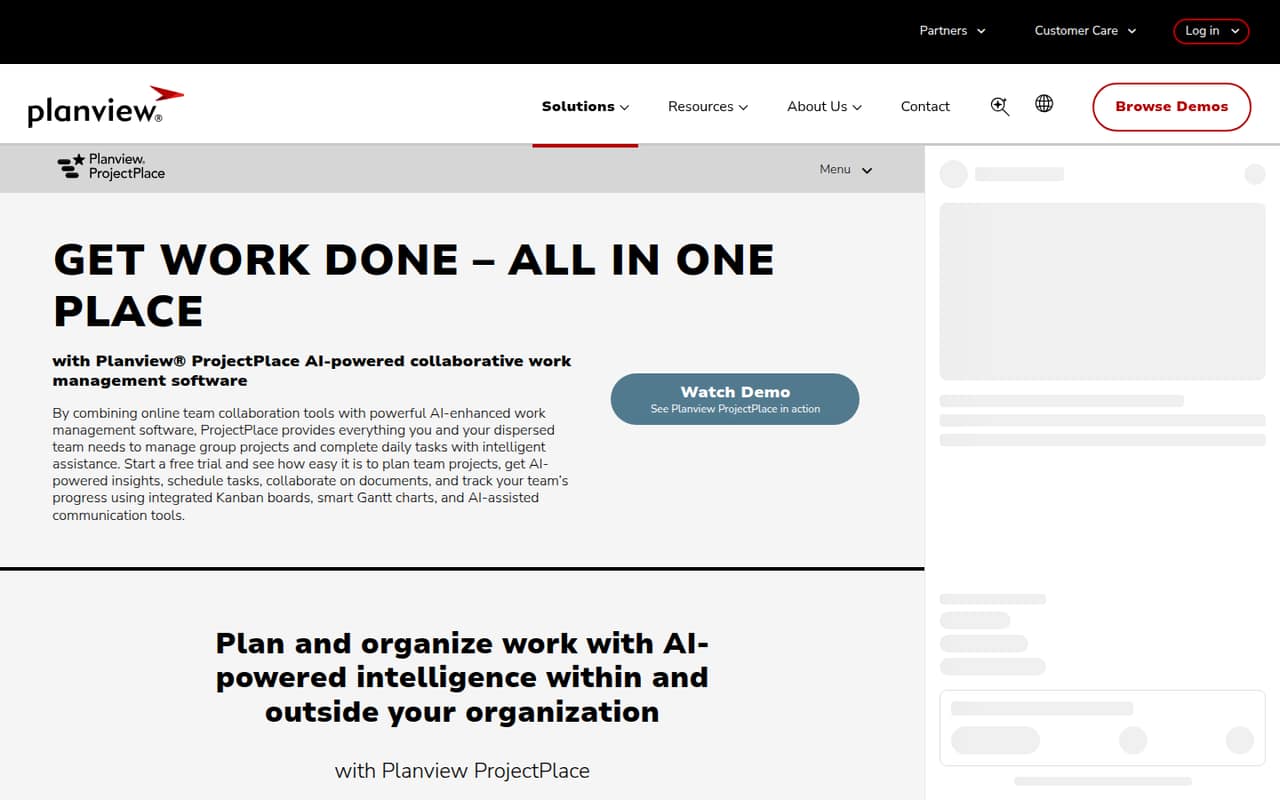
Planview ProjectPlace brings AI-assisted planning, Gantt charts, Kanban boards, document collaboration, workload views, and reporting into one project work tool. It may suit teams coordinating several projects and needing both timelines and visual task boards.
There’s no free plan, and the listed 30-day trial is the only published way to try it before paying. The pricing page lists per-user billing but no monthly or annual dollar amount, so a small team can’t calculate its actual cost without asking Planview.
Good fit if
- Teams coordinating several projects
- Project leads who need Gantt and Kanban
- Teams tracking workload and deadlines
Skip it if
- Teams that need a free plan
- Budget-conscious buyers needing clear seat costs
- Teams seeking a published setup estimate
ScoresHow it rates
What works
- AI assistance for planning and alignment
- Unlimited projects on the listed plan
- Unlimited Kanban boards and Gantt charts
- Document history, version control, and access rights
- Workload views and project reporting
What doesn't
- No free plan
- Monthly and annual prices aren't published
- Small-team seat totals can't be calculated
- Setup effort isn't published
- Day-one integrations aren't published
01Who Planview ProjectPlace is for
Planview ProjectPlace is for teams that need to plan projects, coordinate tasks, and keep an eye on progress in one place. The listed features combine Gantt charts for milestones and deadlines with Kanban boards for tracking work. It also includes AI-assisted planning, document collaboration, workload views, and project reporting.
For a small team of 1–10 people, the key question is whether those project controls are useful enough to justify a paid, per-user tool. A team with multiple projects, shared documents, and deadlines to coordinate may find the combination appealing. A team that mainly needs a simple task list may not need the Gantt, workload, and reporting features. The listed plan includes unlimited projects, boards, Gantt charts, and roadmaps, but Planview doesn't publish a dollar price. We’d ask for a quote for the exact number of seats before deciding whether it fits a tight budget.
02Planview ProjectPlace free plan and trial
Planview ProjectPlace has no free plan, according to the published pricing information. The listed option is a 30-day free trial, which gives a small team a limited window to assess whether its project-planning features fit the work. The source does not specify trial seat limits or whether every feature is available during the trial, so ask Planview to confirm those details before signing up.
After the trial, the listed plan is billed per user per month, but Planview doesn't publish its monthly or annual price. That makes it hard to plan a paid evaluation or compare the cost with tools that show rates publicly. Before starting, confirm the trial terms, the post-trial price for your team size, and whether billing is monthly or annual. There is no published free tier to fall back on.
03What a small team pays for Planview ProjectPlace
The pricing page lists one plan, ProjectPlace, billed per user per month. It includes unlimited projects, Kanban boards, Gantt charts, and roadmaps. The page does not publish a monthly or annual dollar rate, so we can't give a verified total for one person, three seats, or five seats. The per-seat math is straightforward once Planview supplies a rate: one seat costs one rate, three seats cost three rates, and five seats cost five rates. But the actual monthly and annual totals are unknown until then.
No add-ons are listed in the pricing details. That doesn't confirm whether extra services or options are available, so ask about them when requesting a quote. For a small team watching subscriptions, get the price for your actual seat count and billing term, and confirm whether the 30-day trial rolls into a paid plan. Without a published rate, it’s difficult to compare ProjectPlace’s cost with other project tools or forecast what adding seats will do to the bill.
04Getting started with Planview ProjectPlace
The feature list points to several parts of a team’s workflow to organize: projects, tasks, timelines, documents, workloads, and reports. A team may need to decide how it wants to use Gantt charts alongside Kanban boards and which project information to track. The published description doesn’t give a setup-time estimate or a step-by-step onboarding path, so we can’t say whether a small team can configure it in an afternoon or needs a longer rollout.
Planview also doesn’t publish a day-one integration list in the available product details. If your team depends on specific apps or needs to move existing project data, ask Planview whether those connections and migration steps are supported before committing. The 30-day trial offers a period to evaluate the product, but confirm its seat limits and feature access first. For a 1–10 person team, a short checklist of required workflows and integrations can help keep that evaluation focused.
05When small teams outgrow Planview ProjectPlace
The listed plan has no stated cap on projects, Kanban boards, Gantt charts, or roadmaps, so the published details don't identify a project-volume ceiling that would force a growing team to move up. The more immediate concern is cost: billing is per user, and the monthly and annual rates aren't published. As your team adds seats, ask Planview for updated totals before assuming the tool still fits the budget.
A team may also need to reconsider its choice if it depends on a free tier, wants to compare transparent seat prices, or needs setup and integration details before rollout. The published feature set covers planning, task boards, documents, workloads, and reporting, but it doesn’t establish whether ProjectPlace will meet every team’s specific workflow needs. Before expanding, confirm the price at the new seat count and check that the features and integrations your team relies on are available.
Questions people ask
Does Planview ProjectPlace have a free plan?
No free plan is listed for Planview ProjectPlace. The pricing information lists a 30-day free trial instead. It does not specify the trial’s seat limits or whether all features are included, so confirm those terms with Planview before using the trial to evaluate the product.
How much does Planview ProjectPlace cost?
Planview lists ProjectPlace as a per-user-per-month plan, but it does not publish a monthly or annual dollar price. That means exact costs for one, three, or five people can't be calculated from the published rate. Ask Planview for a quote based on your seat count and billing term.
What does Planview ProjectPlace do?
Planview ProjectPlace is collaborative work management software for planning projects, coordinating team tasks, and tracking progress. Its listed features include AI-assisted planning, Gantt charts, Kanban boards, document collaboration, workload views, and project reporting.
What is included in the ProjectPlace plan?
The listed ProjectPlace plan includes unlimited projects, unlimited Kanban boards, unlimited Gantt charts, and unlimited roadmaps. The plan is billed per user per month, but the price is not published. Check with Planview about any additional options or services before buying.
How long is the Planview ProjectPlace trial?
The pricing information lists a 30-day free trial. It does not state the trial’s seat limits or confirm whether every plan feature is available during the trial. Ask Planview to clarify trial access and what happens at the end of the 30 days before you begin.