
We may earn a commission if you buy through links on this page. It never changes a score or a ranking. How we make money
The bottom line
Salesmate can organize a small team’s outreach, but it starts at $23 per seat monthly.
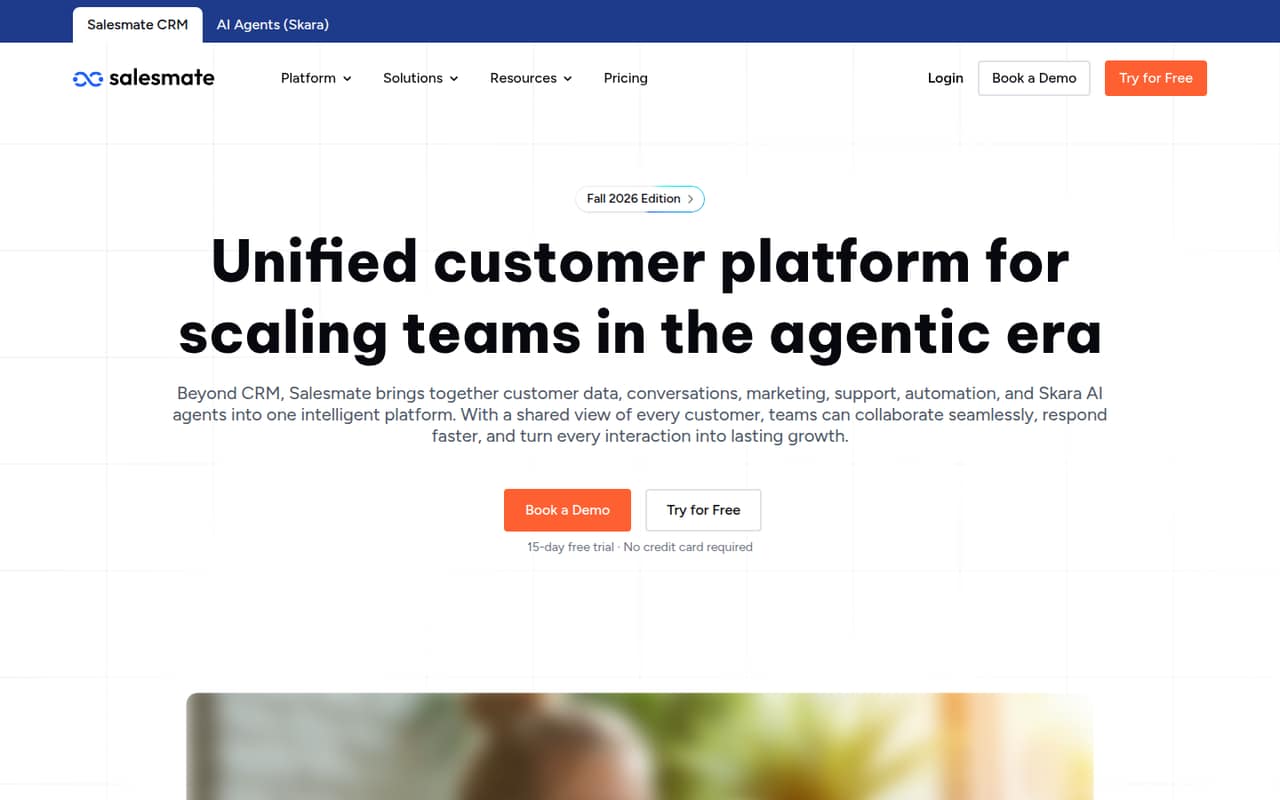
Salesmate brings contacts, deals, conversations, marketing, support, and automation into one customer platform. That’s useful if a small team is losing track of follow-ups or managing customer work across separate tools. The trade-off: the cheapest plan is $23 per user per month, and there’s no free plan.
Basic covers contact, company, and deal management. Teams that need sequences or ticket management have to look at Pro, listed at $39 per user per month. We’d check credit allowances and add-on prices against your real workflow before choosing a plan.
Good fit if
- Small teams managing outreach
- Teams that need deal pipelines
- Businesses combining sales and support
Skip it if
- Teams that need a free CRM
- Buyers wanting fully published add-on prices
- Teams needing advanced features on Basic
ScoresHow it rates
What works
- Contacts, companies, and deals in one platform
- Marketing automation and customer support features
- Workflow automation and AI assistance
- Pro includes sequences and ticket management
- 15-day free trial
What doesn't
- No free plan
- Basic starts at $23 per user monthly
- Some credit add-on prices aren’t published
- Annual rates aren’t clearly identified
- Reddit feedback includes concern about add-ons
01Who Salesmate is for
Salesmate suits small teams that need a shared place to manage outreach, customer conversations, and sales follow-ups. A team of one to five can use it to track contacts, companies, deals, pipelines, and activities instead of keeping those details scattered across separate tools. It also includes marketing automation, customer support, workflow automation, reporting, and AI assistance.
The practical starting point is a team that has outgrown a spreadsheet or keeps contacting the same person twice. One Reddit post describes that exact problem at a small content business; a commenter recommends checking duplicates and making follow-up tasks easy to create. Salesmate’s Basic plan is listed at $23 per user per month, so a three-person team starts at $69 at that rate. It’s a better fit when the team will use the shared CRM regularly, not just store a few contacts.
02Salesmate free plan and trial
Salesmate does not offer a free plan. The pricing page lists a 15-day free trial, but it does not specify the trial’s feature limits or whether a payment method is required. Ask Salesmate to confirm those details before signing up if they affect your decision.
After the trial, the cheapest listed plan is Basic at $23 per user per month. It includes contact and company management, deal pipeline management, 5,000 Smart Flow credits per user per month, and 1,000 AI Agent credits per account per month. A solo buyer pays the listed $23 rate; for a team, the seat cost multiplies. If you only need a free place to keep contacts, Salesmate isn’t a no-cost option.
03What a small team pays for Salesmate
The pricing page lists Basic at $23 per user per month. That works out to $69 for three people or $115 for five, using the listed rate. Pro is $39 per user per month: $117 for three seats or $195 for five. Business is $63 per user per month: $189 for three or $315 for five. These are monthly-rate calculations, not annual totals.
Salesmate advertises monthly and annual billing and savings of up to 20%, but its pricing text doesn’t identify which billing option the listed rates use. Exact annual prices aren’t published there, so confirm the amount before checkout. Basic includes 5,000 Smart Flow credits per user and 1,000 AI Agent credits per account monthly. Pro raises those allowances and adds sequences and ticket management. Extra Smart Flow and AI Agent credit prices aren’t published. Calling and texting numbers start at $1.10 per month, with credits available to top up. Enterprise onboarding starts at $1,999.
04Getting started with Salesmate
A sensible first setup is to add contacts and companies, create a deal pipeline, and decide how the team will record activities and follow-ups. Salesmate lists those CRM basics on Basic, while marketing journeys, support tickets, and automated workflows can add more configuration. The vendor doesn’t publish a setup-time estimate, so we wouldn’t budget a specific number of hours without asking about your data and workflow.
For a small team, agree on pipeline stages and who owns each follow-up before inviting everyone in. A Reddit commenter says Salesmate looks strong on Zapier and recommends checking whether a CRM can connect to other tools and mirror contact data. Treat that as a user’s view, not a guarantee for your exact apps: confirm the integrations you need and any setup requirements with Salesmate before moving data.
05When small teams outgrow Salesmate
The first reason to move up is needing a feature that isn’t listed on Basic. Pro adds sequences and ticket management, while Business adds custom modules and a power dialer. A team may also need a higher credit allowance as it automates more work: the listed Smart Flow and AI Agent credits vary by plan, and extra-credit prices aren’t published. Check expected usage with Salesmate before upgrading.
Seat costs rise with headcount: at the listed monthly rates, five Basic seats are $115 and five Pro seats are $195. Reddit feedback is mixed. One commenter warns about add-ons, while another says Salesmate is good for automation and ecommerce AI agents; a separate comment dismisses the product without explaining why. If required features or credit costs make the next tier too expensive, compare the full cost of moving before your team builds more work around the CRM.
From the threadsWhat users say
The small amount of Reddit feedback is mixed: one commenter praises automation, while another flags add-ons as a concern. There’s also a blunt negative opinion without supporting detail, so the discussion gives little basis for a firm consensus.
My concern is all of the add-ons
Add-ons for any platform suck!
Salesmate is good for automation and their AI agent is good for ecommerce sellers
Yeah don’t pick either of these POS
Questions people ask
Does Salesmate have a free plan?
No. Salesmate does not list a free plan. It offers a 15-day free trial, but the pricing page doesn’t spell out the trial’s feature limits or payment requirements. After the trial, the cheapest listed option is Basic at $23 per user per month.
How much does Salesmate cost for a small team?
At the listed monthly rates, Basic costs $69 for three seats or $115 for five. Pro costs $117 for three or $195 for five. The pricing page advertises annual billing savings of up to 20%, but doesn’t identify which billing option the listed rates use.
Which Salesmate plan includes sequences and tickets?
Pro includes both sequences and ticket management. It is listed at $39 per user per month, compared with Basic at $23. If your team only needs contact, company, and deal management, Basic may cover the listed requirements; check the full plan details for your workflow.
Does Salesmate charge extra for credits or calling?
Local and toll-free calling numbers start at $1.10 per month, and calling credits can be topped up. Salesmate doesn’t publish prices for extra Smart Flow credits or AI Agent credits. Ask for the cost based on your expected usage before signing up.
Can I pay annually for Salesmate?
Salesmate offers monthly and annual billing and advertises savings of up to 20%. The pricing text doesn’t clarify which billing option the listed per-user rates correspond to, and exact annual prices aren’t published there. Confirm the total with Salesmate before purchase.