
We may earn a commission if you buy through links on this page. It never changes a score or a ranking. How we make money
The bottom line
Useful production tools in one place, with a free plan that’s too limited for a full team.
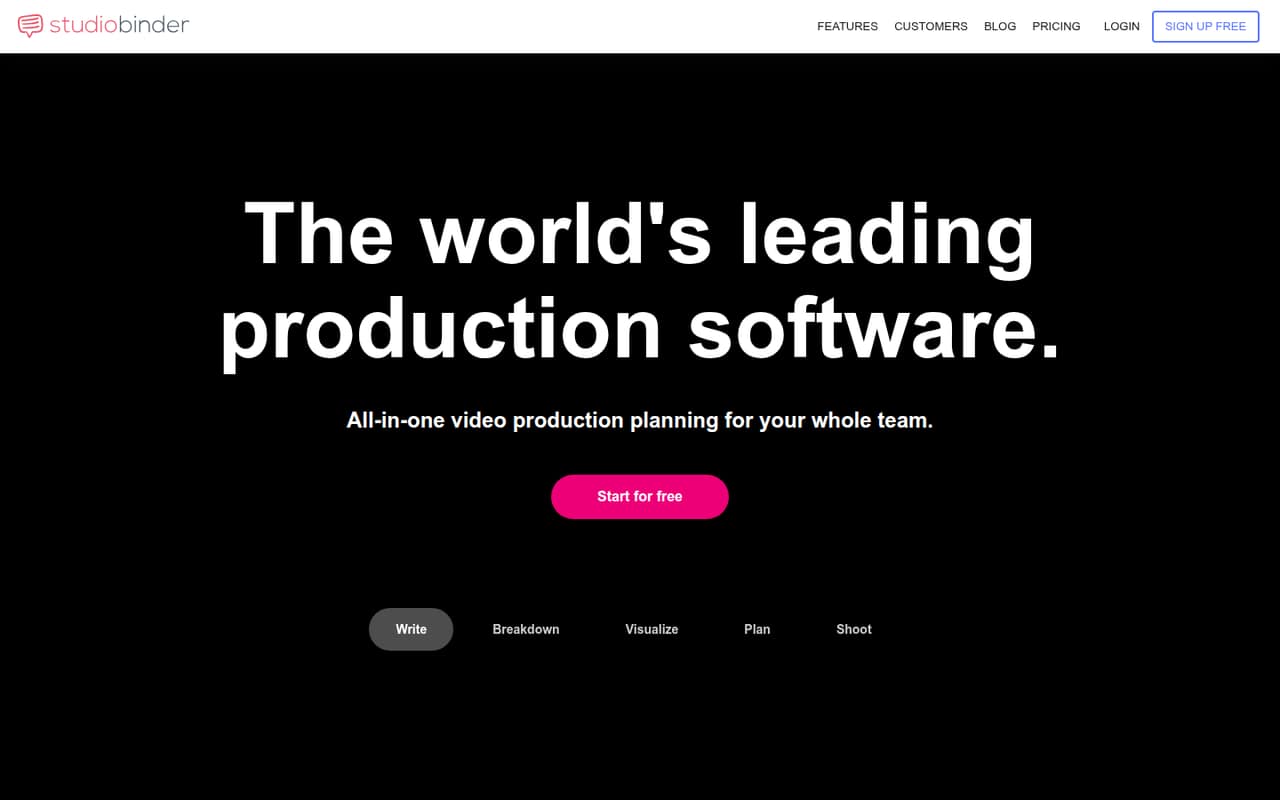
StudioBinder combines screenwriting, script breakdowns, scheduling, visual planning, contacts, tasks, shared media, and call sheets. The free plan is useful for trying the workflow, but its one-user, one-project limits make paid plans the practical choice for most active productions.
A three-person team can start at $67 per month on annual billing, or $74 month to month, using Indie plus one seat. Reddit users report clunky workflows and call sheet or export frustrations, so teams should check that the format fits their production before committing.
Good fit if
- Indie crews planning shoots
- Teams wanting scripts and schedules together
- Solo creators with several projects
Skip it if
- Teams needing free multi-user planning
- Crews set on familiar scheduling workflows
- Teams needing published integration details
ScoresHow it rates
What works
- Screenwriting, breakdowns, schedules, and call sheets in one tool
- Free plan includes one user and one project
- External viewers and commenters do not use paid seats
- Starter includes 10 projects and 50 GB storage
- Annual billing lowers the monthly equivalent by about 15%
What doesn't
- Free call sheets are sample-only
- Free plan allows only one project
- Indie starts with just two paid users
- Additional team members cost $25 per month each
- Reddit users report clunky workflows and export frustrations
01Who StudioBinder is for
A small production team may need StudioBinder if scripts, scene breakdowns, schedules, and call sheets are currently spread across separate tools. It brings those planning jobs together, with additional tools for shot lists, storyboards, calendars, contacts, tasks, and shared media.
For a solo creator, Starter is the first paid plan with room for multiple projects: it lists one user, 10 projects, and 50 GB of storage. A team of two can look at Indie, which lists call sheet tracking and SMS or email delivery. Three to five people will need to budget for extra seats or a higher plan; the cheapest fit depends on the number of users and the features needed.
StudioBinder is worth considering when a production team wants one shared planning workspace. It may be a poor fit if the crew relies on a specific scheduling format or needs a workflow that feels familiar immediately. Reddit users describe clunky or inflexible experiences, so the team should check the workflow before moving a live production into it.
02StudioBinder free plan and trial
StudioBinder’s Free plan lists one user, one project, 10 shots, 10 storyboards, and one screenplay document. Call sheets are sample-only, so the free tier is better for exploring the planning tools than running a production with a team. It does not list paid-plan call sheet delivery and tracking.
A separate free trial is not listed. If one person needs more than one project, Starter is the cheapest paid option at $25 per month with annual billing, or $29 month to month. It includes 10 projects and 50 GB of storage, but remains a one-user plan. Teams needing shared production work should compare the seat limits on Indie and higher tiers rather than assuming Starter covers multiple people.
03What a small team pays for StudioBinder
The pricing page lists Starter at $25 per month with annual billing, or $29 month to month, for one user. For three people, Indie lists two users at $42 per month annually or $49 month to month. Add one seat at $25 per month and the totals are $67 or $74 per month, respectively.
For five people, Professional lists four users at $84 per month annually or $99 month to month. Adding one seat makes that $109 per month on annual billing or $124 month to month. Agency includes 10 users for $170 or $199 per month, so it costs more but leaves room for additional seats. Annual billing lowers the monthly equivalent by about 15%.
Additional team members cost $25 per user per month on paid plans. External collaborators invited to view or comment are free and do not use paid seats. Storage, project, and SMS overage costs are not published, so ask StudioBinder about likely overages before a production depends on them.
04Getting started with StudioBinder
The core setup is organizing a production in the tool: write or add a screenplay, break down scene elements, build a shooting schedule, and prepare call sheets. Teams can also add shot lists, storyboards, contacts, calendars, tasks, and shared media. The number of steps will depend on how much of that work the team plans to move into StudioBinder.
The pricing details do not publish setup time or a list of integrations. Ask the vendor about connections to the tools your team already uses, and whether your existing documents can be moved in the format you need. That matters especially if the crew needs exports for a particular workflow.
Some Reddit users report that the interface feels clunky or is not intuitive, while another described it as useful for indie filmmaking. Plan time to check the workflow with the people who will update schedules and use call sheets, rather than assuming the whole crew will find it straightforward.
05When small teams outgrow StudioBinder
The first pressure point is the user cap. Indie includes two users, Professional includes four, and Agency includes 10; extra team members cost $25 per user per month. A five-person crew can use Professional plus one extra seat, while a larger team may find Agency simpler than adding seats one by one.
The feature limits can also prompt an upgrade. Free is limited to one project and sample-only call sheets. Starter allows 10 projects but still has one user and one screenplay document. Indie adds call sheet tracking and delivery, while Professional adds unlimited projects, 100 GB of storage, multiple stripboard schedule versions, and auto-populating call sheets.
Reddit users report clunky scheduling, call sheet readability concerns, and frustration with exporting or accessing documents after cancellation. One commenter said external sharing required payment, while the pricing page lists external viewers and commenters as free. Confirm export access, call sheet format, and cancellation terms with StudioBinder before relying on it for an active production.
From the threadsWhat users say
Reddit sentiment is sharply mixed, with some indie filmmakers praising the fit and others describing clunky workflows, call sheet issues, or export frustrations. These comments are individual reports, not a measure of every team’s experience.
It’s a great tool for indie filmmakers, and at first, I thought it was perfect for my needs
I found StudioBinder to be extremely clunky
The information, especially the pages and pages of crew contact info, is not laid out efficiently
I just paid for a sub to produce some shot-lists in a more professional manner than a Google Sheet and have discovered you have to pay more to export said data you've just paid to input.. mental
Questions people ask
What does StudioBinder’s free plan include?
The Free plan lists one user, one project, 10 shots, 10 storyboards, and one screenplay document. Call sheets are sample-only. That makes it suitable for exploring the tools, but not for a multi-person production using the paid call sheet features.
How much does StudioBinder cost for a small team?
Starter costs $25 per month with annual billing or $29 month to month for one user. A three-person team can use Indie plus one extra seat for $67 per month annually or $74 month to month. Five people can use Professional plus one seat for $109 or $124 per month.
Does StudioBinder use AI?
StudioBinder’s use of AI is not published in the pricing details. If AI features matter to your writing or planning process, ask the vendor which tools use AI, what data they process, and whether those features are included in your plan.
Do external collaborators need paid StudioBinder seats?
The pricing page lists external collaborators invited to view or comment as free, with no paid seat required. That is different from adding a team member. Confirm the permissions available to external collaborators if they need to edit production materials.
Do filmmakers use StudioBinder for call sheets?
StudioBinder includes call sheet tools, with tracking and SMS or email delivery listed on Indie. Reddit users have raised concerns about call sheet readability and format, so check that the output works for your crew before depending on it for a shoot.
Sources
- StudioBinder homepage
- StudioBinder pricing, compiled via web search from backlothub.app, studiobinder.com, scriptlix.com, storyflow.so, propshub.online, storiara.com, saasworthy.com
- Reddit: Is StudioBinder any good?
- Reddit: StudioBinder or Movie Magic Scheduling?
- Reddit: A heads-up for anyone using StudioBinder