
We may earn a commission if you buy through links on this page. It never changes a score or a ranking. How we make money
The bottom line
Strong free basics; budget $49.95/month annually for scheduling and payroll reporting.
Time Clock Wizard is worth a look if your small team mainly needs employee time tracking: its Free plan covers unlimited users. Paid Value adds reporting and support, while Pro is the listed tier for scheduling and payroll reporting.
For 1–10 users, Pro costs $49.95 per month with annual billing or $54.95 month to month. One Reddit thread reports trouble accessing the service and frustration with communication during an outage, so teams should consider how they would record time if the online clock is unavailable.
Good fit if
- Small teams tracking basic hours
- Employers needing schedules and payroll reports
- Budget-conscious teams with unlimited users
Skip it if
- Teams needing published setup guidance
- Businesses requiring documented integrations
- Teams unable to handle clock outages
ScoresHow it rates
What works
- Free plan includes unlimited users
- Paid Value plan adds reporting and support
- Pro lists scheduling and payroll reporting
- Mobile clock-ins and alerts are available
- Tracks breaks, absences, and PTO
What doesn't
- Scheduling requires the higher-priced Pro plan
- Free plan is limited to basic tracking
- Trial feature access is not published
- Setup steps and integrations are not published
- Reddit users report a service outage
01Who Time Clock Wizard is for
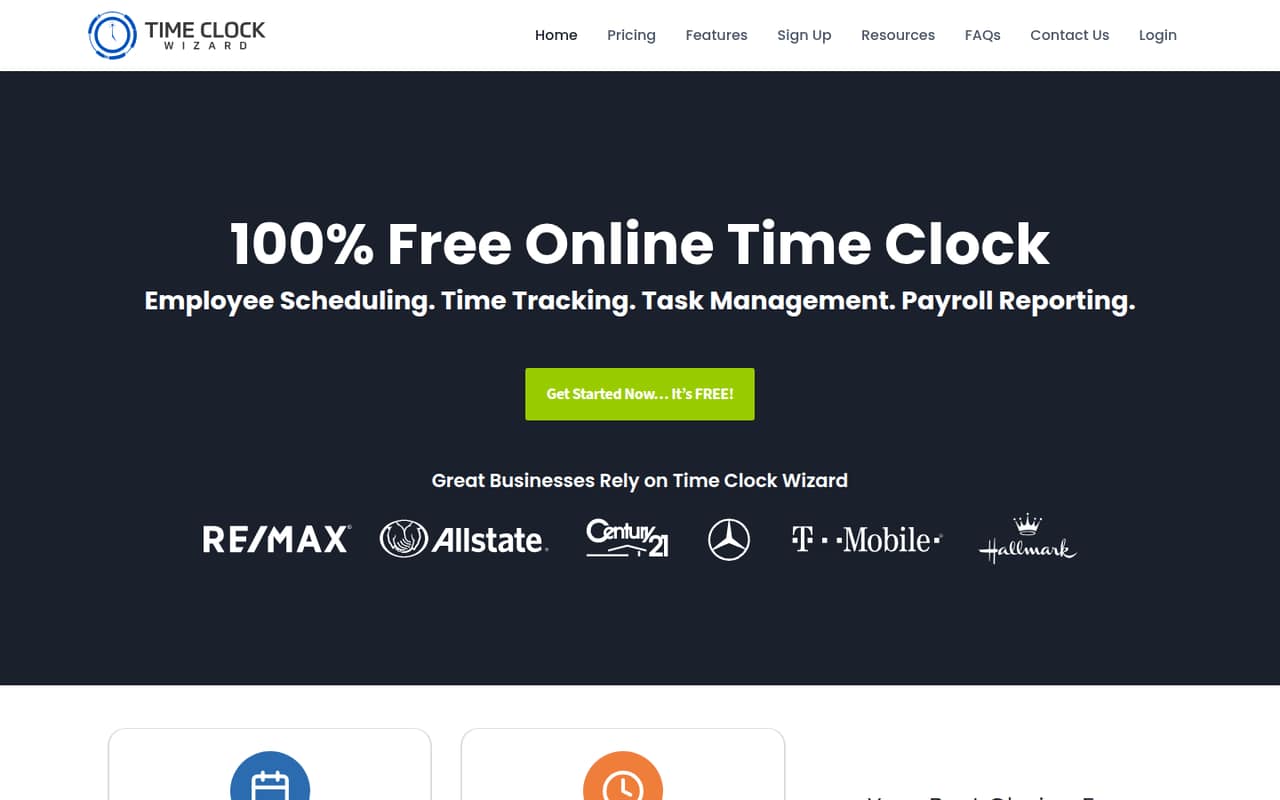
Time Clock Wizard fits a small business that needs employees to clock hours online and wants scheduling or payroll reporting in the same service. The Free plan supports unlimited users for basic employee time tracking, so a team of one to ten can start without a per-seat charge if that is all it needs.
The product also covers schedules, task management, breaks, absences, late clock-ins, PTO, alerts, reimbursement requests, and photo capture. The pricing page places scheduling and payroll reporting in Pro. That plan costs $49.95 per month with annual billing or $54.95 month to month for 1–10 users. Value is cheaper, at $29.95 annually billed or $34.95 monthly, and includes tracking, reporting, and support. We’d shortlist it for teams that value a free starting point, then check which specific features are included in each paid plan before committing.
02Time Clock Wizard free plan and trial
The Free plan costs $0 and includes unlimited users and basic employee time tracking, according to the pricing page. That makes it a practical starting point if your main job is recording hours. The listed inclusions do not cover reporting, scheduling, or payroll reporting, so don’t assume the free tier replaces those workflows.
Time Clock Wizard also lists a 14-day free trial. The trial’s feature access and whether payment details are required are not published; ask the vendor before signing up if either affects your decision. If you need reporting and support, Value is the lowest-priced paid plan at $29.95 per month with annual billing or $34.95 month to month. For scheduling and payroll reporting, the listed plan is Pro.
03What a small team pays for Time Clock Wizard
For basic tracking, the Free plan is $0 for one person, three people, or five people. Value costs $29.95 per month with annual billing or $34.95 month to month, regardless of those team sizes because the plan lists unlimited users. Its per-person equivalent is $29.95/$34.95 for one person, $9.98/$11.65 for three, and $5.99/$6.99 for five.
Pro is the relevant listed plan for scheduling and payroll reporting. The 1–10-user tier costs $49.95 monthly as an annual-billing equivalent, or $54.95 month to month. That works out to $49.95/$54.95 per person for one, $16.65/$18.32 per person for three, and $9.99/$10.99 per person for five. The total stays the same across those team sizes in this tier. The pricing page lists no add-ons. Annual prices are per-month equivalents; confirm the billing total and feature eligibility with the vendor before buying.
04Getting started with Time Clock Wizard
The service is online and offers mobile clock-ins, employee scheduling, time tracking, and alerts. That gives a small team several ways to handle attendance, but the vendor does not publish setup steps, expected setup time, or a learning curve in the available product and pricing details. We can’t promise this is a quick setup; ask the vendor what’s involved in adding employees, setting pay rates, and configuring clock-in rules.
Integrations for payroll, calendars, or other tools are not published, either. Before rollout, check whether your current payroll process can use the customizable payroll reports, and whether the reporting format meets your needs. Decide how staff will record time if the online clock is unavailable: a Reddit thread describes employees writing down hours during an access problem. A basic pilot with a few employees is a sensible way to confirm the workflow before relying on it for payroll.
05When small teams outgrow Time Clock Wizard
The first limit is the Free plan’s scope: it lists only basic employee time tracking. If your team needs reporting and support, Value starts at $29.95 per month with annual billing. If you need scheduling and payroll reporting, the listed step up is Pro, starting at $49.95 per month for 1–10 users with annual billing. Pro’s published user tiers go up to 50; Enterprise is the listed option for unlimited users, at $219.95 per month annually billed or $249.95 month to month.
A growing team may also need integrations or setup details the vendor does not publish in the available information, so confirm those requirements before expanding. Reliability deserves a check, too. One Reddit thread describes dashboard and clock-in access problems, employees recording hours by hand, and complaints about the lack of outage communication. The original poster later said they were able to log in. This is one reported incident, not proof of ongoing reliability problems, but payroll-dependent teams should have a backup time-recording process.
From the threadsWhat users say
The available Reddit discussion is mostly negative about a reported access outage and communication, though the original poster later regained access. It’s a small sample, so we would treat it as a caution rather than a broad verdict on the service.
I need to do payroll and cannot access the account side of the site
My employees have had to write down their times the old fashioned way the last few days
Some type of communication needs to happen with this type of outage, especially at the beginning of the month
Our time clock just came up
Questions people ask
Does Time Clock Wizard have a free plan?
Yes. The pricing page lists a Free plan at $0 per month with unlimited users and basic employee time tracking. It does not list reporting or scheduling as Free-plan inclusions. If you need either, check the paid plan descriptions and confirm the exact features with the vendor before signing up.
How much does Time Clock Wizard cost for three employees?
Basic tracking is free for three employees. Value costs $29.95 per month with annual billing or $34.95 month to month. Pro, the listed plan for scheduling and payroll reporting, costs $49.95 per month with annual billing or $54.95 month to month for the 1–10-user tier.
Does Time Clock Wizard include scheduling?
The product offers employee scheduling, but the pricing page describes Pro as the plan for businesses needing scheduling and payroll reporting. For 1–10 users, Pro is listed at $49.95 per month with annual billing or $54.95 month to month. Confirm the features included in your selected tier with the vendor.
Does Time Clock Wizard offer a free trial?
The pricing information lists a 14-day free trial. The trial’s feature access and whether it requires payment details are not published. Ask the vendor which plan features you can use during the trial and whether the subscription renews automatically when the trial ends.
Does Time Clock Wizard connect to payroll software?
Time Clock Wizard lists customizable payroll reports and payroll reporting, but specific payroll integrations are not published. Ask the vendor whether it connects directly to your payroll provider or whether you’ll export and transfer reports yourself. Confirm the report format works with your payroll process before choosing a paid plan.