
We may earn a commission if you buy through links on this page. It never changes a score or a ranking. How we make money
The bottom line
Strong on transcripts and meeting tools; check free limits and team pricing before committing.
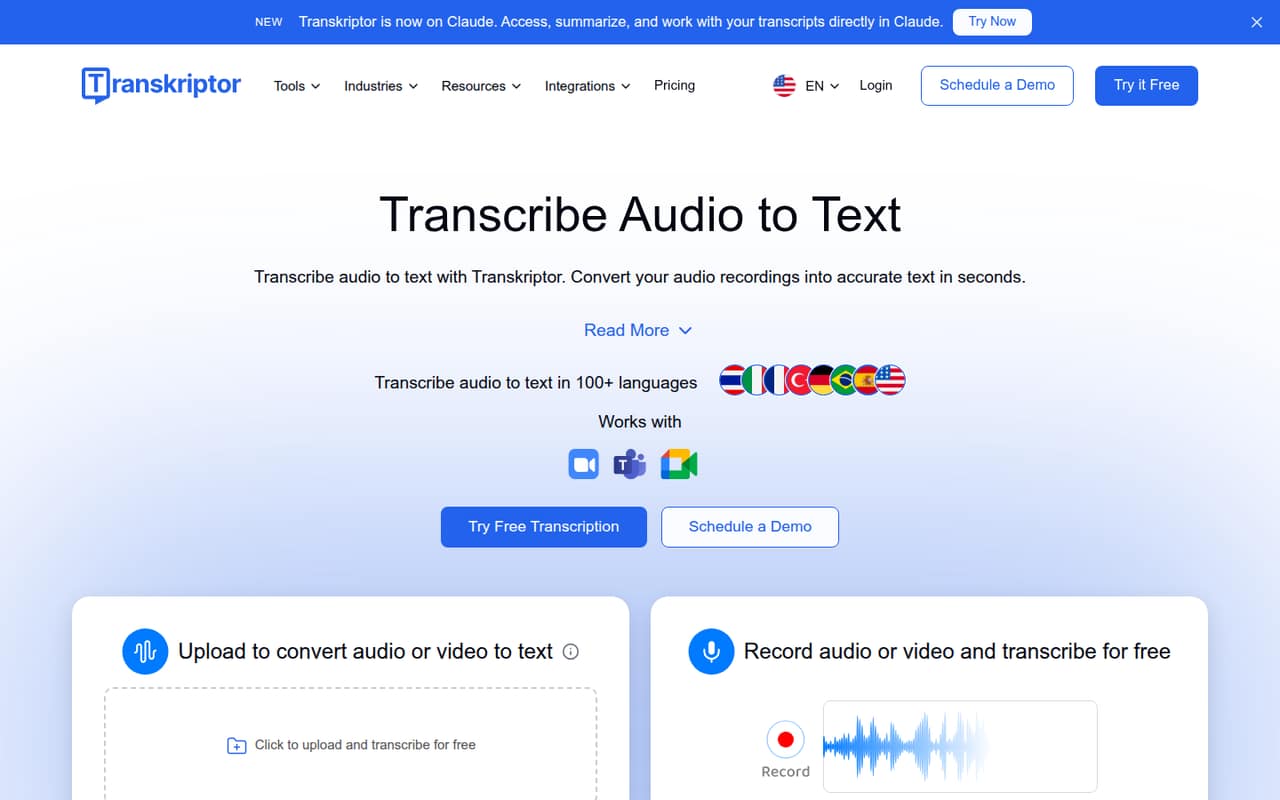
A small team that regularly turns recordings into searchable notes may find Transkriptor useful. It handles audio and video transcription in 100+ languages, with summaries, action items, transcript chat, and meeting insights on eligible plans.
There is a free plan, but its allowance isn’t published in the pricing details. Paid plans start at $9.99 monthly, while the Team plan costs $30 per seat monthly or $20 per seat per month billed annually. That makes the annual Team option $60 per month equivalent for three seats.
Good fit if
- Teams transcribing regular meeting recordings
- People handling multilingual audio or video
- Small teams wanting searchable transcripts
Skip it if
- Teams needing a published free allowance
- Buyers who need known integrations upfront
- Teams seeking low-cost shared seats monthly
ScoresHow it rates
What works
- Transcribes audio and video in 100+ languages
- Lite includes 300 transcription minutes monthly
- Pro adds AI summaries and transcript chat
- Team includes 3,000 minutes per seat monthly
- Desktop app records meetings without a bot
What doesn't
- Free-plan limits are not published
- Team seats cost $30 monthly each
- Annual prices require paying for the year
- Custom plan pricing requires contacting sales
- Reddit users describe inconsistent transcription experiences
01Who Transkriptor is for
Transkriptor suits a solo operator or a small team of roughly 1–10 people that regularly needs recordings turned into searchable text. Think meeting notes, interviews, lectures, or video files your team wants to review without replaying the whole recording. It transcribes audio and video in 100+ languages and offers summaries, action items, transcript chat, and meeting insights.
For one person with occasional files, Lite is the lowest-priced paid option at $9.99 per month. Teams that need shared workspaces and meeting tools should compare the Team plan, which starts at $30 per seat monthly or $20 per seat per month billed annually. The right choice depends on how much audio you process and whether the AI tools matter: Pro adds summaries and chat, while Team adds shared team features and more minutes per seat. If you only transcribe a recording now and then, check the free plan’s limits before paying.
02Transkriptor free plan and trial
Transkriptor lists a free plan, but the pricing details don’t publish its transcription-minute allowance or spell out which features it includes. That makes it hard to tell whether it will cover a weekly meeting, a few short recordings, or just an initial look. Check the current signup and pricing pages for the exact limits before you move real work into it.
A free-trial duration is not listed. If the free plan doesn’t cover your workload, the cheapest published paid option is Lite at $9.99 month to month. It includes 300 transcription minutes per month, multiple audio and video uploads, and tools to organize, edit, collaborate, translate, share, and download. Lite is a file-transcription plan; the listed AI summaries and transcript chat start with Pro.
03What a small team pays for Transkriptor
The pricing page lists Lite at $9.99 monthly for one person, with 300 minutes per month. Pro is $19.99 monthly, or $8.33 per month as an annual equivalent, billed annually; it includes 2,400 minutes and AI summaries and chat. The annual total works out to $99.96. Team is $30 per seat monthly or $20 per seat per month billed annually, with 3,000 minutes per seat monthly.
For one Team seat, that is $30 month to month or $20 monthly equivalent ($240 billed annually). Three seats cost $90 monthly or $60 monthly equivalent ($720 billed annually). Five seats cost $150 monthly or $100 monthly equivalent ($1,200 billed annually). Annual prices are not simply month-to-month rates: the full year is billed upfront.
Bulk offers start at 100 hours for $60 monthly, or $30 monthly equivalent billed annually, and go up to 1,000 hours. The vendor also lists 50% off all plans for education. Custom business pricing is not published. Ask sales about your expected minutes and any bulk offer before choosing between per-seat Team pricing and a custom arrangement.
04Getting started with Transkriptor
The basic workflow appears straightforward: upload an audio or video file, then review and edit the resulting transcript. Transkriptor also has a desktop app for recording meetings without a bot joining the call. For subtitles, its community instructions describe uploading a file, enabling subtitle mode, reviewing the result, and exporting SRT or TXT files. Those steps suggest a manageable start for a small team, though they don’t establish how long setup takes.
The product offers transcript organization, editing, and collaboration, but the pricing details don’t name third-party integrations. If you need recordings or transcripts to sync with your calendar, video-call service, or document store, confirm the connection with the vendor before choosing a plan. A commenter on r/TranskriptorCommunity praised SRT export, while a Reddit user reported trouble recovering deleted notes and getting help. Keep a separate copy of important recordings and transcripts until you confirm your retention and recovery options.
05When small teams outgrow Transkriptor
The first pressure point is volume. Lite stops at 300 transcription minutes per month; Pro raises that to 2,400, and Team provides 3,000 minutes per seat. If several people need a shared workspace, Team is the listed team-focused option, but its monthly price adds up quickly: three seats cost $90 a month and five cost $150. Annual billing lowers the monthly equivalent but requires paying for the year upfront.
You may also outgrow the product if your recordings are messy or you need dependable recovery and support. One Reddit thread describes overlapping speech, background noise, and language changes as hard cases for transcription tools; another commenter reports deleted notes and difficulty getting technical support. Those are individual reports, not a measure of overall performance. Test your own recording conditions and ask the vendor about support, recovery, data handling, and any integrations your growing team depends on.
From the threadsWhat users say
The small amount of Reddit feedback is mixed: one commenter praises the tool, while others raise concerns about support and transcription reliability. Treat these as individual experiences, not a verdict on every recording.
Best tool I have ever used. Thanks to that I don't take any notes more
Technical support is not helping. After the last update of the app, all my notes were deleted
I dont even need perfect rn i feel like im doing more fixing than actual saving time
still not gonna trust any transcript 100%, but at least i’m not fighting with it the whole time
Questions people ask
How much does Transkriptor cost?
The pricing page lists Lite at $9.99 per month and Pro at $19.99 per month. Pro’s annual price is shown as $8.33 per month, billed annually. Team costs $30 per seat monthly or $20 per seat per month billed annually. Custom pricing is not published.
What does Transkriptor’s free plan include?
Transkriptor lists a free plan, but its pricing details don’t publish the included minutes or feature limits. Check the current plan page or ask the vendor for the allowance before relying on it for regular recordings. A free-trial duration is not listed.
How many languages does Transkriptor support?
Transkriptor’s product description says it transcribes audio and video in 100+ languages. The pricing details do not break down language support by plan, so confirm with the vendor if a specific language or workflow is essential to your team.
Can Transkriptor record meetings without a bot?
Yes. Transkriptor offers meeting recording through its desktop app without a bot joining the call. Its plan details also describe meeting summaries and action items, but check which plan includes the tools you need before subscribing.
Is Transkriptor safe to use for work recordings?
The available plan details say Pro data is not used for training. That statement alone doesn’t answer every security or privacy question. Before uploading sensitive recordings, ask the vendor about data retention, access controls, deletion, and any requirements your team has for handling work information.
Sources
- Transkriptor homepage
- Transkriptor pricing page
- Reddit: Transkriptor alternative that actually doesnt suck with real audio?
- Reddit: Transkriptor - Tool for audio transcription
- Reddit: How to Create Subtitles Automatically from Video or Audio with Transkriptor
- Reddit: How to Generate Subtitles Automatically for Videos with Transkriptor