
We may earn a commission if you buy through links on this page. It never changes a score or a ranking. How we make money
The bottom line
A budget-friendly task board for small teams, provided its free-plan limits fit your workflow.
Trello is worth considering if your team wants to organize tasks on boards without paying per seat. Its Free plan allows up to 10 collaborators, with limits on boards, automation runs, and file size.
For more room, Standard costs $5 per user monthly with annual billing or $6 month to month. Reddit users praise some changes and workflows, while others strongly dislike recent interface updates.
Good fit if
- Small teams tracking shared tasks
- Teams that fit the Free limits
- Simple board-based project workflows
Skip it if
- Teams needing advanced card relationships
- Teams that need many free boards
- Users who dislike interface changes
ScoresHow it rates
What works
- Free plan supports up to 10 collaborators
- Free plan includes up to 10 boards
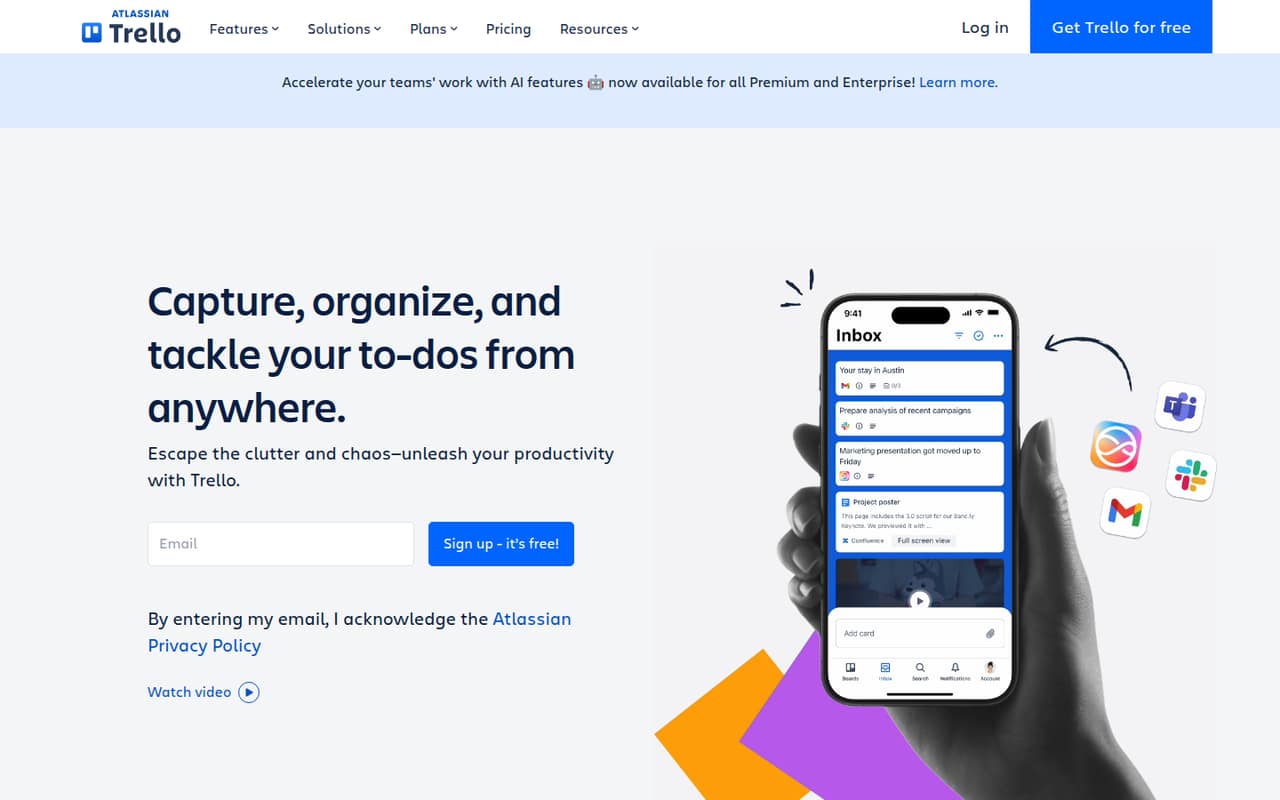
- Inbox, Boards, and Planner organize work
- Standard adds unlimited boards and AI features
- Automation is included, with plan-based limits
What doesn't
- Free plan limits automation to 250 command runs monthly
- Free plan file size limit is 10MB
- Standard and Premium charge per user
- Some partner Power-Ups may cost extra
- Reddit users report frustration with interface changes
01Who Trello is for
Trello suits a solo operator or a small team of up to 10 people that wants a shared place for tasks, ideas, and responsibilities. Its basic approach is visual: organize work on boards, and use Inbox and Planner to manage what needs attention and when. The product also lists integrations, automation, and mirrored to-dos across locations.
For a team watching its software budget, the Free plan makes it possible to start without a per-user charge. It can work for a small team if 10 boards, 250 command runs a month, and a 10MB maximum file size are enough. Teams that need unlimited boards or more automation can move to Standard, starting at $5 per user per month with annual billing. Trello is less suited to teams that need complex relationships between cards; one commenter looking for that capability said they paid for a Power-Up.
02Trello free plan and trial
Trello’s Free plan costs $0 per Workspace per month and allows up to 10 collaborators and 10 boards. It includes 250 command runs per month and a 10MB maximum file size. For a small team with a few shared workflows, that can be enough to try organizing work in Trello without paying for seats.
The limits matter if your team creates more than 10 boards, relies heavily on automation, or regularly shares larger files. Standard removes the board cap and raises the command-run allowance to 1,000 per month, with a 250MB file-size limit. The pricing lists no free-trial term; the Free plan is the no-cost way in. Free is per Workspace, while Standard is priced per user, so check how your team’s workspaces and collaborators are set up before upgrading.
03What a small team pays for Trello
The pricing page lists Standard at $5 per user per month with annual billing, or $6 per user month to month. That makes one seat $5 or $6 monthly; three seats $15 or $18; and five seats $25 or $30. Those are the lowest paid-plan rates, and Standard includes unlimited boards, 1,000 command runs a month, a 250MB maximum file size, and AI features.
Premium costs $10 per user per month with annual billing or $12.50 month to month. It adds Calendar, Timeline, Table, Dashboard, and Map views, admin and security features, simple data export, and unlimited command runs. Enterprise is $17.50 per user monthly, billed annually. Budget extra for Atlassian Guard, which starts at $4 per user per month, or paid partner Power-Ups; their prices are not listed. Multi-board guests are billed at the Standard or Premium member rate. Free remains $0 if its limits work for your team.
04Getting started with Trello
A small team can start with one board and a few lists rather than designing a complicated system upfront. In a Reddit discussion, a Trello user recommends starting with a Backlog and To Do, Doing, and Done lists, then using labels to separate projects or work areas. That is practical advice for keeping the first setup easy to understand.
Trello’s product description centers on Inbox, Boards, and Planner, with integrations and automation available as teams customize their workflow. The pricing lists automation limits, but it doesn’t detail how much setup a particular workflow takes. A team can begin with board-based task organization and add automation or integrations when there is a clear need. The listed product details don’t name specific integrations, so confirm that any must-have service is supported before building your process around it.
05When small teams outgrow Trello
The clearest reason to upgrade is hitting a plan limit: Free stops at 10 boards, 250 command runs per month, and 10MB files. Standard costs $5 per user per month with annual billing and raises those limits to unlimited boards, 1,000 command runs, and 250MB files. Teams needing unlimited command runs, extra views, or admin and security features may need Premium at $10 per user per month annually.
Costs can also rise as collaborators are added, since Standard and Premium charge per user. Multi-board guests are billed at the relevant member rate, and some partner Power-Ups require a separate subscription. Reddit feedback is mixed: one commenter described paying for a Power-Up to handle complex card relationships, while other users voiced strong frustration with interface changes. If Trello’s board model or changing interface no longer fits, compare alternatives against your actual workflows before moving.
From the threadsWhat users say
Reddit sentiment is divided: some users value Trello’s Inbox and build workflows around it, while others object to interface changes. Discussions also show users investing in automations and Power-Ups for specific needs.
Inbox is an excellent implementation
I can't stand the Trello update
start small and try to keep things in one board at first
One of the features that I use a lot are the automations
Questions people ask
Is Trello free to use?
Yes. Trello’s Free plan costs $0 per Workspace per month and includes up to 10 collaborators and 10 boards. It also allows 250 command runs per month and a 10MB maximum file size. Standard is the cheapest paid plan if those limits are too restrictive.
How do I use Trello to organize tasks?
Start with a board for a project or work area, then organize responsibilities there. One Trello user on Reddit suggests keeping the first board simple, with Backlog, To Do, Doing, and Done lists, and using labels to distinguish projects or areas of work.
What are Trello’s main limitations for small teams?
The Free plan is capped at 10 boards, 250 command runs per month, and 10MB per file. Standard raises those limits but charges per user. Multi-board guests are billed at the Standard or Premium member rate, and some partner Power-Ups require an additional subscription.
What does Trello Standard add?
Standard costs $5 per user per month with annual billing or $6 month to month. It includes unlimited boards, 1,000 command runs per month, a 250MB maximum file size, and AI features.
Can a small team use Trello for project management?
Yes. Trello organizes to-dos, ideas, and responsibilities with Inbox, Boards, and Planner. A small team can begin with the Free plan if its collaborator, board, automation, and file limits fit the work it needs to manage.