
We may earn a commission if you buy through links on this page. It never changes a score or a ranking. How we make money
The bottom line
Ubiq covers dashboards and SQL reporting, but a small team starts at $59 monthly.
A small team needs Ubiq if it wants shared dashboards and reports from connected databases, with both drag-and-drop and SQL options. The pricing page lists plans from $29 per month, but that entry plan allows just one user and three dashboards.
There’s no free plan. A three-person team pays $59 monthly, while five seats cost $89. That’s straightforward monthly pricing, but teams should use the 14-day trial to confirm the database connections and setup fit before committing.
Good fit if
- Teams building shared KPI dashboards
- Small teams comfortable with monthly fees
- Analysts who want SQL and visual tools
Skip it if
- Teams that require a free BI plan
- Teams needing more than five seats cheaply
- Buyers needing a published connector list
ScoresHow it rates
What works
- Drag-and-drop reports and SQL reporting
- Interactive dashboards include filters and drill-down
- Unlimited databases on listed plans
- Exports include PDF, image, and CSV
- Monthly plans have no long-term commitment
What doesn't
- No free plan
- One user costs $29 per month
- Three users cost $59 monthly
- Annual billing is not shown
- Specific database connectors are not named
01Who Ubiq is for
Ubiq suits a small team that needs to turn database data into shared reports and dashboards, rather than just one person exploring numbers. The product supports drag-and-drop reporting for selecting data, grouping it, applying filters, and making visualizations. People who need more control can write SQL with joins, nested queries, aggregations, and formulas.
For one person, the listed Individual plan is $29 per month. A team of three needs the $59 Small Team plan, and five people fit the $89 Medium Team plan. Each includes unlimited databases and charts, with dashboard limits of three, 10, and 15 respectively. That makes Ubiq a better fit for a team with a clear reporting job and room in its budget than for a group looking for a free tool. Teams can share dashboards through browser access and permissions, and export reports or dashboard information.
02Ubiq free plan and trial
Ubiq has no free plan listed. The pricing page lists a 14-day free trial, but it does not state what the trial includes, whether it has feature limits, or what happens to dashboards and data when the trial ends. Confirm those details with Ubiq before building reports you need to keep.
The cheapest listed way to continue is the Individual plan at $29 per month. It includes one user, three dashboards, unlimited databases and charts, and PDF, image, and CSV export. If more than one person needs access, the lowest listed team option is Small Team at $59 monthly for three users. There is no annual price shown, and the listed plans are pay-as-you-go with no long-term commitment.
03What a small team pays for Ubiq
The pricing page lists monthly prices in USD, with no annual billing price shown. One person pays $29 per month on Individual, or $29 per seat. That plan includes three dashboards. For three users, Small Team costs $59 monthly, about $19.67 per seat, with 10 dashboards. For five users, Medium Team costs $89 monthly, or $17.80 per seat, with 15 dashboards. All three plans list unlimited databases and charts, plus PDF, image, and CSV export.
The lower per-seat price at five users comes with a higher total bill; pick the plan for the seats and dashboard capacity you need, not just the unit cost. A 10-person team is listed at $149 monthly on Large Team, which includes 30 dashboards. The pricing page lists no add-ons. It also says plans are pay-as-you-go with no long-term commitment. If you need annual billing or have requirements beyond the listed plans, ask Ubiq for details or custom pricing.
04Getting started with Ubiq
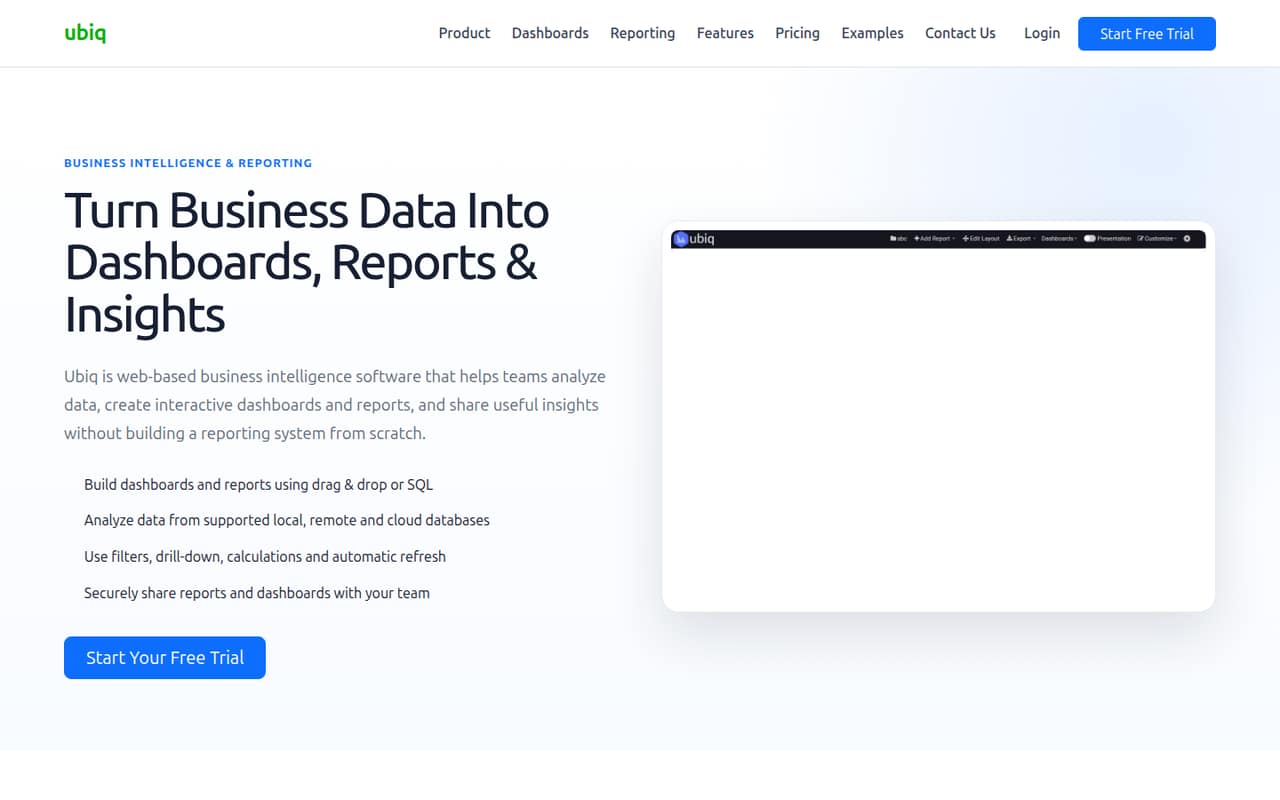
Ubiq’s reporting tools support two approaches: drag-and-drop for selecting data, grouping, filtering, and creating visualizations, or SQL for joins, nested queries, aggregations, and formulas. That gives a small team a visual route for routine reports and a query-based option for more involved logic. Dashboards can combine KPIs, charts, tables, and filters, with drill-down to explore the data behind metrics.
Ubiq says it can report from local, remote, cloud, and private-network databases, but the specific database connectors and setup steps are not published in the details available here. Nor is a setup-time estimate or learning-curve guidance. Before choosing a plan, confirm that your database is supported and ask what access or configuration it requires. The listed sharing options include browser access and permissions; exports include PDF, image, and CSV.
05When small teams outgrow Ubiq
The first pressure point is dashboard capacity: Individual includes three dashboards, Small Team includes 10, and Medium Team includes 15. If your reporting needs exceed a plan’s limit, the next listed option raises both the dashboard allowance and monthly bill. The seat steps are also fixed: one user for $29, three for $59, five for $89, and 10 for $149 per month.
That structure can be awkward if you need two, four, or six seats; the listed plans don’t specify intermediate seat counts. Ask Ubiq how it handles teams between tiers before budgeting. For a team larger than 10, Very Large Teams lists 20 users and 60 dashboards for $299 monthly, while Custom pricing is available for bigger requirements. Teams may also need to move on if their required database connector or a feature they need is not confirmed. The vendor’s listed features cover dashboards, reporting, sharing, and exports, but the pricing details do not spell out broader capabilities.
Questions people ask
Does Ubiq have a free plan?
No free plan is listed. The pricing page lists a 14-day free trial, but does not specify its feature limits or what happens when it ends. The cheapest listed paid plan is Individual at $29 per month for one user and three dashboards. Ask Ubiq to confirm trial terms before relying on it.
How much does Ubiq cost for three people?
The Small Team plan is listed at $59 per month for three users and 10 dashboards. That works out to about $19.67 per seat monthly. It includes unlimited databases and charts, plus PDF, image, and CSV export. Annual billing is not shown on the pricing page.
Can I use Ubiq without SQL?
Yes. Ubiq includes drag-and-drop reporting for selecting data, grouping information, applying filters, and creating visualizations. SQL reporting is also available for more advanced logic, including joins, nested queries, aggregations, and formulas. The product description presents these as two ways to build reports.
What databases does Ubiq connect to?
Ubiq describes connections to local, remote, cloud, and private-network databases. The specific supported database names are not published in the available details. Check with Ubiq before buying to confirm that your database is supported and to ask about any connection or access requirements.
Can I cancel a Ubiq plan monthly?
The pricing page says plans are pay-as-you-go with no long-term commitment and lists monthly prices. It does not spell out cancellation steps, billing cutoffs, or any refund rules. If those terms affect your budget, confirm them with Ubiq before subscribing.