
We may earn a commission if you buy through links on this page. It never changes a score or a ranking. How we make money
The bottom line
Good value for basic uptime checks; seat costs and mixed alert reports deserve a closer look.
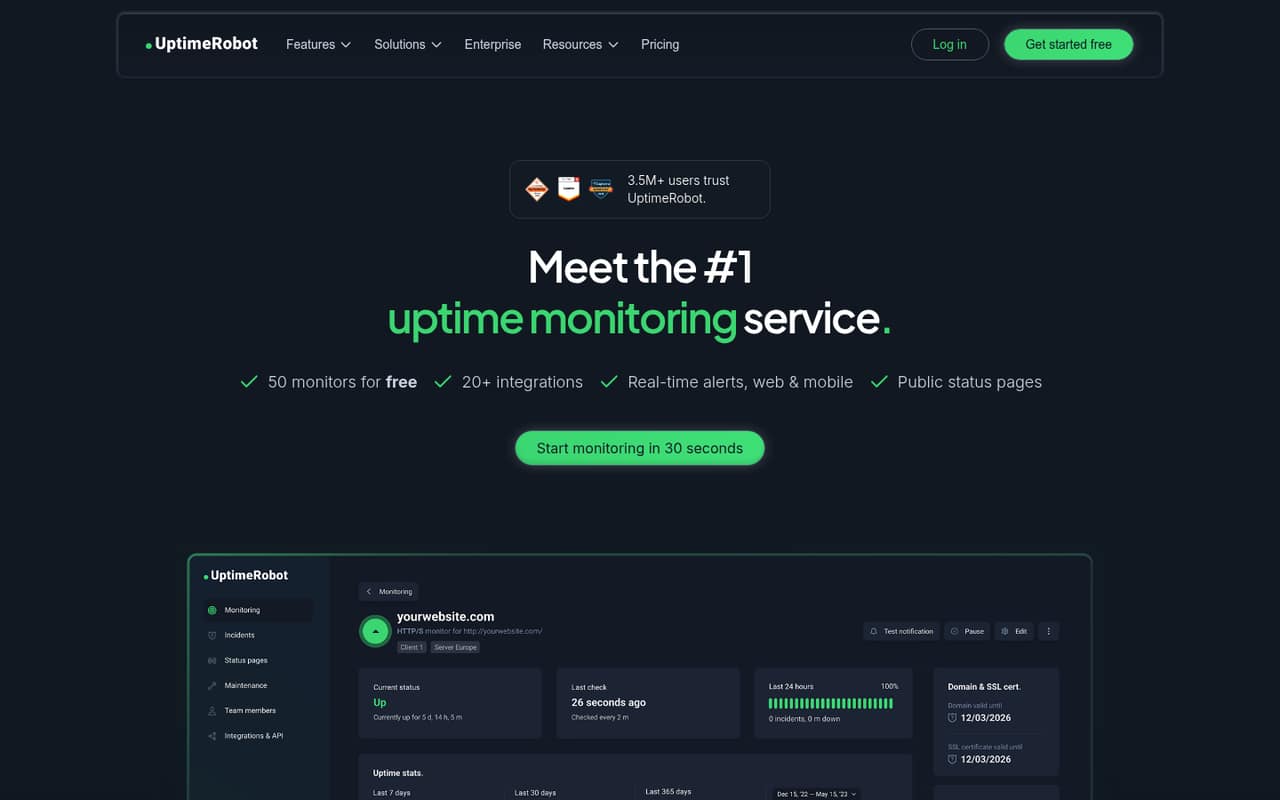
UptimeRobot checks websites, APIs, servers, and other endpoints, then alerts your team when it detects downtime or changes. Its free plan covers 50 monitors, but checks run every five minutes.
For a small team that needs faster checks and shared access, the Team plan starts at €35 per month with annual billing, equivalent to €41 month to month. Reddit feedback is mixed, especially around false alerts and plan price changes.
Good fit if
- Small teams monitoring public websites
- Freelancers watching a few endpoints
- Teams needing shareable status pages
Skip it if
- Teams needing internal infrastructure monitoring
- Buyers who need guaranteed alert accuracy
- Teams with many paid user seats
ScoresHow it rates
What works
- Free plan includes 50 monitors
- Supports HTTP(S), ping, ports, DNS, and cron
- Monitors SSL certificates and response times
- Status pages can share incidents and maintenance
- Paid plans offer faster check intervals
What doesn't
- Free checks run only every five minutes
- Team includes just three seats
- Extra login seat prices are unclear
- Some Reddit users report false positives
- Reddit users report legacy-plan price increases
01Who UptimeRobot is for
UptimeRobot is a fit for a solo founder or a small team of up to about 10 people that needs to know when a public website, API, or other endpoint stops responding. It checks availability, response times, SSL certificates, and changes, then sends alerts. Teams can also use status pages to share uptime, incidents, and maintenance updates.
A one-person project can start free, while a team that needs checks every 30 seconds and shared access should look at Team. That plan includes three seats, so a group of five needs to budget for extra login seats. UptimeRobot lists monitor types including HTTP(S), keywords, ping, ports, cron jobs, DNS, and SSL certificates. It can check from up to four regions. For internal server monitoring or complex infrastructure work, a dedicated monitoring or RMM tool may be a better fit; one r/msp commenter made that distinction.
02UptimeRobot free plan and trial
The free plan includes 50 monitors, a five-minute monitoring interval, one status page, five integrations, and three months of data retention. That is enough capacity for a small site or project to keep tabs on several endpoints without paying a subscription. The main trade-off is speed: a five-minute interval is slower than the 60-second checks on Solo and the 30-second checks on Team.
The pricing page lists no charge for Free and does not state whether a separate free trial is available. If you need faster checks, Solo is the cheapest paid plan at €9 per month with annual billing, shown as a monthly equivalent, or €10 month to month. Check the paid plan limits before moving: Solo lists 10 monitors, fewer than Free, but adds a 60-second interval and three status pages.
03What a small team pays for UptimeRobot
The pricing page lists Solo at €9 per month with annual billing, shown as a monthly equivalent, or €10 month to month. That's the listed starting price for a solo user, though Solo includes 10 monitors rather than Free's 50. Team costs €35 per month on annual billing or €41 month to month, and includes three seats. That works out to about €11.67 or €13.67 per included seat, respectively.
For five people, Team needs two additional login seats. UptimeRobot lists those at €15/€19 per month but doesn't clarify which price matches which billing option. If each extra seat costs one of those amounts monthly, five seats would total €65 or €79 per month. Confirm the exact charge with UptimeRobot before budgeting. SMS and voice credits are separate one-time purchases, from €3 for 10 credits to €100 for 1,000. Notify-only seat pricing isn't published. Annual pricing is advertised as saving about 15%.
04Getting started with UptimeRobot
The core job is straightforward: decide which endpoints matter, pick the relevant monitor type, and choose how the team should hear about an issue. UptimeRobot lists checks for HTTP(S), keywords, ping, ports, cron jobs, DNS, SSL certificates, and response times, so a small website team can start with its public site and API rather than monitoring everything at once.
The free plan includes five integrations, which gives a small team room to connect a few alert routes. Paid plans list more monitors and faster intervals; the specific integration counts for those plans aren't published in the pricing details here, so check the plan page if a particular connection is essential. UptimeRobot doesn't publish a setup-time estimate. Reddit users describe mixed alert experiences: one commenter said keyword checks helped catch application errors that simple HTTP status checks missed. Allow time to tune checks and alerts to your service.
05When small teams outgrow UptimeRobot
The first limits to watch are check speed and seats. Free checks run every five minutes, while Solo runs every 60 seconds and Team every 30 seconds. Team includes three seats; a five-person group has to add seats, and the published €15/€19 monthly seat prices don't say which billing option each applies to. Scale includes five seats and 15-second checks, but costs €65 per month on annual billing or €77 month to month.
You may also outgrow the product if you need monitoring for internal infrastructure rather than public-facing endpoints, or if false alerts would create costly overnight callouts. Reddit reports are divided: some users say it works well for websites and WAN monitoring, while others describe repeated false positives, particularly with heartbeat or server monitoring. One r/selfhosted user also reported being moved off a legacy plan to a much more expensive option. Review the current plan terms before depending on a legacy price.
From the threadsWhat users say
Reddit sentiment is mixed: some users praise the service for website and WAN checks, while others report false positives and unhelpful support. Price changes have also frustrated some long-time customers.
That's a 425% price increase
we solved this by changing the monitors to look for text on the page
Questions people ask
Is UptimeRobot free?
Yes. The Free plan includes 50 monitors, a five-minute monitoring interval, one status page, five integrations, and three months of data retention. It can cover basic checks for a small site or project. If you need faster checks, Solo starts at €9 per month with annual billing, shown as a monthly equivalent.
What does UptimeRobot monitor?
UptimeRobot lists monitors for HTTP(S), keywords, ping, ports, cron jobs, DNS, SSL certificates, and response times. It checks websites, APIs, servers, and other endpoints for availability, slow responses, certificate issues, and changes. It can also check from up to four regions.
Is UptimeRobot reliable?
User reports on Reddit are mixed. Some commenters say it has worked reliably for websites and WAN monitoring; others report false positives, including with heartbeat monitoring. One commenter said keyword checks helped catch application errors that basic HTTP status checks missed. If alerts trigger costly responses, tune and review your checks before relying on them.
Does UptimeRobot have a free trial?
UptimeRobot offers a Free plan, so a team can start without a paid subscription. The pricing information doesn't state whether the paid plans also have a free trial. Ask UptimeRobot about trial terms if you want to evaluate a paid feature or faster monitoring interval before committing.
Can UptimeRobot share a status page?
Yes. Status pages can share uptime, incidents, and maintenance updates. Free includes one status page, Solo and Team list three each, and Scale lists unlimited status pages. The pricing details don't specify every branding or customization option, so check the plan details if those matter to your team.
Sources
- UptimeRobot homepage
- UptimeRobot pricing page
- Reddit: UptimeRobot killing legacy plans - wants to charge me 425% more - what are alternatives?
- Reddit: Does anyone use UptimeRobot?
- Reddit: What's the best free/cheap uptime monitoring with 1-minute checks?
- Reddit: Uptimerobot increased solo tier price by 62.5%