
We may earn a commission if you buy through links on this page. It never changes a score or a ranking. How we make money
The bottom line
A broad audio and accessibility toolkit, with pricing and small-team limits to clarify before buying.
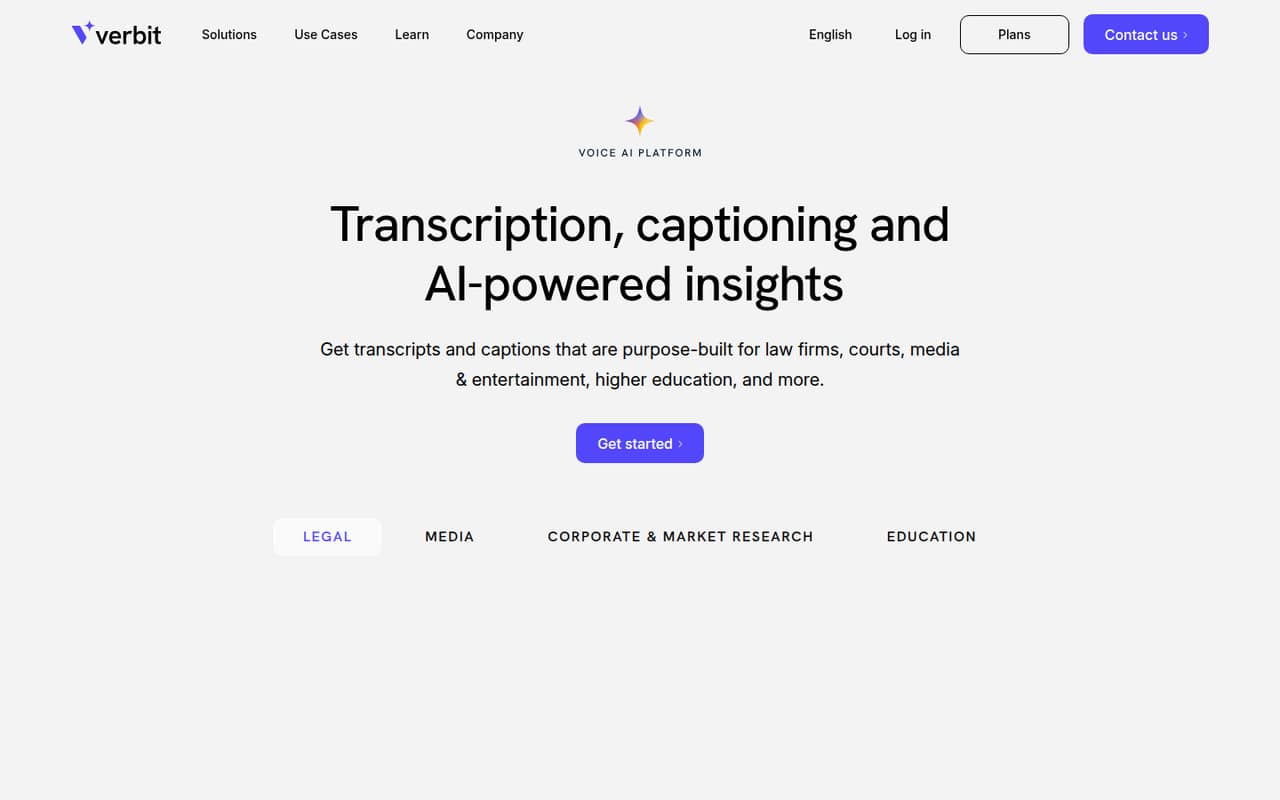
Verbit offers transcription, live and on-demand captions, audio description, dubbing, translation, and AI-powered summaries and search. That range could suit an organization with accessibility or compliance needs across different kinds of content.
For a small team watching its software budget, the main drawback is that prices, seat limits, and usage limits aren't published. There’s no listed free plan, and the vendor doesn’t publish a trial, so ask for a quote before comparing it with lower-cost tools.
Good fit if
- Organizations with accessibility needs
- Teams handling varied audio content
- Education and media organizations
Skip it if
- Teams needing a free starting tier
- Buyers who need clear per-seat pricing
- Teams with simple transcription needs
ScoresHow it rates
What works
- Covers transcription, captions, audio description, dubbing, and translation
- Offers live and on-demand captioning
- Homepage lists subtitles and dubbing in 50+ languages
- AI summaries and search help reference content
- Some options include human quality review
What doesn't
- No free plan is listed
- Monthly and annual prices aren't published
- Seat and usage limits aren't published
- Trial availability isn't published
- Add-on costs aren't published
01Who Verbit is for
Verbit is aimed at organizations that need more than a basic transcript. Its offerings cover transcription, live and on-demand captions, audio description, dubbing, translation, and AI-powered summaries and search. The homepage describes services for legal, media, corporate, and education organizations.
For a team of 1–10, the fit depends less on headcount and more on the kind of work: accessibility and compliance needs, varied content, or a need to caption live programming. The pricing page doesn’t publish minimum seat counts, so a small team may be able to ask about a tailored setup, but should confirm that directly. Budget-conscious teams should get a quote before building Verbit into a workflow; there’s no published starting price to compare with a per-seat subscription. If all you need is occasional, straightforward transcription, the breadth may be more than your team needs.
02Verbit free plan and trial
Verbit doesn’t list a free plan. The pricing information also doesn’t state whether a free trial is available, so don’t assume you can test the service before paying. Ask the vendor whether it can provide a trial or a small, paid pilot for the specific service you need.
There isn’t a published cheapest way in: the vendor lists options such as Legal Transcription, Captivate Live, Enterprise Capture, and Captioning & Transcription, but doesn’t publish their prices. Seat and usage limits also aren’t listed. For a small team, the practical first step is to describe your content type and expected volume and request a quote for the narrowest suitable service. Confirm the minimum commitment, included usage, and any human-review charges before signing.
03What a small team pays for Verbit
The pricing page doesn’t publish monthly or annual rates, and it doesn’t state a billing frequency or annual discount. It also doesn’t publish a per-seat unit price. That means we can’t calculate the cost for one person, three people, or five people without inventing figures. Seat limits and usage limits aren’t published either, so ask whether the quote changes with users, hours, or content volume.
Verbit lists different offerings for different jobs, including Legal Transcription, Legal Capture, Legal Visor, Captivate Live, Captivate Post & Post Plus, Enterprise Capture, Captioning & Transcription, and Campus Complete. The right fit depends on what your team needs, not just the number of seats. Costs for Captivate Live human upgrades, Post Plus features, and additional accessibility solutions such as audio description aren’t published. Ask for the total cost, including add-ons and any minimum usage, before comparing the quote with a tool that publishes per-seat rates.
04Getting started with Verbit
The homepage describes live and on-demand services, but it doesn’t publish a step-by-step setup guide, expected onboarding time, or a list of integrations. We can’t say whether a small team can set it up in an afternoon or needs help from Verbit. Ask the vendor how files or live audio are submitted, how captions and transcripts are delivered, and whether your existing tools are supported.
Before choosing a plan, clarify who configures users and permissions, how human review is requested, and what training is included. Verbit’s options span several use cases, so the setup process may depend on whether you need legal transcription, live captioning, post-production captions, or accessibility services. The vendor doesn’t publish seat limits or trial availability, either. A short walkthrough using your own workflow would help your team judge the learning curve before committing.
05When small teams outgrow Verbit
Verbit’s listed services cover several content needs, so a team may find it useful as its accessibility or transcription work expands. The harder question is what growth costs: the vendor doesn’t publish seat limits, usage limits, or prices, and there’s no public per-seat math to show when an upgrade becomes necessary. Ask for thresholds and overage terms before your workload grows.
There’s also a different kind of growth signal in Reddit discussions from people seeking transcription work. One poster reported that available jobs stopped after a period of regular work, and a commenter said they had found no jobs after joining. Those reports concern transcriber work availability, not service reliability for business customers, so they shouldn’t be treated as a verdict on Verbit’s organizational plans. Still, buyers should ask how capacity, turnaround, and support are handled as their own volume increases.
From the threadsWhat users say
The Reddit comments are about transcribing for pay, not organizations buying Verbit, so they offer limited evidence about buyer experience. Those worker reports are mixed: one poster described early success, then a sudden lack of available jobs.
with great success
there are no jobs left
there are literally no jobs available at all
it's against ToS
Questions people ask
What does Verbit do?
Verbit offers transcription, live and on-demand captioning, audio description, dubbing, and translation for legal, media, corporate, and education organizations. Its homepage also describes AI-powered summaries and search for referencing and reusing content. Ask which services are included in the specific plan you’re considering.
Does Verbit have a free plan or trial?
Verbit doesn’t list a free plan. The vendor doesn’t publish whether a free trial is available, so ask before budgeting on the assumption that you can try it first. You can also ask whether a small paid pilot is available for your team’s content and use case.
How much does Verbit cost?
Verbit’s pricing page doesn’t publish monthly or annual rates, a starting price, or a per-seat price. It also doesn’t publish seat or usage limits. Request a quote for your service, team size, and expected volume, and ask whether human review or accessibility add-ons change the total.
Does Verbit offer human-reviewed captions?
Yes. The pricing information says Captivate Post Plus adds a human quality-control layer, human-reviewed caption placement, and offscreen speaker identification. Captivate Live also lists human upgrades for premium programming. The vendor doesn’t publish the add-on costs, so confirm what’s included in your quote.
How many languages does Verbit support?
Verbit’s homepage says subtitles and dubbing are available in 50+ languages. That statement doesn’t specify the language coverage for every service or plan. If your team needs a particular language, ask Verbit to confirm availability for the exact combination of transcription, captions, translation, or dubbing you need.