We may earn a commission if you buy through links on this page. It never changes a score or a ranking. How we make money
A small team may not need a dedicated search API until its AI product needs fresh web results or structured search data. For a low-commitment start, YepAPI offers a $5 signup credit and no monthly fee; Serper has a free allowance, while Tavily and Exa are built for AI search workflows. The cheapest workable choice depends on how you pay: some vendors list entry prices, while others don’t publish enough pricing to estimate a steady bill. Check free limits and usage costs before wiring an API into a product.
Quick picksThe shortlist
 YepAPIYepAPIBest no-monthly-cost pick · Custom
 SerperSerperBest free search start · Free
 TavilyTavilyBest for AI agents · $30/mo
 ExaExaBest for cited research · Free
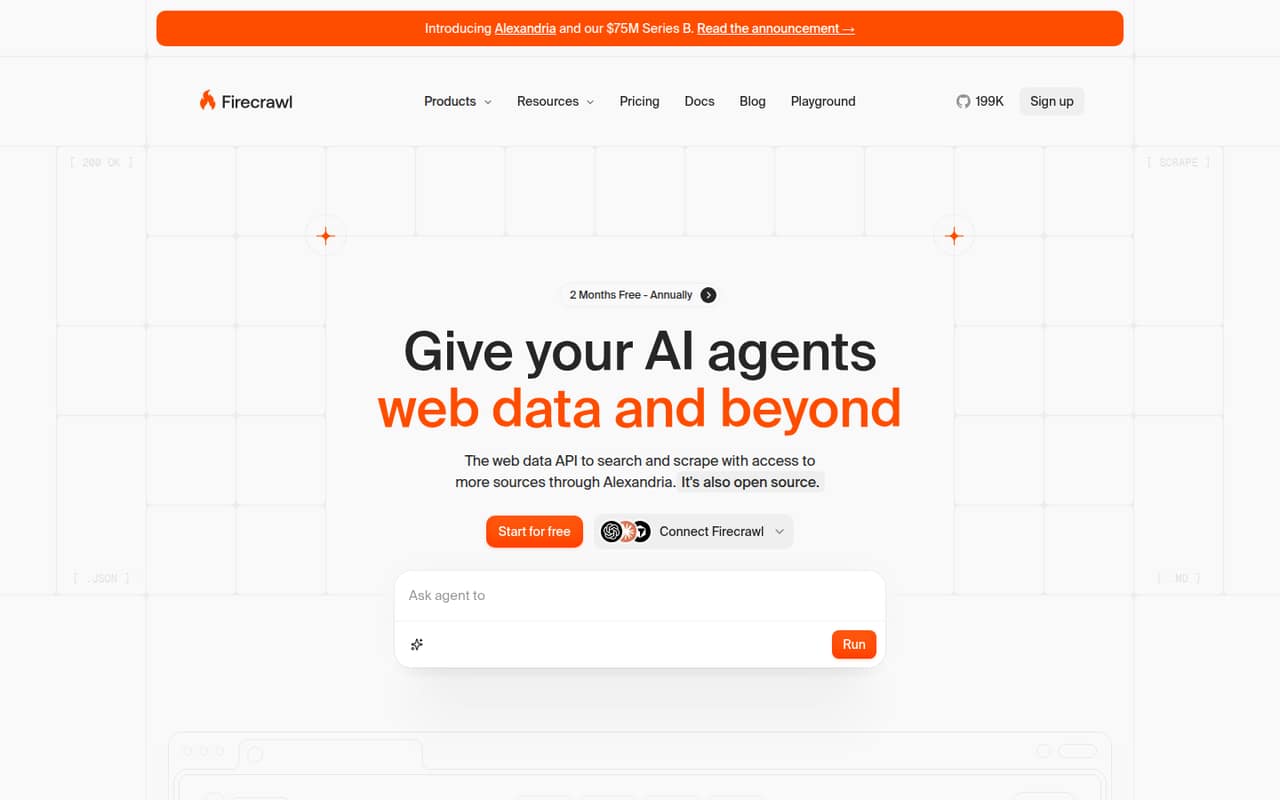
 FirecrawlFirecrawlBest for search and extraction · $16/mo
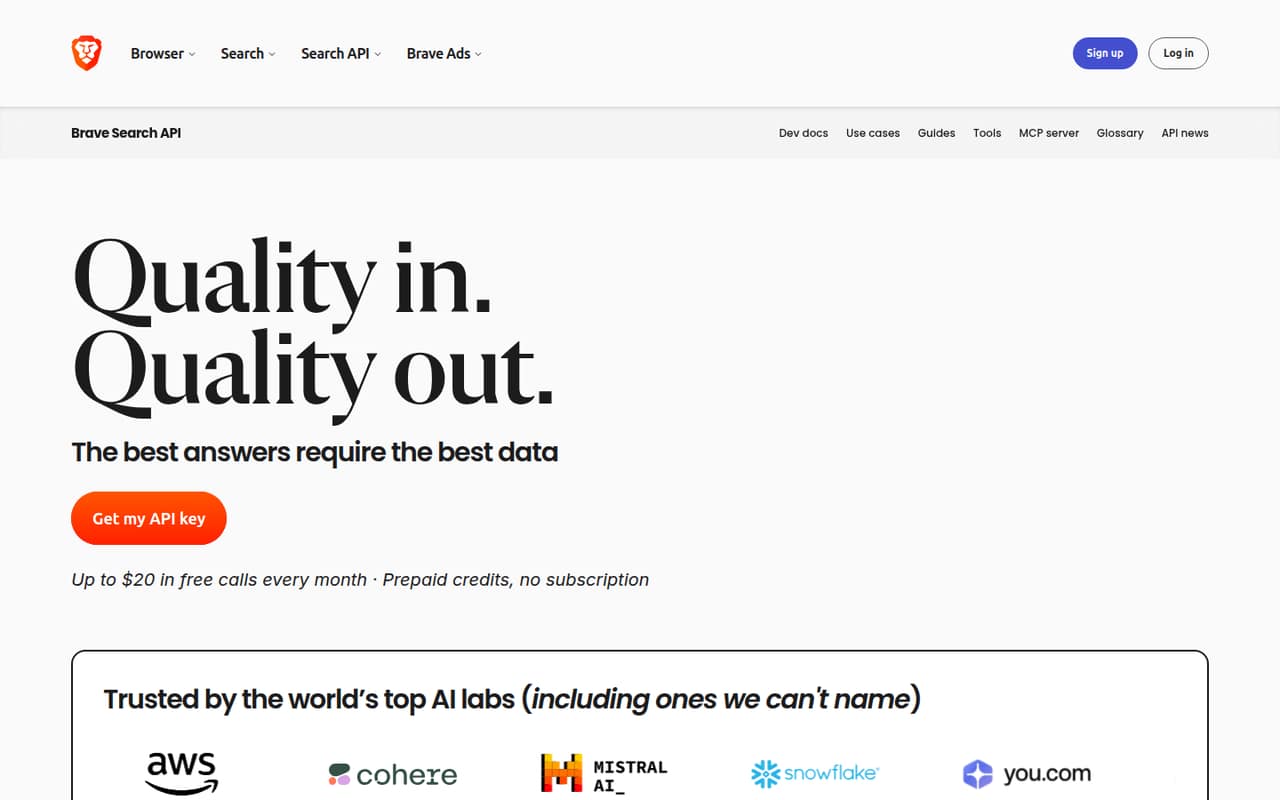
 Brave Search APIBrave Search APIBest independent index · Free
 Jina AIJina AIBest search and RAG tools · Free
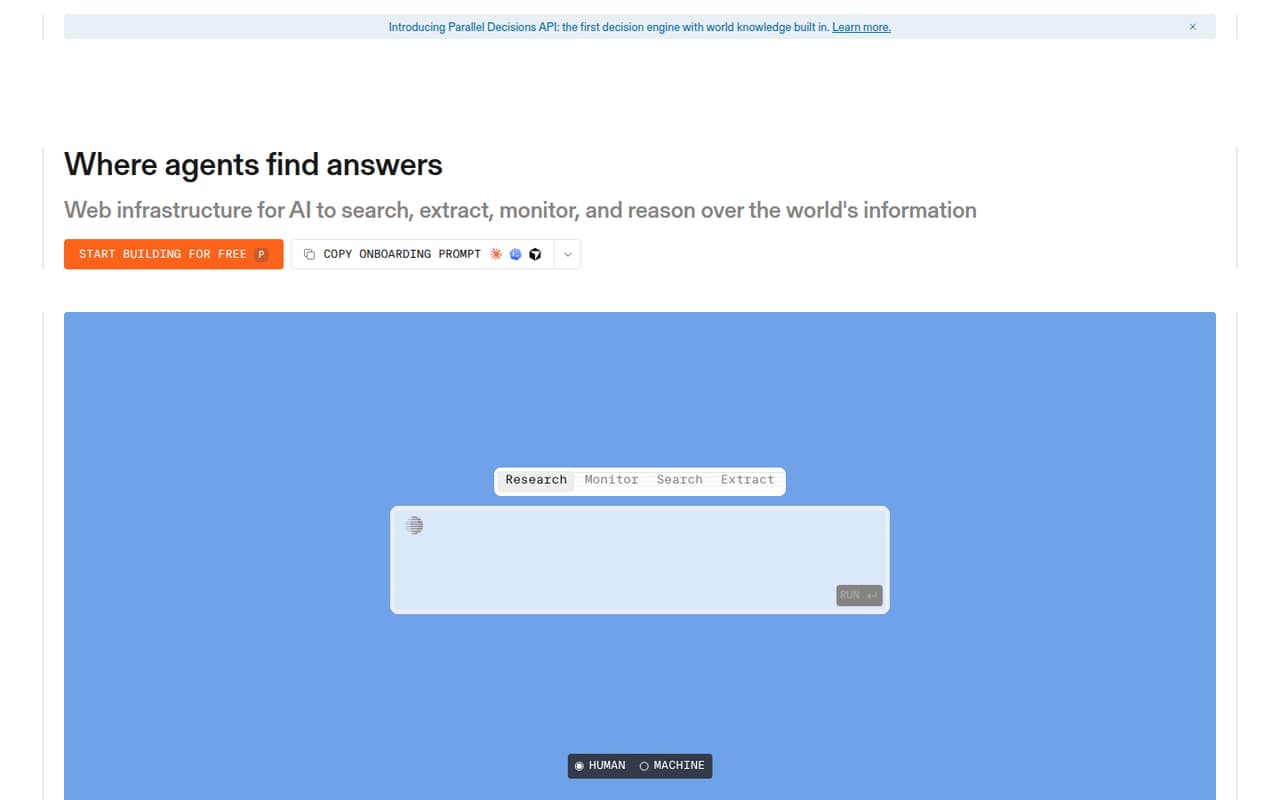
 ParallelParallelBest for web-aware agents · $833.33/mo
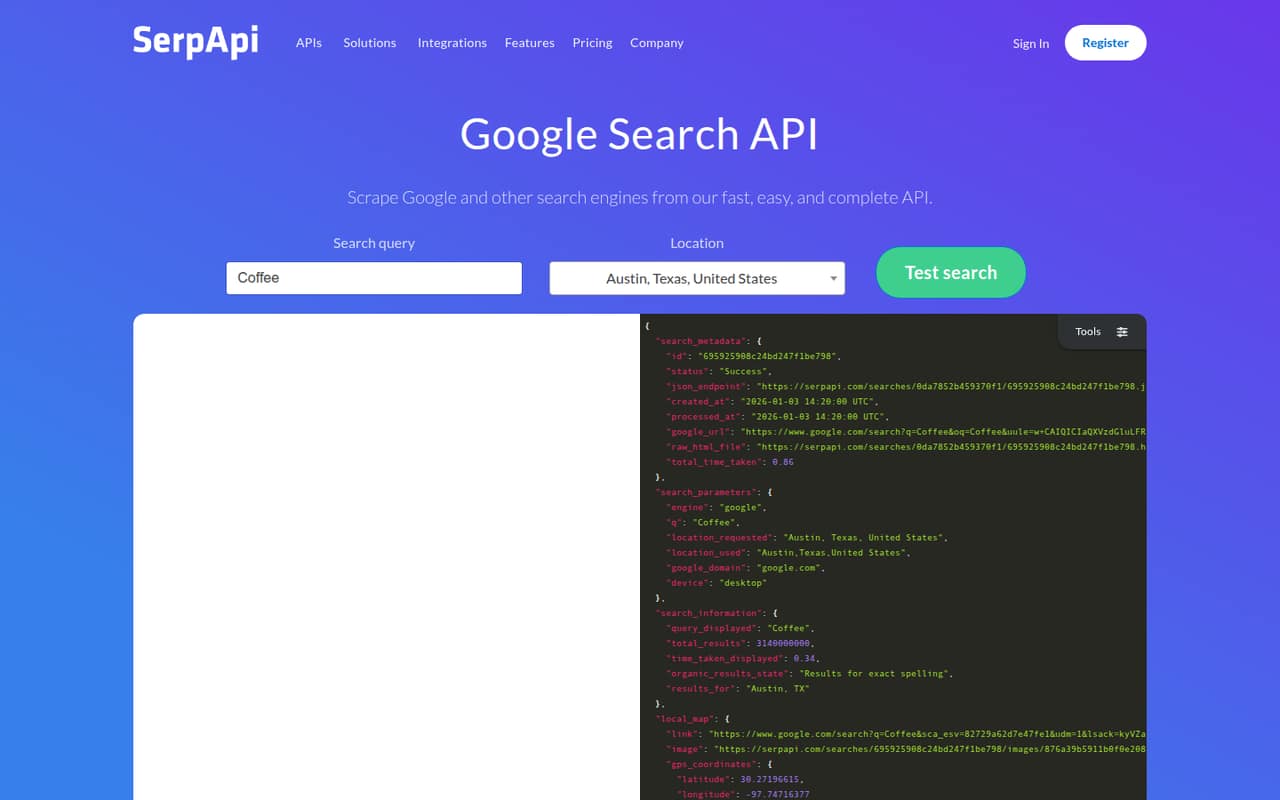
 SerpApiSerpApiBest for structured results · $25/mo
 LinkupLinkupBest pay-as-you-go option · $0.00/mo
 Perplexity Sonar APIPerplexity Sonar APIBest for web-grounded answers · Custom
01Compared at a glance
| Tool | Score | From | Free plan | Trial |
|---|---|---|---|---|
| YepAPIYepAPI | 9.5 | Custom | No | Yes |
| SerperSerper | 7.0 | Free | Yes | — |
| TavilyTavily | 7.2 | $30/mo | Yes | — |
| ExaExa | 7.4 | Free | Yes | — |
| FirecrawlFirecrawl | 7.2 | $16/mo | Yes | — |
| Brave Search APIBrave Search API | 7.1 | Free | Yes | — |
| Jina AIJina AI | 7.0 | Free | Yes | — |
| ParallelParallel | 7.0 | $833.33/mo | Yes | — |
| SerpApiSerpApi | 6.8 | $25/mo | Yes | — |
| LinkupLinkup | 6.5 | $0.00/mo | Yes | — |
| Perplexity Sonar APIPerplexity Sonar API | 5.2 | Custom | No | — |
02The picks, in detail
- Best no-monthly-cost pickYepAPIYepAPI
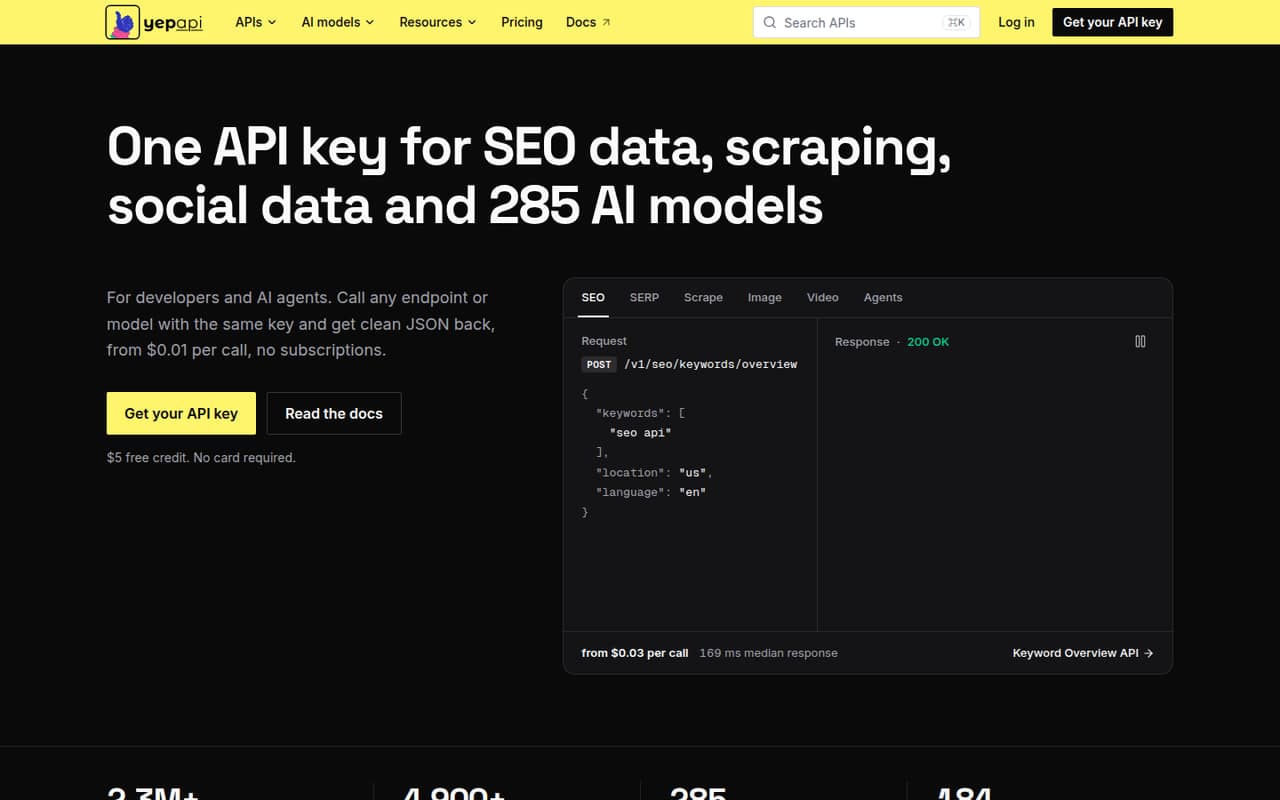
YepAPI is a practical first look for a small team that wants to try API-based data workflows without taking on a monthly subscription. The listing describes a broad API catalog, a $5 signup credit, and no monthly fee. Its range is broader than search alone, so confirm that the endpoints you need cover your AI search workflow before building around it.
What works
- One API key covers several data categories
- Includes SEO, scraping, social, commerce, and AI
- $5 signup credit lowers the cost to try
What doesn't
- No ongoing free plan
- Most endpoint prices are not stated here
- Total spend depends on call volume
- Best free search startSerperSerper
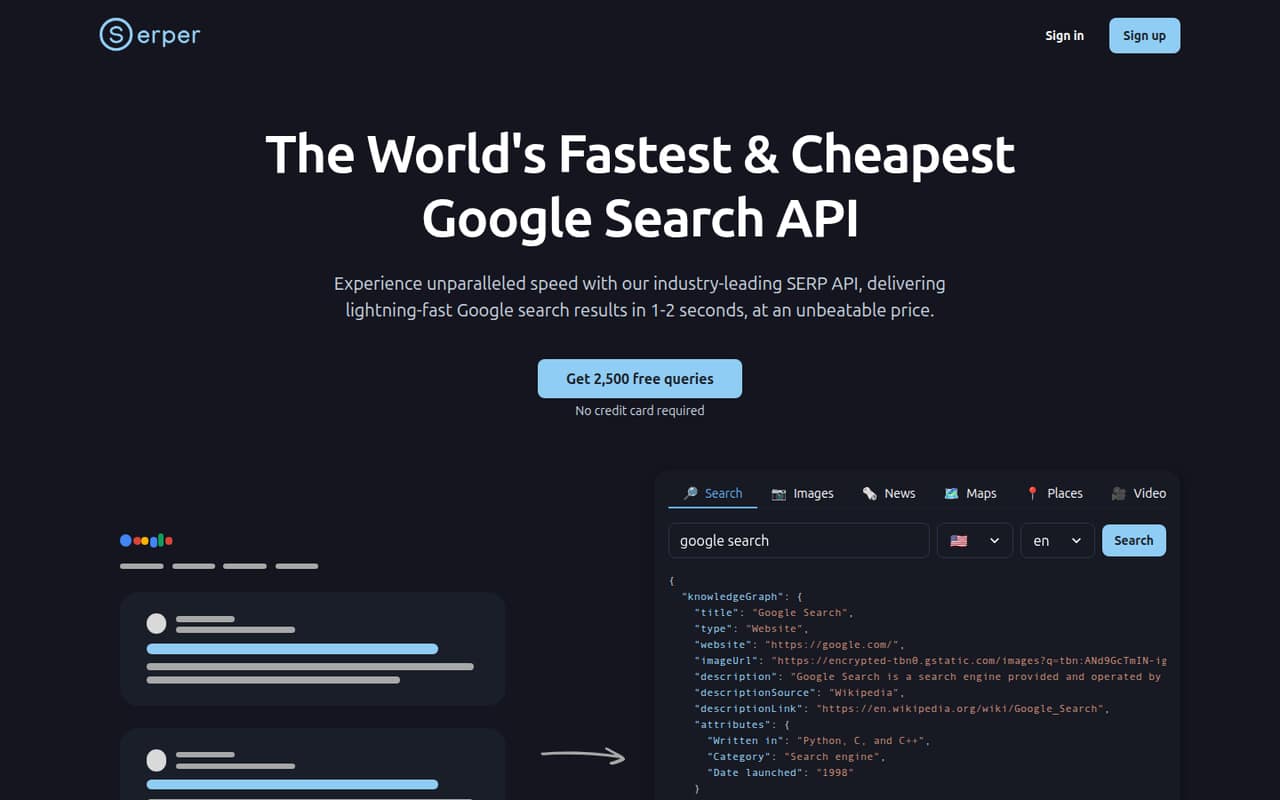
Serper suits a developer-led team that wants Google results for early experiments or automated research. The listing says it has a free allowance and prepaid-credit billing, rather than seat-based pricing. The allowance and paid rates aren’t specified here, so check the vendor’s current terms and plan how you’ll monitor credit use before relying on it in a live workflow.
What works
- Free plan includes 2,500 queries
- No credit card required for free access
- Covers search, images, news, maps, and more
What doesn't
- Free queries stop when the balance reaches zero
- Paid packages are prepaid, not monthly
- Credits expire after six months
- Best for AI agentsTavilyTavily
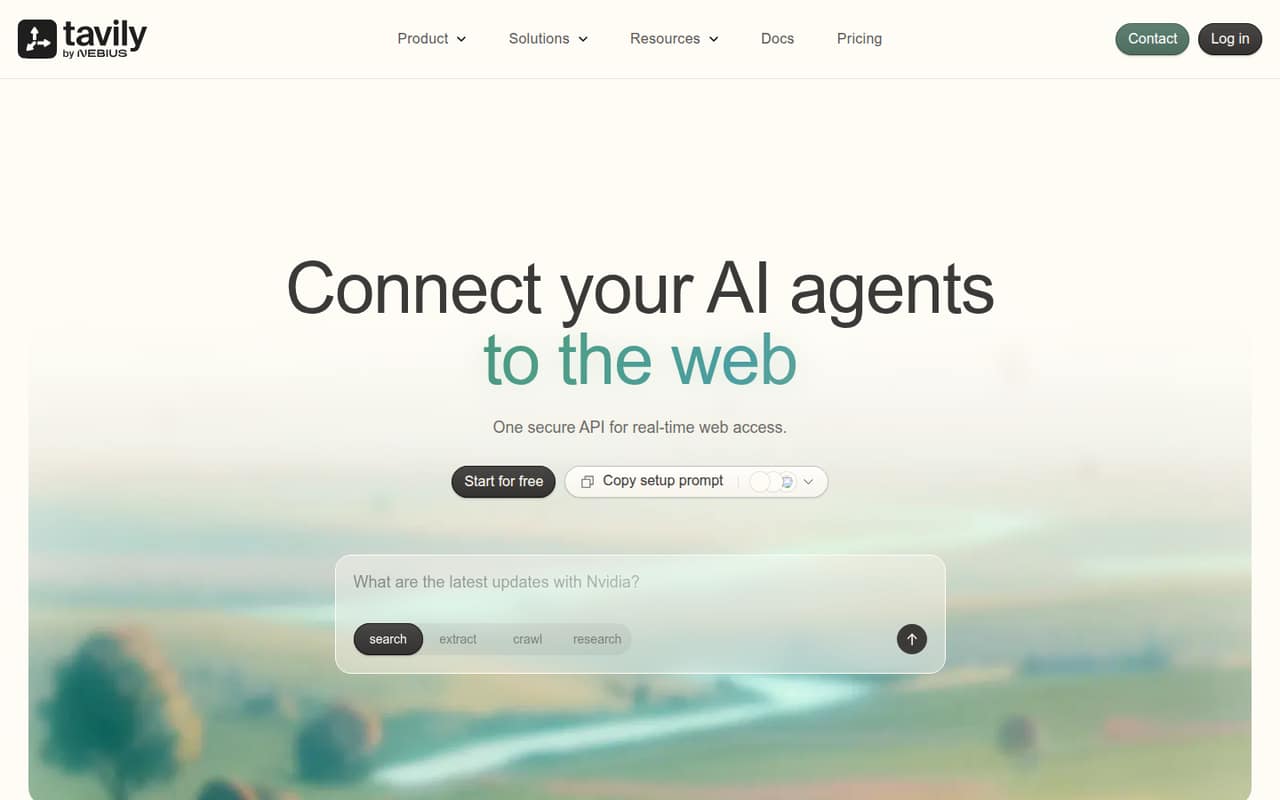
Tavily is directly aimed at small teams building AI agents and needing fresh web content. Its listing includes a free plan and a starting price of $30, but doesn’t state a quota or billing period. Before choosing it, confirm how credits are consumed and whether extraction speed fits your product’s needs; those details matter more than the headline price for a busy workflow.
What works
- Free Researcher plan includes 1,000 monthly API credits
- Pay As You Go has no monthly plan fee
- Search, extraction, crawling, and research in one API
What doesn't
- One Reddit user says web extraction is very slow
- Credit use by operation is not listed in the pricing details
- Project's $30 monthly cost may exceed light usage needs
- Best for cited researchExaExa
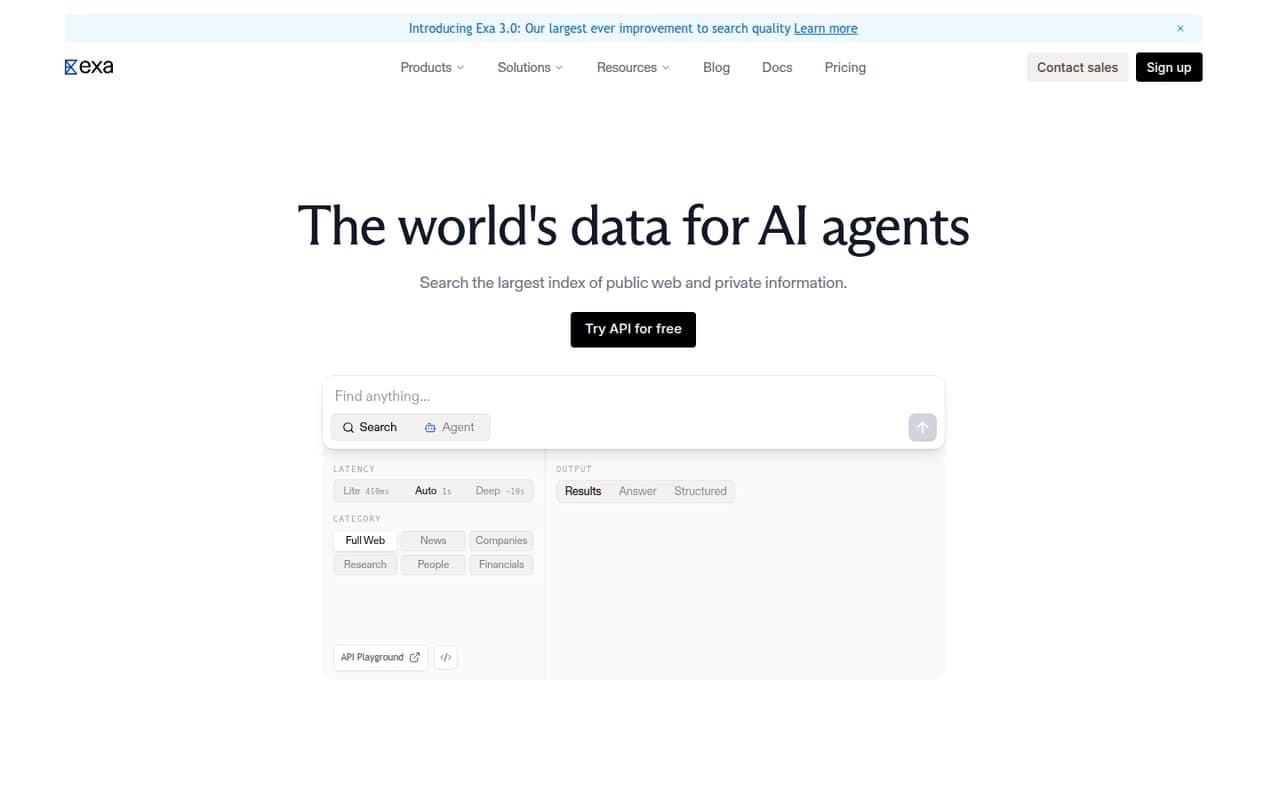
Exa is a fit for teams building AI search workflows or research features that need cited results. The listing says it has a free plan but gives no starting price, and notes that API usage—not team size—sets the bill. That can suit a small team with variable demand, provided you check the current usage rates and free-plan limits before estimating costs.
What works
- $10 in credits each month on Free
- Search options cover several web categories
- Contents returns relevant text and highlights
What doesn't
- No fixed monthly price for Pay as you go
- Total cost depends on API usage
- Agent effort and enrichment have separate charges
- Best for search and extractionFirecrawlFirecrawl
Firecrawl combines search and extraction for teams building AI web-data tools, according to its listing. It has a free plan and a listed starting price of $16, while paid costs depend on usage. That makes the free tier useful for a modest project, but a team should check the included volume and estimate its expected usage before treating the entry price as its likely bill.
What works
- Free plan includes 1,000 monthly credits
- Search, scraping, and page interaction in one API
- Outputs include Markdown, JSON, and screenshots
What doesn't
- Free plan has low rate limits
- Paid usage is credit-based, not seat-based
- Self-hosting reports include setup and reliability complaints
- Best independent indexBrave Search APIBrave Search API
Brave Search API is worth considering for an AI app that needs web context and an index independent of the alternatives in this list. Its listing includes a free plan and says to budget by requests rather than seats, but doesn’t give a starting price or free quota. Ask the vendor for current request limits and paid rates before setting a production budget.
What works
- LLM Context returns ranked passages with source URLs and timestamps
- Offers web, news, image, video and answer endpoints
- Context length can range from 1k to about 33k tokens
What doesn't
- New customers do not get the former 2,000-request free plan
- Monthly request ceilings are not published
- Answers adds separate input and output token charges
- Best search and RAG toolsJina AIJina AI
Jina AI offers building blocks for developer-led search projects and retrieval-augmented generation, per its listing. It has a free plan, while the starting price isn’t published in the listing; billing is described as token-based, not seat-based. That can make it relevant to a small team, but check the token rates and included allowance before comparing its cost with request-priced APIs.
What works
- Reader API turns URLs into LLM-friendly input
- Web search, embeddings, and reranking in one toolkit
- Free plan includes 10 million tokens
What doesn't
- Free use is non-commercial only
- Paid plans are token packages, not subscriptions
- Monthly and annual prices aren't published

- Best for web-aware agentsParallelParallel
Parallel is aimed at teams building web-aware agents, cited research, or workflows that track web changes. Its listing says a free plan is available, but gives no starting price and warns teams to budget carefully after free usage runs out. It’s a candidate for a prototype; check the free limit and paid rates before making it a dependency.
What works
- Launch is free for personal use
- Build includes up to 5,000 free monthly requests
- Search, Extract, Decisions, and Monitor APIs
What doesn't
- Build costs vary with API usage
- Build pricing depends on published usage rates
- Scale costs $1,000 monthly
- Best for structured resultsSerpApiSerpApi
SerpApi is a practical choice for teams automating search-data collection and needing structured results. The listing gives a $25 starting price and a free plan, and calls out small projects under 1,000 searches as a fit. Confirm the current free and paid limits, since search volume can change whether its entry plan works for your team.
What works
- Free plan lists 250 searches monthly
- Starter costs $25 monthly for 1,000 searches
- Returns structured JSON or Markdown
What doesn't
- Free plan is limited to 250 searches monthly
- Paid limits may require a tier upgrade
- No annual billing or discount is listed
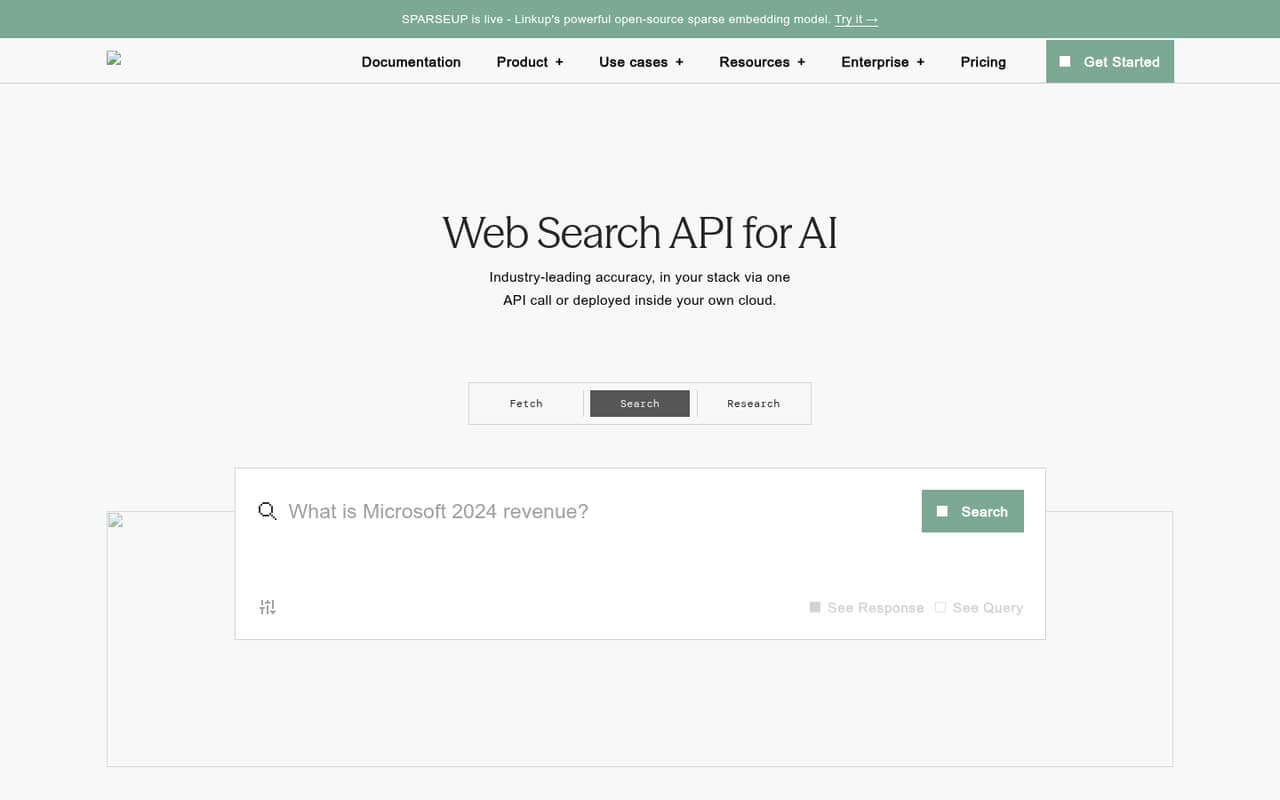
- Best pay-as-you-go optionLinkupLinkup
Linkup is designed for small AI product teams that need fresh web context or private indexes. Its listing gives a $0.001 starting price and says it offers pay-as-you-go pricing, but the free-plan quota isn’t published. Ask what the free plan includes and how paid usage is counted; the per-unit starting price alone won’t tell you the likely monthly bill.
What works
- Search starts at $0.005 per request
- URL extraction starts at $0.001 per request
- Search, extraction and research share one API
What doesn't
- Free-plan limits are not published
- No monthly or annual subscription price
- Deep research costs up to $2.50 per request
- Best for web-grounded answersPerplexity Sonar APIPerplexity Sonar API
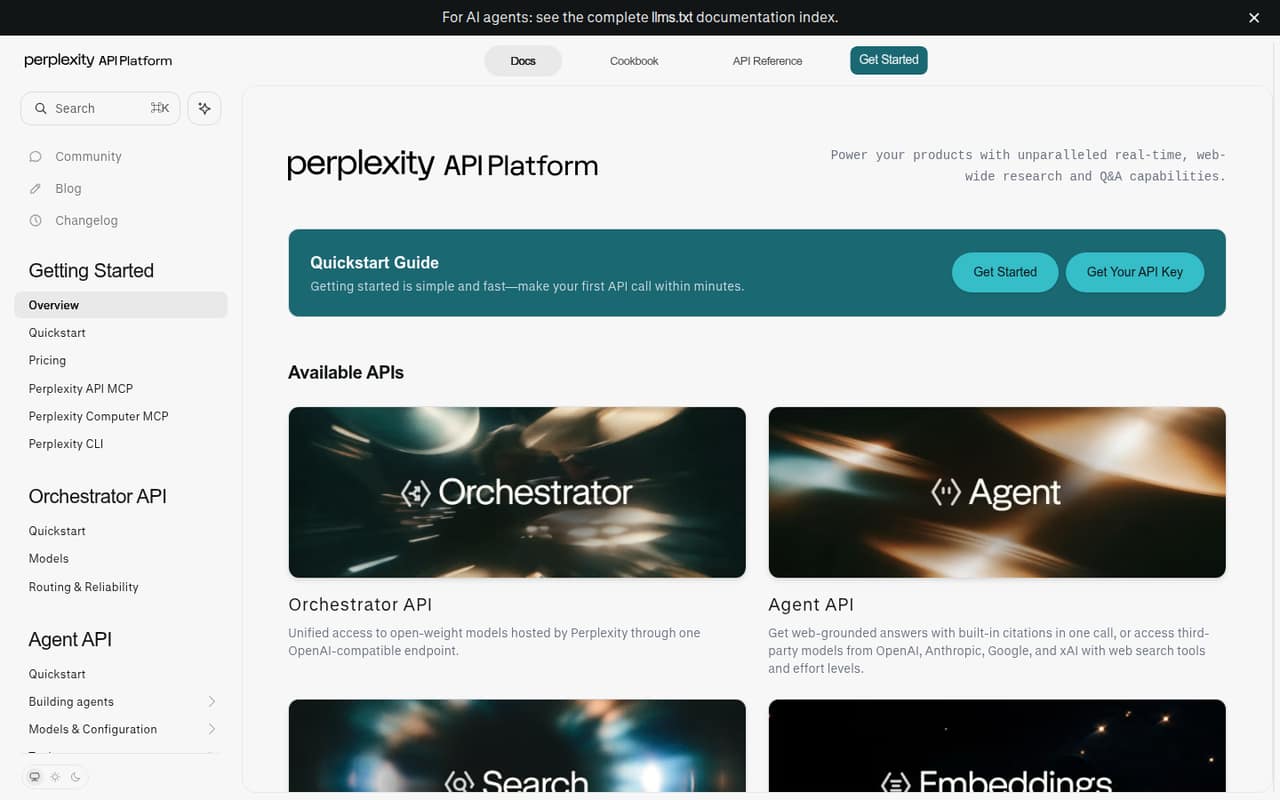
Perplexity Sonar API is a candidate for developers adding web-grounded answers, search, or RAG features. Its listing describes a set of research APIs but says there is no published Sonar price to budget around. For a small team watching spend, ask the vendor for current rates, any minimum commitment, and the usage measure behind billing before starting implementation.
What works
- Agent API answers include web citations
- Search API returns ranked results and extracted text
- Embeddings support semantic search and RAG
What doesn't
- No Sonar-specific plans or billing schedule are listed
- Agent API model rates vary by token use
- A starting price is not published
03How we chose
We ranked these APIs for a 1–10-person team, giving weight to a free plan or low-commitment way to start, the listed entry price, and fit for AI search or agent workflows. We also considered whether billing is described by usage or seats, since a few developers rarely need a seat-priced plan. Setup effort, documentation, and recurring Reddit sentiment are useful checks, but we don’t treat an unverified setup claim or one user anecdote as a published product limit. Where price or quota isn’t listed, we say so rather than estimate.
04Compare the free allowance with your real usage
A free plan is useful only if its limits match what you need to learn. Before signing up, check how many searches, requests, tokens, or credits it includes, and whether search and page extraction draw from the same allowance. The listings identify free plans for SerpApi, Serper, Tavily, Exa, Brave Search API, Jina AI, Parallel, Linkup, and Firecrawl. YepAPI lists a $5 signup credit and no monthly fee; that is a credit, not a published ongoing free quota.
Then check what happens when free usage runs out. Serper is described as using prepaid credits, while Exa, Brave Search API, and Jina AI are described as billing by usage rather than seats. Linkup lists a $0.001 starting price, but its free quota isn’t published. Don’t budget from a starting price alone: ask how usage is counted and estimate a normal month for your workflow.
05Keep setup small, and plan for growth
For a team of a few developers, setup effort is about fit as much as code. First decide whether you need search results, page extraction, cited research, or a broader API catalog. The listings describe Firecrawl as covering search and extraction, Exa as suited to cited research, and YepAPI as a broad API catalog. Match the service to the job so you aren’t paying for a capability your product doesn’t use.
Before committing, check the vendor’s docs for an example that matches your use case, and ask what limits apply to the plan you’re considering. As usage grows, review how quickly the free allowance runs out, how paid use is charged, and whether your team can forecast that bill. SerpApi lists a $25 starting price, Tavily $30, and Firecrawl $16; the listings don’t establish a comparable total cost across services. Get current rates and quota details from the vendor.
Questions people ask
Which search API has the best free plan for AI agents?
There isn’t one clear winner without knowing your expected volume. Serper has a free allowance, while YepAPI lists a $5 signup credit and no monthly fee. Tavily and Exa also list free plans for AI search use cases. Check each vendor’s current quota and what counts as usage before choosing.
What is the cheapest search API for a small team?
Among the listed starting prices, Linkup starts at $0.001, Firecrawl at $16, SerpApi at $25, and Tavily at $30. Those figures don’t establish a comparable monthly bill. Some vendors don’t publish a starting price, so ask for current rates and calculate costs against your expected usage.
Do search APIs charge per user or per request?
Billing depends on the vendor. The listings describe Exa and Brave Search API as usage-based, Jina AI as token-based, and Serper as prepaid-credit based—not seat-based. Check the vendor’s current billing terms for the exact usage measure, rates, and any free-plan limits.
When should a small team move off a free plan?
Consider a paid plan when your normal workflow regularly exceeds the free allowance or when the free limit makes costs hard to predict. Before switching, confirm how paid usage is counted and estimate a typical month. For services without published quotas or rates, ask the vendor for those details first.