
We may earn a commission if you buy through links on this page. It never changes a score or a ranking. How we make money
The bottom line
Strong timekeeping breadth, but quote-based pricing and hardware concerns give small teams pause.
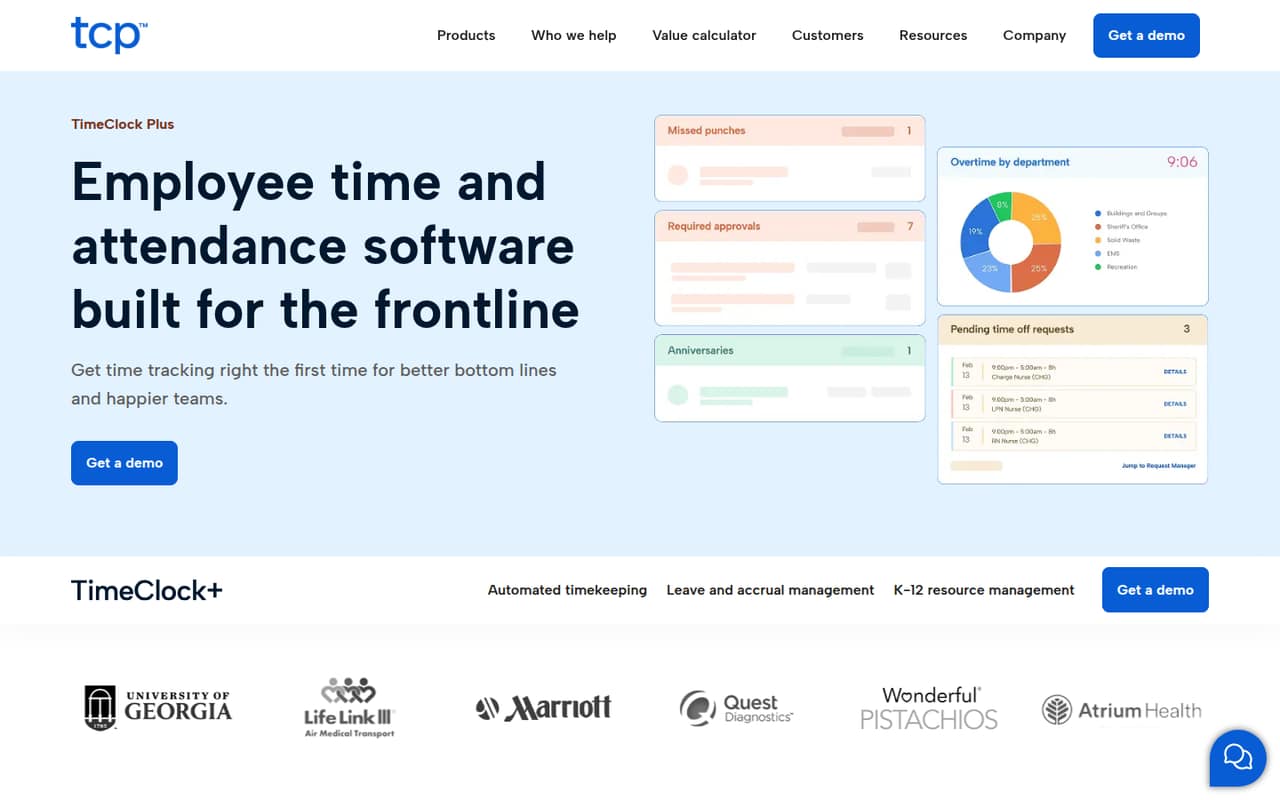
TimeClock Plus covers time collection, hours, leave, payroll calculations and clock options, with additional tools for K-12 attendance and extra duty. That range suits teams with more rules and locations than a basic timesheet needs to handle.
For a team watching every subscription, the issue is cost visibility: the vendor uses quote-based pricing and doesn’t publish a starting price or per-seat rates. Reddit users report both a system that works for their needs and concerns about high costs and some clock hardware failures.
Good fit if
- Schools with varied attendance needs
- Frontline teams across multiple locations
- Organizations with complex time rules
Skip it if
- Teams needing a free time clock
- Buyers who need clear per-seat pricing
- Small teams with basic timesheets
ScoresHow it rates
What works
- Tracks hours, breaks, leave and overtime
- Supports job codes and pay rates
- Employees can request leave for manager approval
- Offers on-site, mobile and web clock options
- Includes K-12 attendance and extra-duty tools
What doesn't
- The vendor doesn’t publish a starting price
- No free plan is listed
- A free trial isn’t published
- Per-seat costs for small teams aren’t clear
- Some Reddit users report clock hardware failures
01Who TimeClock Plus is for
TimeClock Plus is for organizations that need more than a simple way for a few people to submit hours. The vendor lists tools for collecting punches across locations, tracking breaks, leave, overtime, accruals, job codes and pay rates, and calculating payroll. It also offers time clock hardware and K-12 tools for attendance, extra duty and absence management.
That breadth may suit a small team if its time rules are complicated, it has frontline staff at different sites, or it needs school-specific attendance tools. But for a three- or five-person office with straightforward hours, it may be more system than the job calls for. The vendor doesn’t publish a starting price, so a tight-budget team should get a quote before investing time in evaluating it. Ask for pricing that separates software, clocks and any setup or support costs.
02TimeClock Plus free plan and trial
The pricing information lists no free plan, and the vendor doesn’t publish a free-trial offer. That means there isn’t a no-cost tier we can point a small team to for regular time tracking, nor a published trial period to use before buying.
The cheapest way in is to request a quote from the vendor; a minimum purchase or entry-level package isn’t published. Before booking a sales conversation, ask whether the quote includes the features you actually need, such as leave approvals or payroll calculations, and whether clocks are optional or part of the package. Also ask whether a short evaluation or demonstration is available. Don’t assume a small team can start with a low-cost, software-only plan: the available pricing details don’t establish that.
03What a small team pays for TimeClock Plus
The vendor’s pricing is quote-based. It doesn’t publish a starting price, per-person rate, monthly or annual billing terms, or a public add-on price list. So we can’t responsibly calculate a price for one person or do the math for a three- or five-person team. Ask for both billing options and a written breakdown before comparing it with a simpler time tracker.
Hardware is part of the offering, but its price and whether it is required aren’t published. Ask whether the quote separates software from clocks, and whether setup, support or other services add to the cost.
One small-city buyer on Reddit reported a quote of more than $100,000 upfront for 30 clocks and about $43,000 annually on a three-year contract. That report is a specific large deployment, not a price guide for a small team. Another school user said their system did what they needed but cost a lot. Get a quote scoped to your actual headcount and clock needs.
04Getting started with TimeClock Plus
The vendor lists several ways to collect time: on-site, mobile and web clocks, along with hardware. That flexibility means a team should decide how people will punch in and which locations need clocks before asking for a quote. Its listed timekeeping features also cover contracts, rules, pay rates, job codes, leave and accruals, so prepare a clear picture of the policies and payroll calculations you need.
The vendor doesn’t publish a setup-time estimate in the available pricing information. Ask what implementation includes, who configures your rules and whether help is included in the quote. One Reddit commenter said an API connection to their ERP helped make TimeClock Plus a fit for their district. That’s a report about a specific ERP setup, not confirmation that your payroll or accounting system connects; ask the vendor to confirm your exact integration. A setup guide or onboarding walkthrough is worth requesting before committing.
05When small teams outgrow TimeClock Plus
TimeClock Plus is more likely to feel limiting when its price or complexity outweighs the timekeeping work it takes off your plate. A team using only a basic web clock and exporting hours for accounting may be paying for features it doesn’t use. One K-12 Reddit user said their system worked but cost a lot, while another said their district dropped it as costs increased. Those are individual reports, but they’re a good reason to review what your team actually uses at renewal.
Growth can also mean more locations, clock hardware or rules to manage, so ask how those changes affect your quote before adding them. Hardware reliability is another point to investigate: users in one Reddit thread described PoE adapter failures after power outages, while others reported replacements or fewer problems with AC-powered terminals. These accounts don’t establish how common failures are. Ask about hardware support, replacements and the cost of adding clocks, and reassess if the total no longer fits your budget.
From the threadsWhat users say
Reddit feedback is mixed: some users say the system meets their needs or integrates with their ERP, while others raise cost concerns. Reports about clock hardware also vary, from repeated PoE failures to few issues with AC-powered units.
The system works fine and does exactly what we need it to do, except it costs a lot
We dropped Timeclock Plus due to increasing cost and went back to paper timesheets
We've experienced a very high rate of failure of the PoE adapters within the units following any power outage
TCP has an API to work with our ERP
Questions people ask
Does TimeClock Plus have a free plan or trial?
The pricing information lists no free plan, and the vendor doesn’t publish a free-trial offer. Ask the vendor whether it can provide a product demonstration or evaluation before you commit. If you need a no-cost way to track time, don’t assume TimeClock Plus has a free tier available.
How much does TimeClock Plus cost for a small team?
The vendor uses quote-based pricing and doesn’t publish a starting price or per-seat rate. Monthly and annual billing terms aren’t published either, so we can’t calculate a reliable cost for one person or a small group. Request a quote based on your headcount, clock setup and required features.
Does TimeClock Plus include physical time clocks?
The vendor offers time clock hardware and lists on-site, mobile and web clock options. The available pricing details don’t say whether hardware is required, what each clock costs or whether it is included in a software quote. Ask for separate software and hardware costs, plus the support and replacement terms.
Can TimeClock Plus connect to my payroll or accounting system?
The vendor lists payroll calculations, but the available details don’t identify supported payroll or accounting integrations. A Reddit commenter reported using an API connection with their district’s ERP; that doesn’t confirm compatibility with your system. Ask the vendor to verify your exact software and describe what data the connection moves.
Is TimeClock Plus a good fit for a small business?
It may fit a small organization with frontline staff, multiple locations or time rules that are difficult to manage with basic timesheets. For a team with simple hours, the feature range and quote-based pricing may be more than it needs. Get a scoped quote and compare it with the cost of your current process.