
We may earn a commission if you buy through links on this page. It never changes a score or a ranking. How we make money
The bottom line
Good scheduling basics for hourly teams; check the time-tracking add-on price before signing up.
A small team that needs shift scheduling, open shifts, and employee messaging may get enough from Essentials at $2.50 per user per month. There’s no free plan, and time tracking and attendance are a separately priced add-on.
Reddit comments are mixed: one small-business poster values multiple locations, while other users describe trouble accessing old timesheets, logins, or new shifts. We’d confirm add-on pricing and seasonal account access before committing.
Good fit if
- Hourly teams scheduling shifts
- Small businesses with multiple locations
- Teams needing shift messaging
Skip it if
- Teams that require a free plan
- Businesses needing a published total cost
- Flexible hour-bank scheduling
ScoresHow it rates
What works
- Essentials starts at $2.50 per user monthly
- Supports multi-week and multi-location scheduling
- Includes auto scheduling and schedule templates
- Team messaging is included in Essentials
- Offers a 14-day free trial
What doesn't
- No free plan
- Time Tracking & Attendance costs extra
- Add-on price is not published
- Annual plan prices are not published
- Reddit users report access and login problems
01Who When I Work is for
A small team needs When I Work if shift planning is taking too much time or staff need one place to check schedules and messages. It is built for hourly teams, including businesses managing shifts across multiple locations. The Essentials plan is $2.50 per user per month, so a five-person team would pay $12.50 monthly before any add-ons.
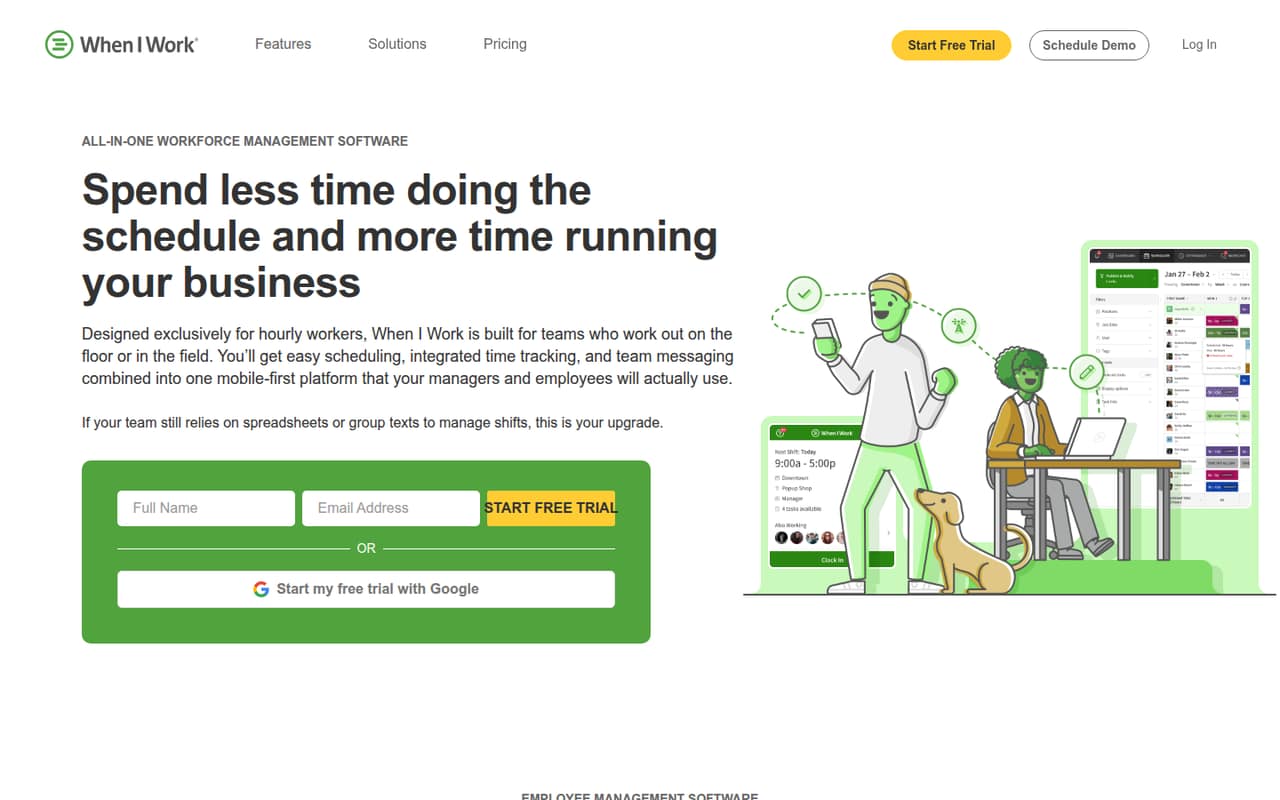
The product combines employee scheduling, team messaging, and tools for shift changes. It can offer open shifts, notify employees, and use auto scheduling to match shifts with eligibility, availability, and preferences. Scheduling templates and multi-week schedules are included in Essentials. For more control, Pro adds scheduling rules, role permissions, and custom reporting. If a team also needs attendance tracking, breaks, or GPS clock-ins, the Time Tracking & Attendance add-on is separately priced. We’d ask for its cost before deciding whether the tool fits the budget.
02When I Work free plan and trial
When I Work does not have a free plan. The pricing page lists a 14-day free trial, but it does not spell out which plan features or add-ons the trial includes. Ask the vendor whether Time Tracking & Attendance is available during your trial if attendance is part of your decision.
After the trial, the cheapest listed plan is Essentials at $2.50 per user per month. It includes auto scheduling, multi-week and multi-location scheduling, schedule templates, and team messaging. That makes it a low-cost way to try the core scheduling product, but it is not a free option for a team that needs to keep using the software. The vendor offers monthly and annual billing; annual prices are not published.
03What a small team pays for When I Work
The pricing page lists monthly per-user rates of $2.50 for Essentials, $5 for Pro, and $8 for Premium. At those monthly rates, Essentials costs $2.50 for one person, $7.50 for three, and $12.50 for five. Pro costs $5, $15, and $25 for those team sizes; Premium costs $8, $24, and $40. These are monthly-rate calculations, not annual estimates: the vendor offers annual billing but does not publish its annual prices.
Essentials covers core scheduling and messaging. Pro may be worth the jump when a team needs scheduling rules, role permissions, custom reporting, or time-zone controls. Premium adds API key access, webhooks, and SAML/SSO, which may be unnecessary for a small team. The main budget question is time tracking: Time Tracking & Attendance is a paid add-on, and its price is not published. Ask the vendor for the add-on cost and a full quote for your headcount before comparing plans.
04Getting started with When I Work
The product’s core job is straightforward: schedule hourly employees, offer open shifts, and send schedule updates and messages. A team will need to organize its locations and shifts and get employees onto the schedule, but the vendor does not publish a setup-time estimate. We’d plan time to check how your shift rules and location setup fit before relying on it for a busy week.
The vendor does not publish an integrations list in the plan details, so confirm that any payroll, HR, or other systems you depend on will work with your setup. The published plan details do list API keys and webhooks on Premium, but not on Essentials or Pro. Reddit reports are not all smooth: individual users describe repeated logouts and shifts not appearing. Those posts do not establish how common the issues are, but they’re a reason to check employee access and support options during the trial.
05When small teams outgrow When I Work
A team may outgrow Essentials when it needs tighter scheduling controls, role permissions, or custom reports; those are reasons to consider Pro at $5 per user per month. Premium costs $8 per user monthly and adds API access, webhooks, and SAML/SSO. There is no published user ceiling for these plans, but the per-user price still rises with headcount. Time Tracking & Attendance is an extra at every size, and its price is not published.
Some teams may also need scheduling flexibility that does not appear to fit the product. A Reddit post seeking an hour bank for flexible work says When I Work does not have that setup. Other Reddit users report being locked out of features after using hibernation, difficulty retrieving older timesheets, repeated logouts, or shifts not appearing. These are individual reports, not a measure of how often problems happen. Seasonal businesses should ask how account pauses affect access to records, while teams with flexible-hour needs should confirm that workflow before paying.
From the threadsWhat users say
Reddit feedback is mixed, with some users valuing multi-location scheduling and others describing access, login, and shift-display problems. The comments are individual experiences rather than a clear measure of overall customer satisfaction.
I am currently using When I Work since it offers multiple locations to be added
We started using Connecteam for our commercial cleaning business and it really is on a different level than the rest of the apps
I simply wanted to access my timesheets for 2023, which I apparently have to pull in 3 month increments(pain in the ass),
it logs me out randomly if I don’t visit the app daily
Questions people ask
Is When I Work free?
No. The pricing page lists a 14-day free trial, but no ongoing free plan. After the trial, Essentials is the cheapest listed option at $2.50 per user per month. Annual billing is offered, but the vendor does not publish annual rates.
How much does When I Work cost for a small team?
Essentials is $2.50 per user per month, so three people cost $7.50 monthly and five cost $12.50. Pro is $5 per user monthly, and Premium is $8. Time Tracking & Attendance is a separate add-on with a price the vendor does not publish.
Does When I Work include time tracking?
Time Tracking & Attendance is listed as an add-on, not as an included feature in the Essentials, Pro, or Premium plan details. The vendor does not publish its price. Ask whether the add-on covers the attendance, breaks, time-off, and GPS clock-in features your team needs.
Can When I Work schedule multiple locations?
Yes. Essentials includes multi-week and multi-location scheduling. A small-business poster on Reddit also says they use When I Work because it offers multiple locations. Check with the vendor if your location setup has specific requirements.
What is included in the 14-day trial?
The pricing page lists a 14-day free trial but does not specify which plan features or add-ons it includes. Before starting, ask whether the trial includes the plan you want and whether Time Tracking & Attendance can be tried during that period.
Sources
- When I Work homepage
- When I Work pricing page
- Reddit: Recommend a good scheduling app
- Reddit: When I Work app allows management to adjust, cut, and lock shifts anytime without any face to face talking with employees.
- Reddit: Scheduling app alternative to when I work that lets you give employees an hour bank?