
We may earn a commission if you buy through links on this page. It never changes a score or a ranking. How we make money
The bottom line
Strong payroll coverage for QuickBooks teams, with a base fee that makes small rosters pay more.
QuickBooks Online Payroll brings payroll, tax filing, time tracking, contractor payments, and accounting sync together. The pricing page lists a $50 monthly base fee plus $7 per employee on QuickBooks Workforce Payroll, so a five-person team pays $85 a month before extras.
There’s no free plan, though a 30-day trial is listed. Reddit users report frustration with migration and reliability, so teams switching from Desktop should check the conversion path before committing.
Good fit if
- Small teams already using QuickBooks
- Businesses wanting payroll tax filing
- Teams combining payroll and time tracking
Skip it if
- Teams looking for free payroll
- Businesses switching from Desktop
- Owners prioritizing the lowest monthly bill
ScoresHow it rates
What works
- Unlimited payroll runs on listed plans
- Full-service payroll tax filing
- Payroll can sync with accounting records
- Time and attendance tools are available
- Elite includes up to $25,000 tax penalty protection yearly
What doesn't
- No free plan
- Base fee comes before per-employee charges
- Annual-billing prices are not published
- Benefits and HR services carry separate fees
- Reddit users describe migration and reliability problems
01Who QuickBooks Online Payroll is for
QuickBooks Online Payroll is a fit for a small business that wants payroll alongside its QuickBooks accounting, rather than another disconnected tool. The core plan covers payroll runs and tax filing, and the broader feature set includes time tracking, contractor payments, and accounting sync.
For a team of one to ten, the main question is whether those connected tools justify a monthly base fee plus a charge for each employee. A one-person business pays $57 a month at the listed standard price for QuickBooks Workforce Payroll; five employees bring that to $85, before add-ons. That can make sense if payroll and accounting in one workflow matter more than the lowest possible bill.
Teams with HR workflow needs can look at Workforce Premium, while Elite adds tax penalty protection. If you’re moving from QuickBooks Desktop Payroll, don’t assume the transition will be hands-off: a Reddit thread describes having to re-enter information during a Desktop-to-Online move.
02QuickBooks Online Payroll free plan and trial
QuickBooks Online Payroll has no free plan. The pricing information lists a 30-day free trial, but the vendor does not publish which payroll features or employee limits are included during the trial. Check the trial terms before using it to run a live payroll.
The cheapest listed plan for paying employees is QuickBooks Workforce Payroll. It has a $50 monthly base price plus $7 per employee per month, with unlimited payroll runs. That works out to $57 monthly for one employee, $71 for three, and $85 for five at standard prices. A three-month introductory offer lowers the base to $25 per month, but the per-employee charge still applies. Businesses paying contractors can instead consider QuickBooks Contractor Payments, listed at $25 monthly for up to 20 contractors; it is not the employee payroll plan.
03What a small team pays for QuickBooks Online Payroll
The pricing page lists QuickBooks Workforce Payroll at $50 per month plus $7 per employee per month. That makes the standard monthly total $57 for one employee, $71 for three, and $85 for five. The introductory offer cuts the base to $25 monthly for three months, making those totals $32, $46, and $60 during the offer. Annual-billing prices are not published.
QuickBooks Workforce Premium costs $88 monthly plus $13 per employee; Elite costs $134 monthly plus $17 per employee. Both have separate three-month introductory base prices. Premium adds up to five automated HR workflows, while Elite lists unlimited workflow configurations and up to $25,000 in annual tax penalty protection.
Watch for add-ons: additional-state filing is $12 monthly per state unless you have Elite. Benefits, 401(k), health insurance, and workers’ compensation have separate fees. Checkr background checks start at $29.99 per report. Contractor Payments charges $2 monthly for each contractor over 20.
04Getting started with QuickBooks Online Payroll
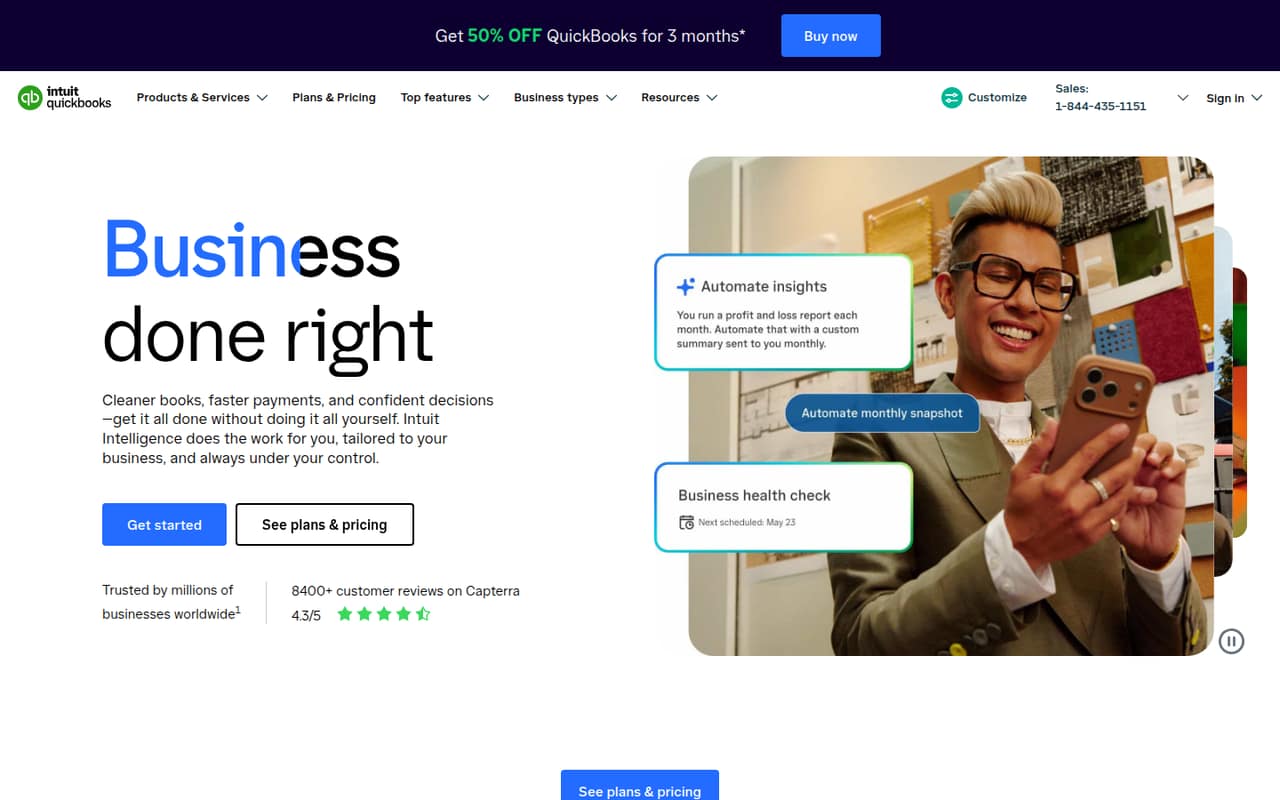
QuickBooks describes a cloud-based service that runs payroll, files payroll taxes, tracks time, and syncs payroll with accounting records. Its listed tools also include Auto Payroll for salaried employees on direct deposit and Payroll AI, which prepares a pay run for approval and can collect time and attendance data. The vendor does not publish a setup-time estimate in the available pricing details, so ask what information you’ll need to enter before your first run.
The main setup concern is migration, particularly from QuickBooks Desktop Payroll. One Reddit thread says the move required re-entering information, and a commenter reports that their payroll workflow did not integrate as expected after switching. Treat a Desktop conversion as a separate project: confirm what data transfers, how payroll records connect to accounting, and whether you’ll need to import journal transactions. For a new cloud-based setup, the listed accounting sync and payroll tools are the main day-one capabilities to confirm.
05When small teams outgrow QuickBooks Online Payroll
The plan choice can change as your team’s needs change. Workforce Payroll covers payroll runs and tax filing; Premium adds up to five automated HR workflows, and Elite adds unlimited workflow configurations and tax penalty protection. Those upgrades also raise the base and per-employee charges, so compare the full monthly total rather than just the plan name.
A growing team may also face extra charges for additional-state filing, benefits, or contractors beyond the 20 included with Contractor Payments. Annual-billing prices are not published, which makes longer-term budget comparisons harder.
Reddit users report problems with Desktop-to-Online migration and payroll access, while another small-business thread complains that QuickBooks costs kept rising. These are individual reports, not a measure of how often problems occur, but they’re a reason to confirm migration and support arrangements before expanding your payroll footprint.
From the threadsWhat users say
Reddit comments are largely negative about migration, access, and rising costs. Some users describe problems directly, while others say they have moved on or are considering alternatives.
Every conversion from desktop to online I’ve done had gone wrong
Just tried to run payroll in QBO and I can't get to the payroll section
the qb live bookkeeper used to be $300/month, which was a lot but worth it for the cleanup sake of mind, but now it's $500/month and i can't justify the price anymore
Honesty, cancel QBO payroll and either stick with desktop payroll or switch to Gusto
Questions people ask
Does QuickBooks Online Payroll have a free plan?
No free plan is listed. The pricing information lists a 30-day free trial, but the vendor does not publish the features or employee limits included during that trial. The cheapest listed employee payroll plan is QuickBooks Workforce Payroll, at $50 monthly plus $7 per employee.
Can QuickBooks Online Payroll file payroll taxes?
Yes. Full-service payroll is listed as including payroll tax filing. QuickBooks Workforce Elite also lists tax penalty protection up to $25,000 per year. Additional-state filing costs $12 monthly per state on plans other than Elite, according to the pricing details.
Can I pay contractors with QuickBooks Online Payroll?
QuickBooks Contractor Payments is listed at $25 monthly for up to 20 contractors. Each contractor over 20 costs an additional $2 per month. The listed employee payroll plans are separate, so compare the right plan with your mix of employees and contractors.
Will QuickBooks Desktop Payroll data move to Online Payroll?
A Reddit thread reports that a Desktop-to-Online move required information to be re-entered, and a commenter describes needing to import journal transactions. Experiences may vary. Before switching, ask QuickBooks what data transfers and how payroll records will connect with your accounting setup.
Does QuickBooks Online Payroll include benefits?
QuickBooks lists benefits such as 401(k) plans and workers’ compensation, along with hiring and onboarding support. Benefits administration, 401(k), health insurance, and workers’ compensation carry separate fees, so ask for the costs that apply to your team.
Sources
- QuickBooks Online Payroll homepage
- QuickBooks Online Payroll pricing page
- Reddit: Quickbooks Desktop Payroll to Quickbooks Online Payroll - what a S***show
- Reddit: Quickbooks online payroll broken
- Reddit: what to replace quickbooks online payroll, bookkeeper live, and invoicing?
- Reddit: Quickbooks Online payroll